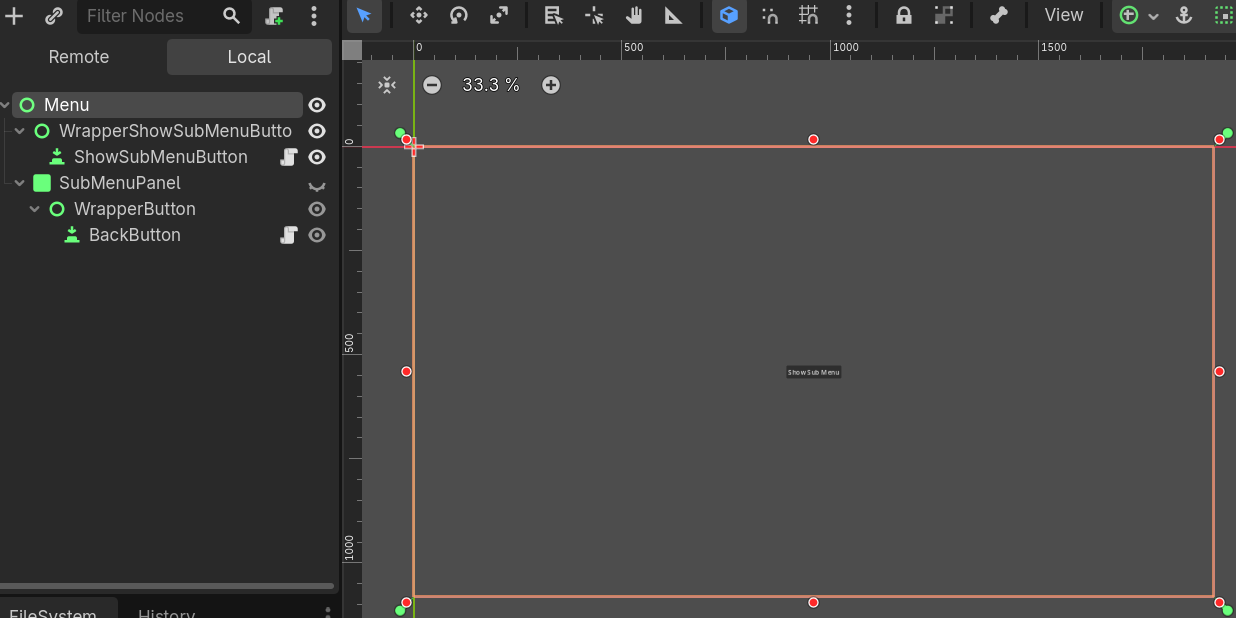
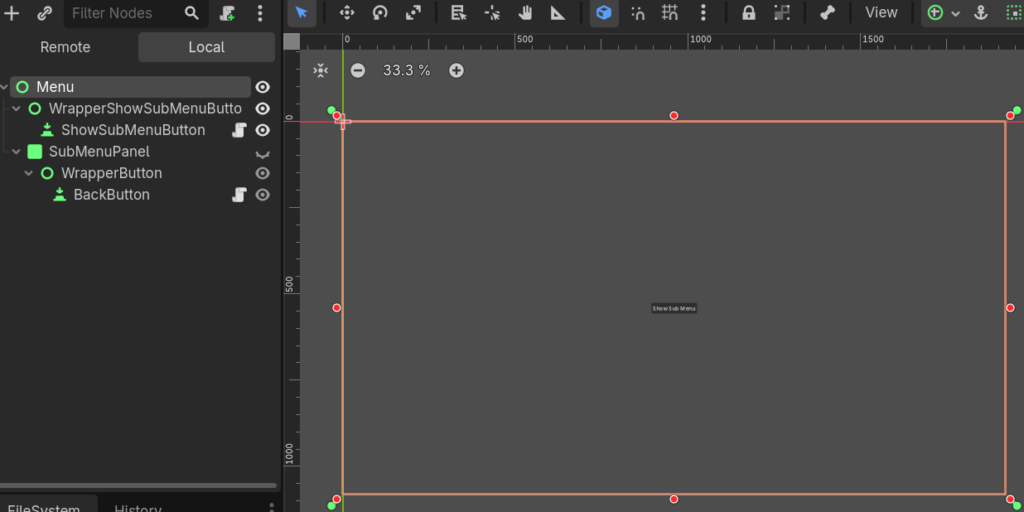
In Godot the position of UI Nodes is not set until the object is visible on the scene.
If you have menus that change position depending on their parent node, this might result in the Menu not loading in the correct location.
Fortunately, Godot has a signal that can detect when the visibility has been changed.

The important lines on this example are visibility_changed.connect(_on_visibility_changed) which connects the Function automatically to the signal and the Function _on_visibility_changed().
The Function checks if the node has become visible and then if it has waits for the process to finish and then updates the original position of the node so that we can return to the initial position afterwards.
extends Button

@onready var original_position := Vector2(0.0, 0.0)
@onready var wrapper

@export var show_target:Control

func _ready() -> void:
	wrapper = get_parent()
	#await custom_levels_menu.ready
	call_deferred("set_temp_position")
	#Connect here instead of connecting each button manually
	mouse_entered.connect(_on_mouse_entered)
	mouse_exited.connect(_on_mouse_exited)
	pressed.connect(_on_pressed)

	# Connect signal to detect if the visibility has changed on the node
	visibility_changed.connect(_on_visibility_changed)

func _on_mouse_entered() -> void:
	var tween = create_tween()
	tween.set_trans(Tween.TRANS_SINE)
	tween.set_ease(Tween.EASE_OUT)

	tween.tween_property(wrapper, "position:x", original_position.x - 10, 0.15)
	tween.tween_property(wrapper, "position:y", original_position.y - 10, 0.15)

func _on_mouse_exited() -> void:
	var tween = create_tween()
	tween.set_trans(Tween.TRANS_SINE)
	tween.set_ease(Tween.EASE_OUT)

	tween.tween_property(wrapper, "position:x", original_position.x, 0.15)
	tween.tween_property(wrapper, "position:y", original_position.y, 0.15)

func _on_pressed() -> void:
	match name:
		"BackButton":
			get_parent().get_parent().visible = false
		"QuitButton":
			get_tree().quit()
		"ShowSubMenuButton":
			get_parent().visible = false
			show_target.visible = true


func _on_visibility_changed():
	if is_visible_in_tree():
		await get_tree().process_frame
		original_position = wrapper.position