- All
- 3D Modelling
- AI
- Audio
- Case Studies
- Computer Science
- CT
- Databases
- DDDO
- Digital Capability
- Digital Media
- Digital Technologies
- Electronics and Mechatronics
- Ethics
- Flask
- Game Development
- Gaming
- Generative AI
- GitHub
- Godot
- HCI
- Microsoft
- NCEA
- News
- NZC
- NZCE
- OCR
- Opinion
- Phase 4
- Phase 5
- Phases
- Programming
- Project Management Tools and Techniques
- Python
- Technology
- Testing and Trialing
- Uncategorized
- UX
- Version Control
- Web Design
- Windows
-
Python: 7 Documentation and Help
 Read more: Python: 7 Documentation and Help
Below are some links to different Online documentation, guides and tutorials. When finding Resources make sure that you look up Python 3 tutorials.
-
Python: 7 Your first program – “Hello World”
Read more: Python: 7 Your first program – “Hello World”In your editor of choice create a new file. write the line The print Function takes one or more arguments This is a premade Function that prints out information to the screen Strings are pieces of text. They can be identified with a starting ” and a closing “. You can also use a starting…
-
Python: 8 My program doesn’t work (Debugging)
Read more: Python: 8 My program doesn’t work (Debugging)When writing programs you will often encounter errors. Part of the Programming process is Testing your code and ensuring that it works as intended. The more you code the easier it will be to detect these types of errors. Syntax errors are the most common form of error. These are when the compiler (or in…
-
Python: 9 Conditional and Logical operators
Read more: Python: 9 Conditional and Logical operatorsConditional and Logical operators are used to make statements that can be evaluated (worked out) to be True or False. True and False are keywords in Python to store true and false values. These are used to allow branching and different paths for our programs to take. These are often used in if statements and loops such as…
-
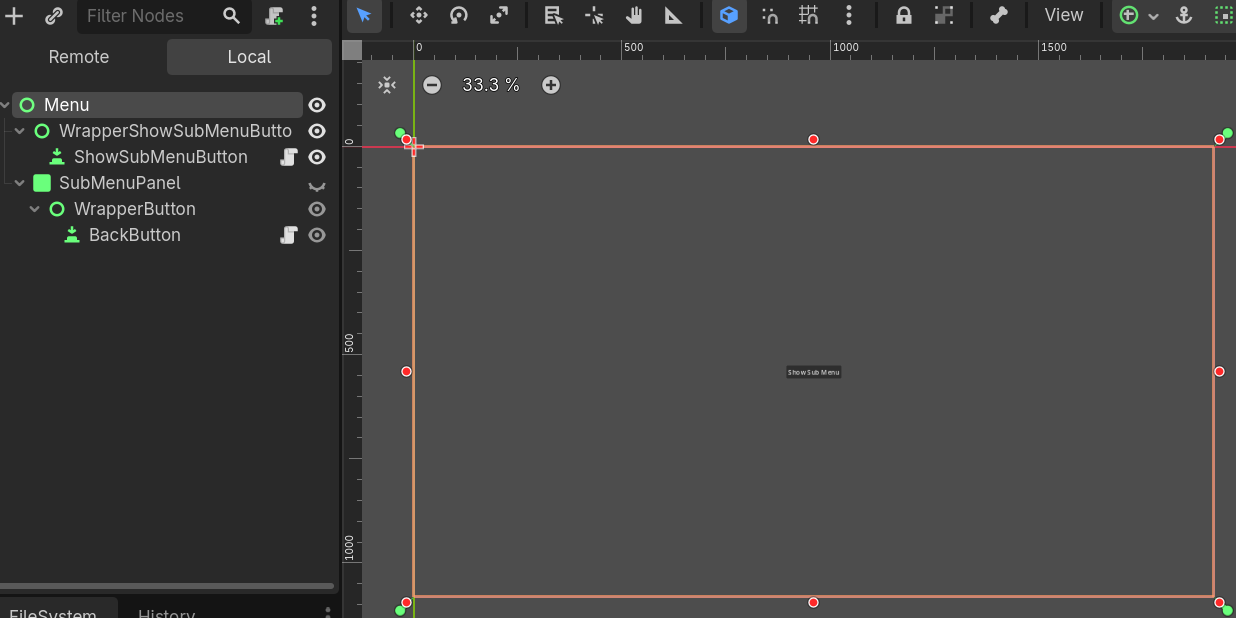
Setting the position of a UI Element when Visibility changes
 Read more: Setting the position of a UI Element when Visibility changes
In Godot the position of UI Nodes is not set until the object is visible on the scene. If you have menus that change position depending on their parent node, this might result in the Menu not loading in the correct location. Fortunately, Godot has a signal that can detect when the visibility has been…
-
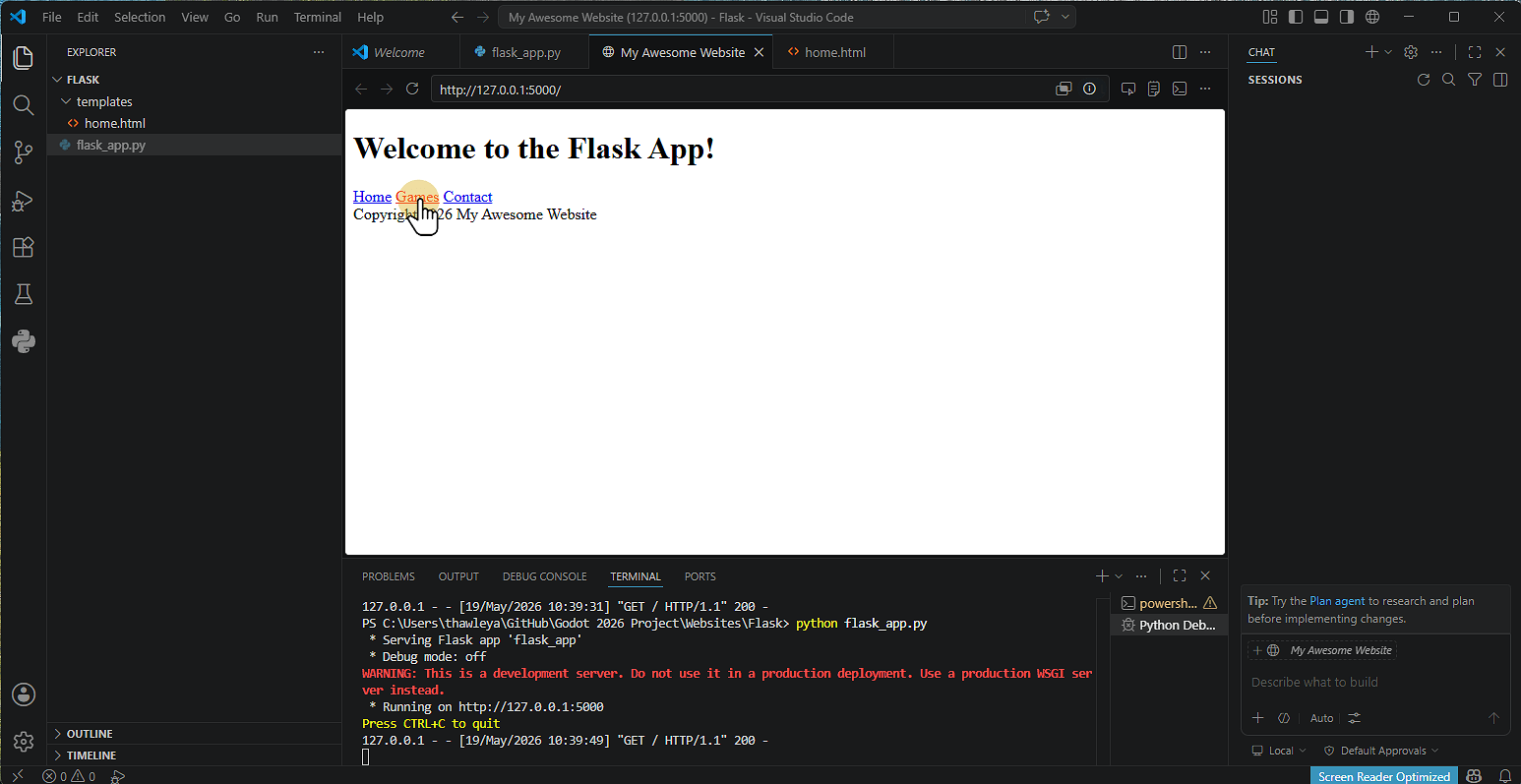
Setting up a Flask Website
 Read more: Setting up a Flask Website
1. Install Flask Click Terminal and then Run Terminal 2. Type pip install flask Click the terminal Window Type pip install flask Note that on some machines you might not have access to do this. 3. Alternative Install Method Type Python -m pip install flask 4. Flask will then install 5. Creating the Application Click New…
-
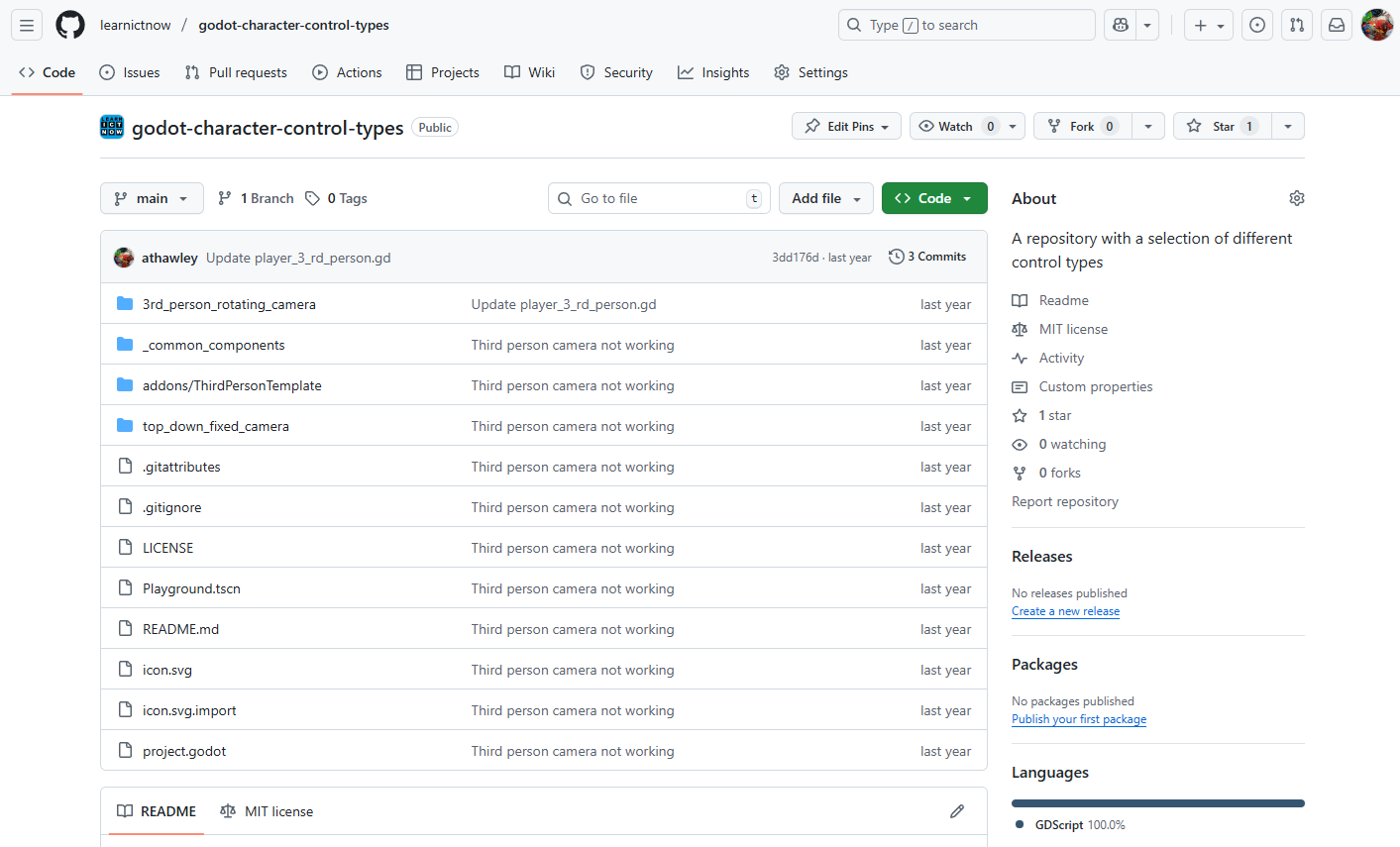
Setting up GitHub & GitHub Desktop
 Read more: Setting up GitHub & GitHub Desktop
1. Creating a GitHub Account 2. Installing GitHub Desktop 3. Creating a Repository A Repository (or “repo”) is like a folder for your Project. Using GitHub Website 4. Cloning a Repository in GitHub Desktop Cloning means copying the Repository to your computer. 5. Making Changes and Committing A commit is like saving a snapshot of…
-
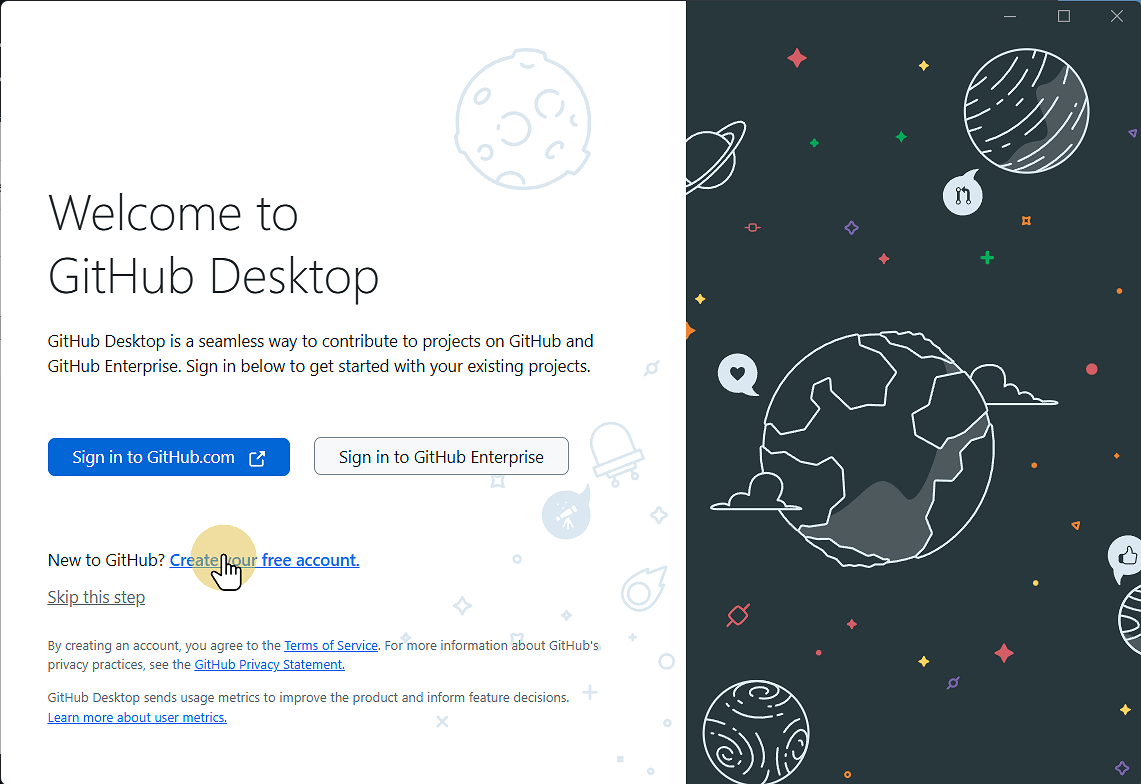
Setting Up GitHub Desktop
 Read more: Setting Up GitHub Desktop
This Guide will step you through downloading and installing GitHub Desktop onto your computer. 1. Go to desktop.github.com desktop.github.com 2. Click Download for Windows (or Mac or Linux) 3. Go to your downloads folder and run the file 4. Wait for the installer to complete, then click Sign in to GitHub.com If you so 4.1.…
-
Setting up Godot (v4.6.1)
 Read more: Setting up Godot (v4.6.1)
1. Go to godotengine.org and click previous versions Godot Engine 2. Click 4.6.1-stable Download 3. Click the correct operating System 4. Go to your Downloads and copy the Godot executable file 5. Save / Paste the file where you want to save it 6. Double click the file to run Godot 7. Click Create to…
-
Simple Enemy AI in Godot
 Read more: Simple Enemy AI in Godot
Creating enemy AI in Godot 4 using the built-in Navigation System is incredibly efficient once you get the node structure down. Godot 4 uses a refined navigation server that handles pathfinding smoothly. Here is a step-by-step Guide to creating an enemy that patrols or stands still, chases the player when they enter an Area3D, and…
-
Welcome! We’re Under Construction
Please bear with us while we redevelop the website to incorporate current and future New Zealand curriculum developments and integrate aspects of the UK curriculum. Please consider turning off your adblocker for this site as we use advertising to keep content free for all users.
-
Building a Web App with Flask & SQLite
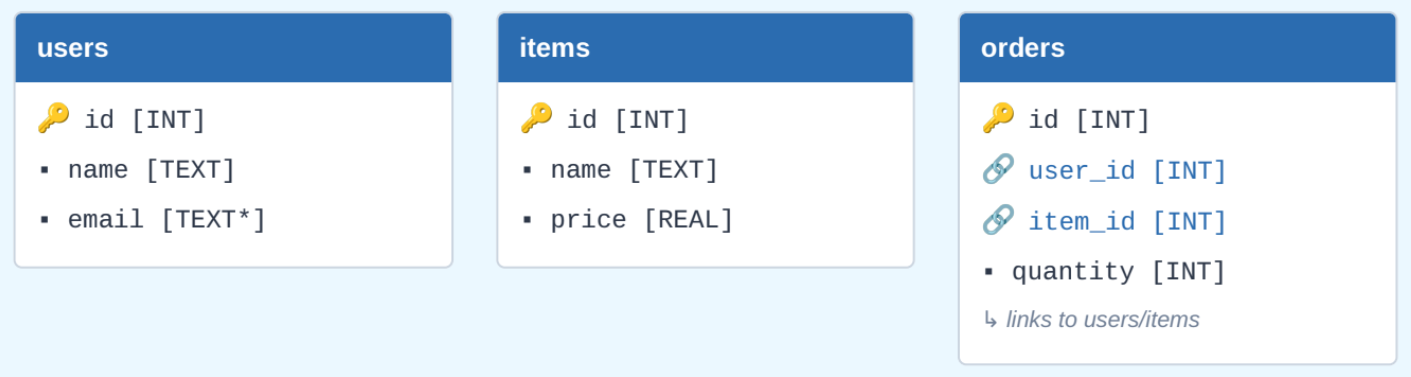
Building a web application with Flask, Python, and SQLite is an excellent way to understand how backend architectures interact with a relational database layer. This Guide walks you through building an interactive Order Management System capable of handling user creation, item inventory records, and relational order fulfillment. Project Architecture & Setup Before implementing any code,…
-
Creating a simple and rough head bob/sway animation in Godot 4
-
Creating models in Blockbench and using in Godot 4.
Installing Blockbench Creating a Model Adding Textures Animating a Model Exporting models and importing into Godot 4
-
Flask | Adding Images
Displaying images in a Flask application follows the exact same logic as linking external CSS files. Because Flask manages paths dynamically, you cannot use standard relative file paths like src=”../images/photo.jpg”. Instead, you use the built-in URL_for Function to tell Flask to look inside your designated directory. Here is a step-by-step Guide to organising, referencing, and…
-
Flask | Adding Styles with CSS
Serving Static files like CSS stylesheets in a web framework is slightly different from doing it in pure HTML. Because Flask manages paths dynamically, it uses a built-in Function called URL_for to safely locate and link your Static assets. Here is a step-by-step Guide to setting up, organising, and linking a CSS file to your…
-
Flask | Template Inheritance
In Flask, template inheritance is one of the most powerful features of the Jinja2 template engine. It allows you to create a single “master” layout (a base blueprint) containing your site’s common structure—like the HTML skeleton, navigation bar, and footer—and then inherit and override specific sections in your child templates. This prevents code duplication and…
-
GitHub Classroom Accepting and Setting up an Assignment (with Godot)
1. Select your name and select continue If you are not on the list select Skip to the next step 2. Enter a name for your team Not that only one team member should complete this step. The other team members can select the team to join. 3. Click Create Team Or Join Team if…
-
GitHub Classroom – Creating an Assignment as a Teacher
1. Go to classroom.github.com classroom.github.com 2. Click Sign In and sign in with your GitHub Account 3. Click New Classroom if you haven't made one already 3.1. Select the Organisation to use This groups the assignments together. Create an organisation if you Need one. 3.1.1. Enter the classroom name and click Create Classroom 3.1.2. Click…
-
Godot 4 | Adding Audio
We will add audio to our game. This will involve adding music to the main level and sound effects when the player jumps. Importing Audio You can download free audio assets from kenney.nl here or use a tool to create your own. This example uses the Music Jingles and Impact Sounds audio asset packs. Extract the asset packs into your Assets…
-
Godot 4 Parallax Scrolling
Scene Setup Start by creating a new 2D scene in Godot. Add ParallaxBackground Add ParallaxLayer(s) Add Visual Elements Configure Motion Scale This controls how fast each layer moves relative to the camera. References [1] docs.godotengine.org