
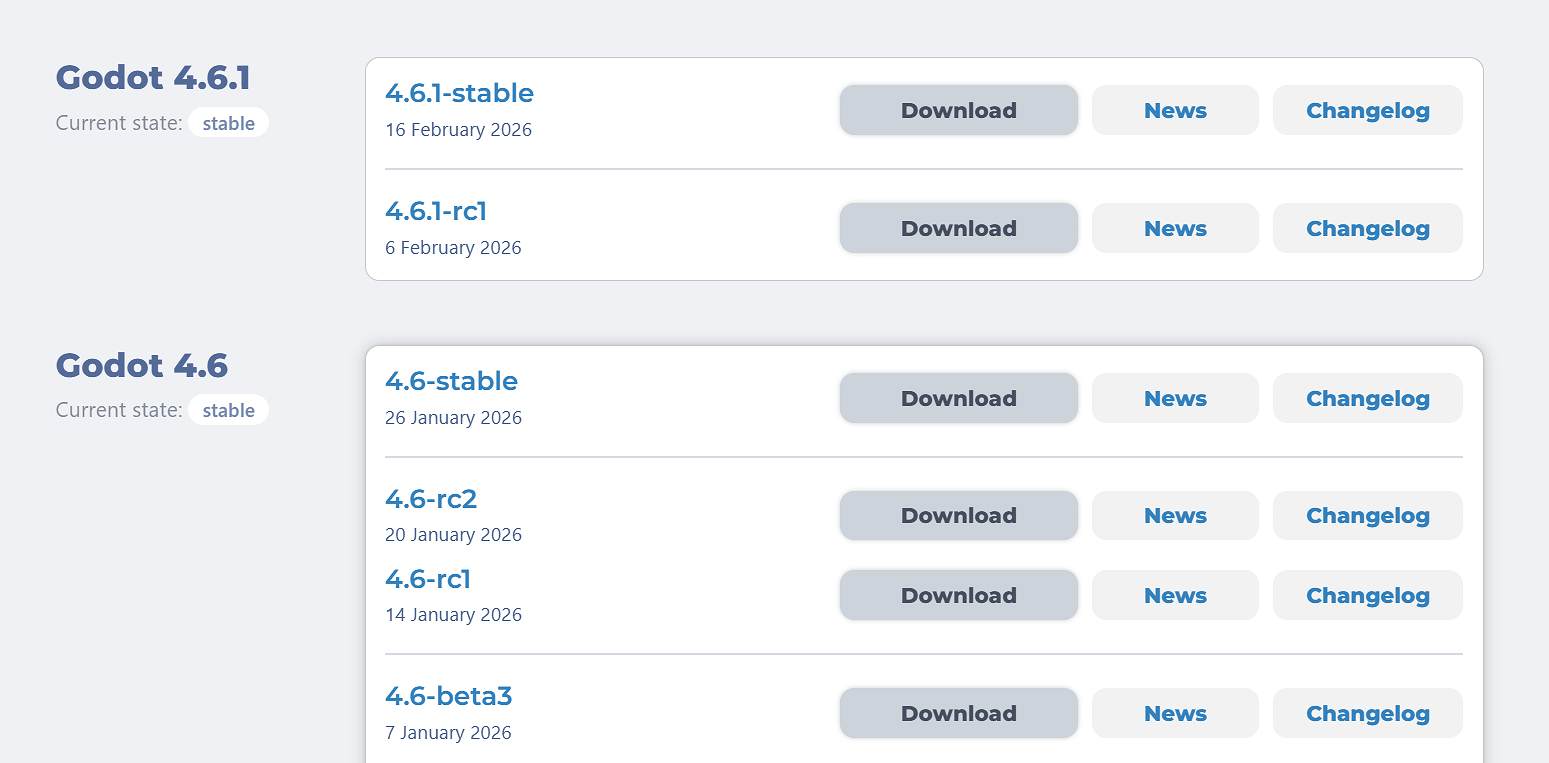
2. Click 4.6.1-stable Download
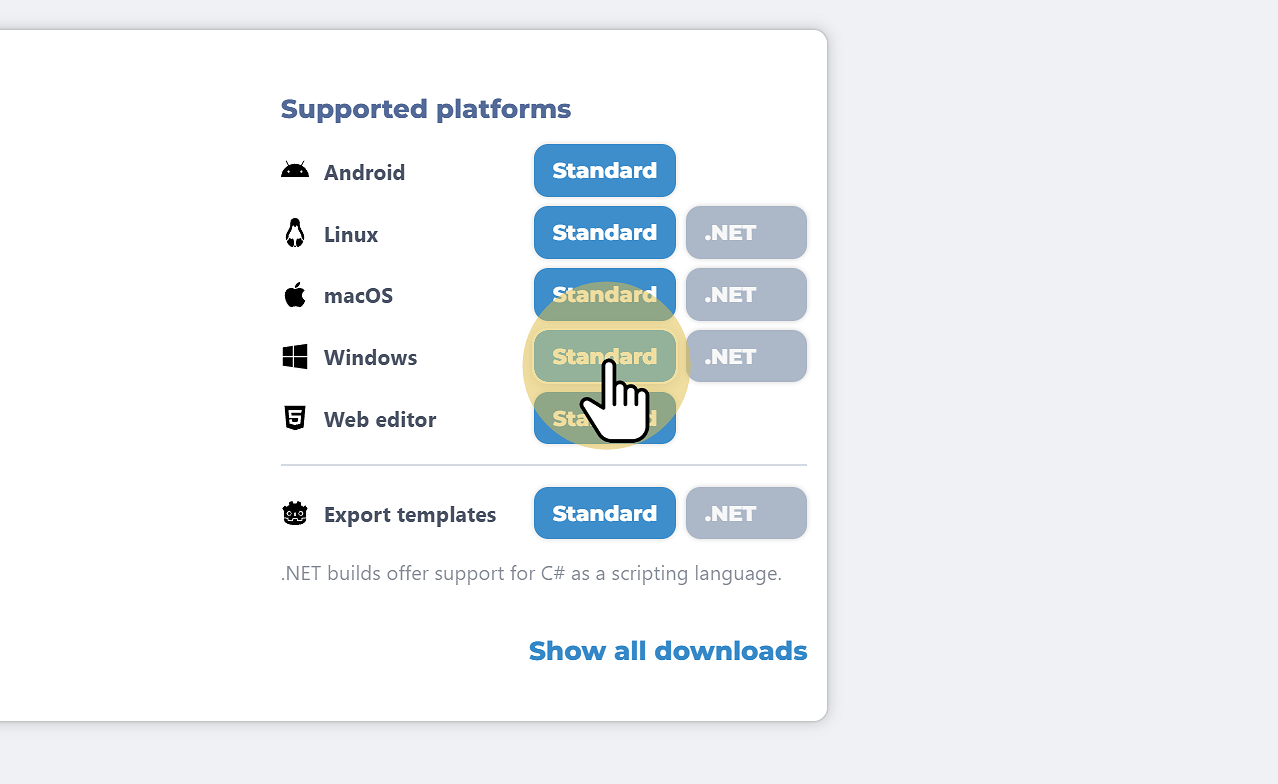
3. Click the correct operating System
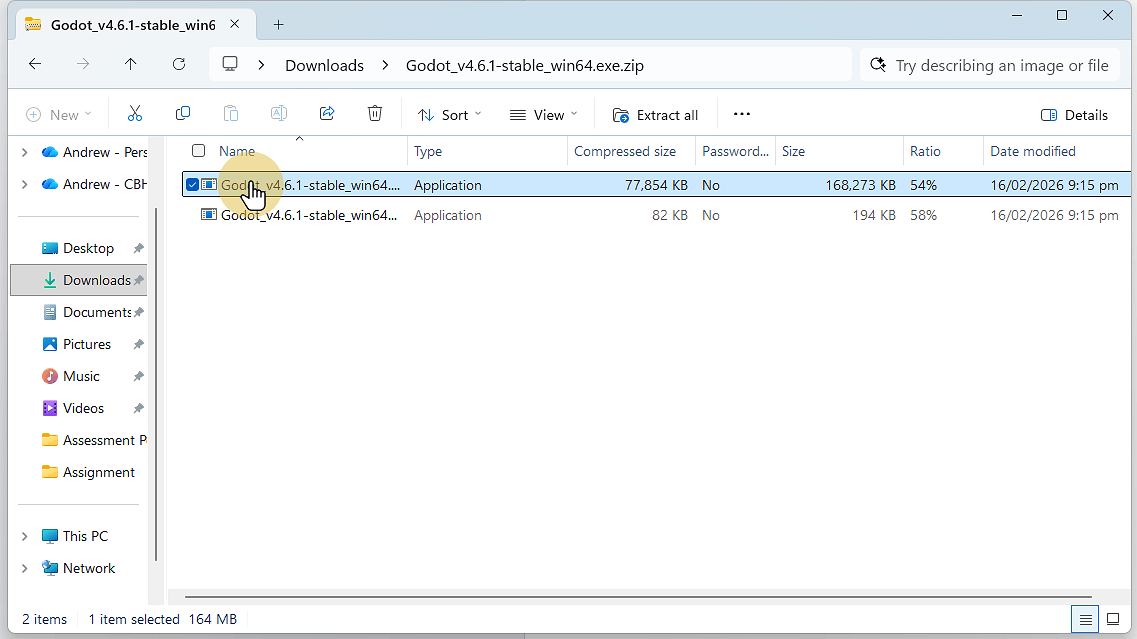
4. Go to your Downloads and copy the Godot executable file
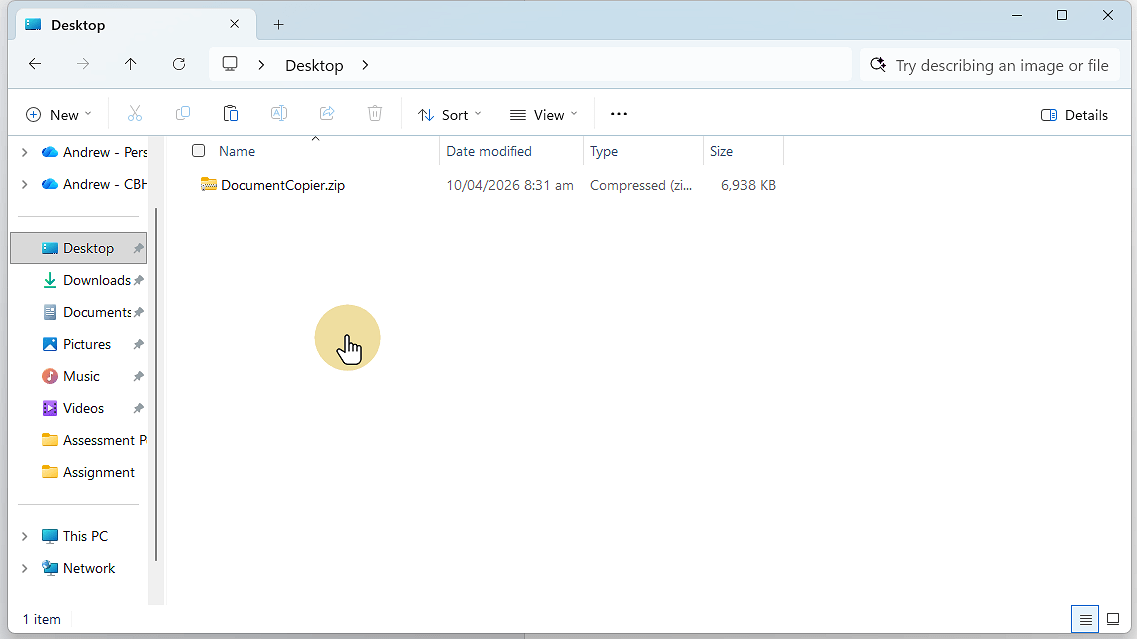
5. Save / Paste the file where you want to save it
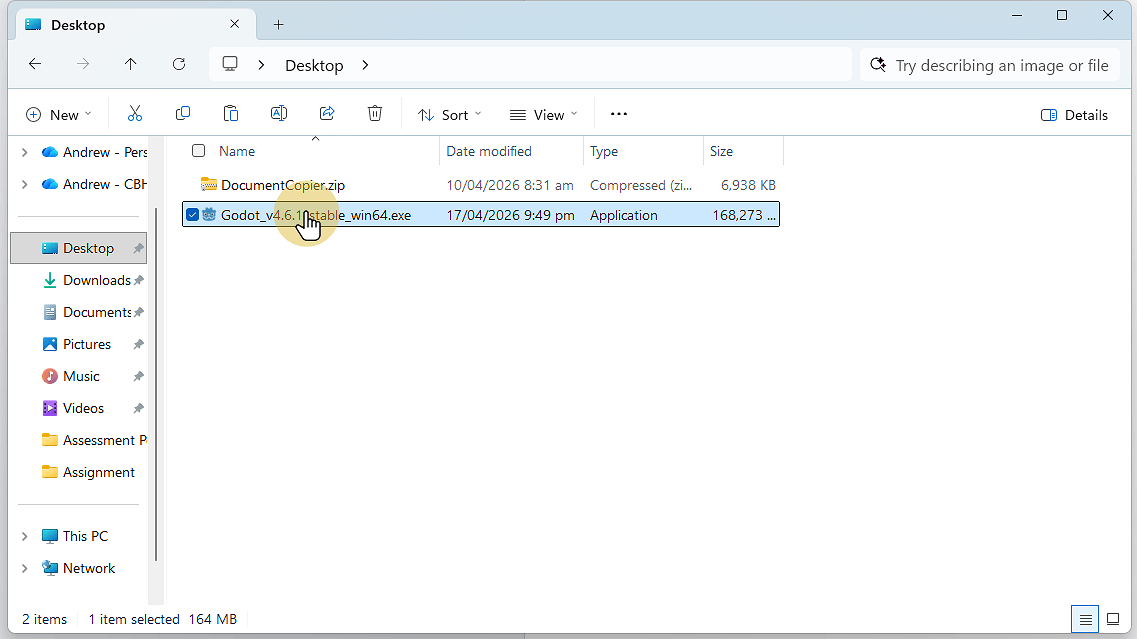
6. Double click the file to run Godot
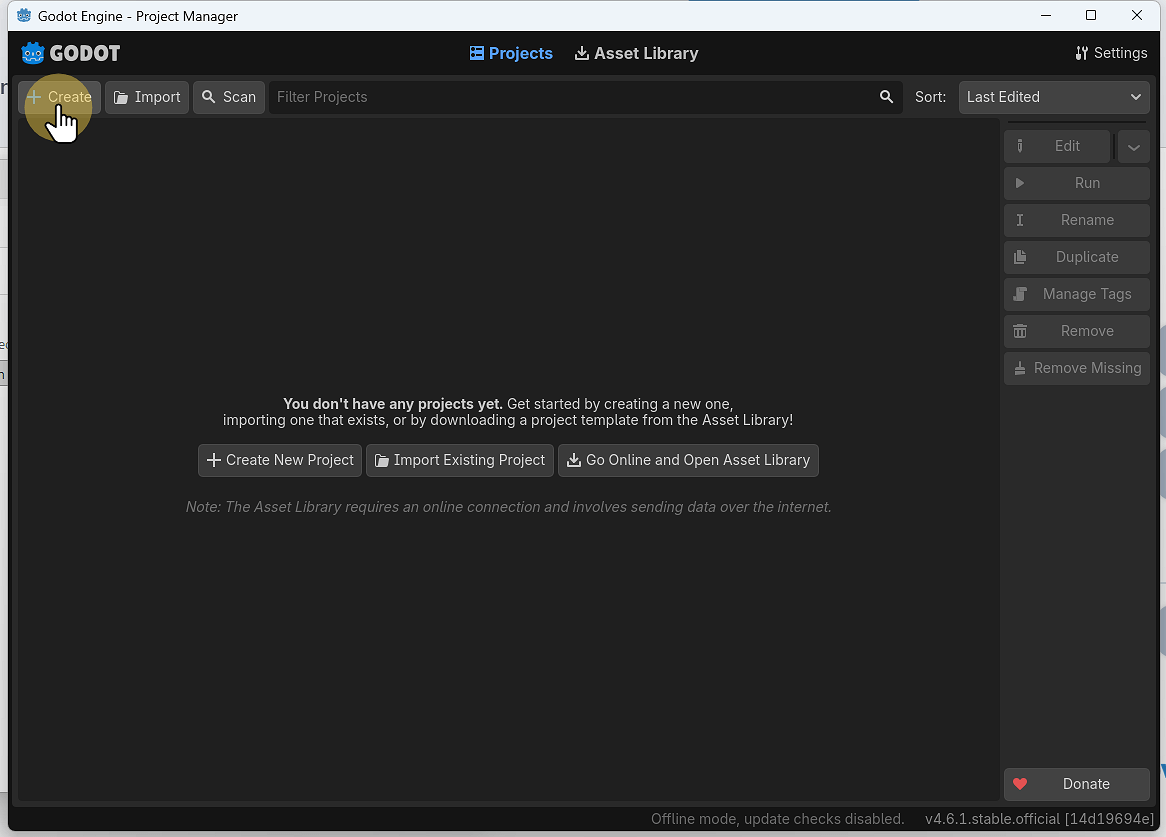
7. Click Create to create a new Project
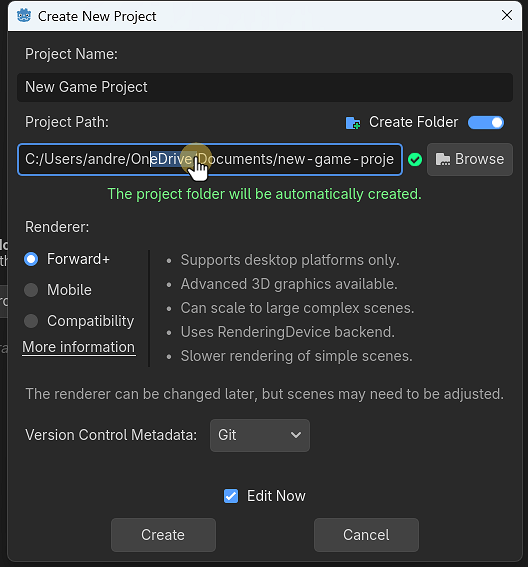
8. If using Github DO NOT Save in your OneDrive folder
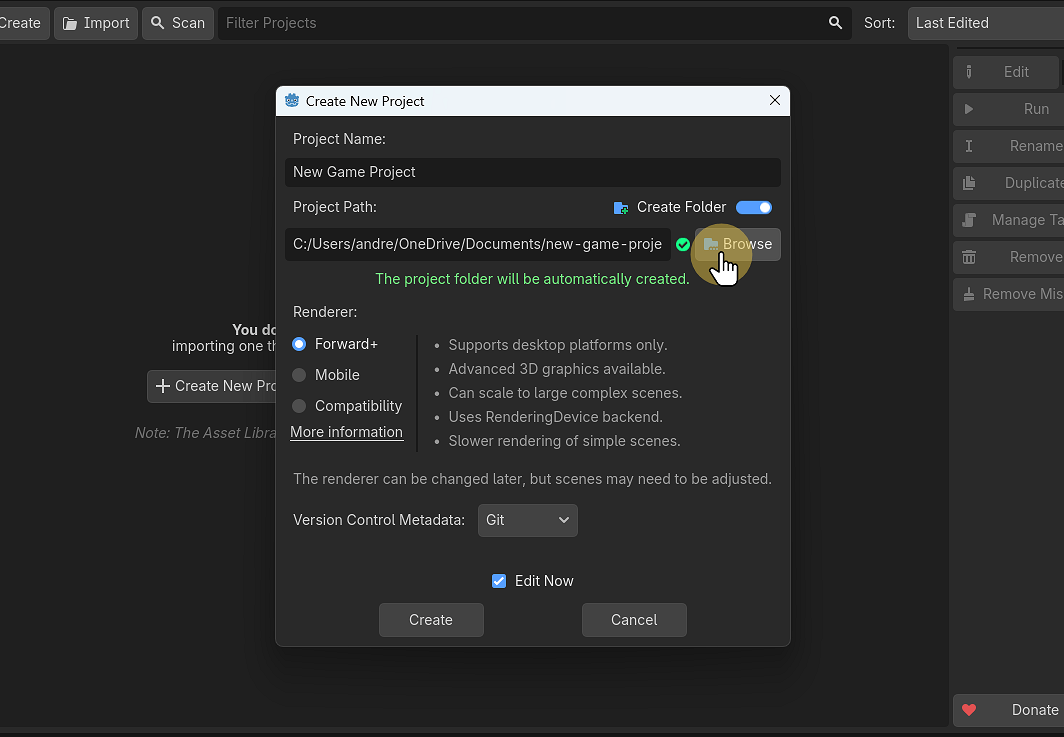
9. Brose to choose a location to save your Project
10. Press the up arrow to get to the Users/username folder, make sure that OneDrive is not in the folder name
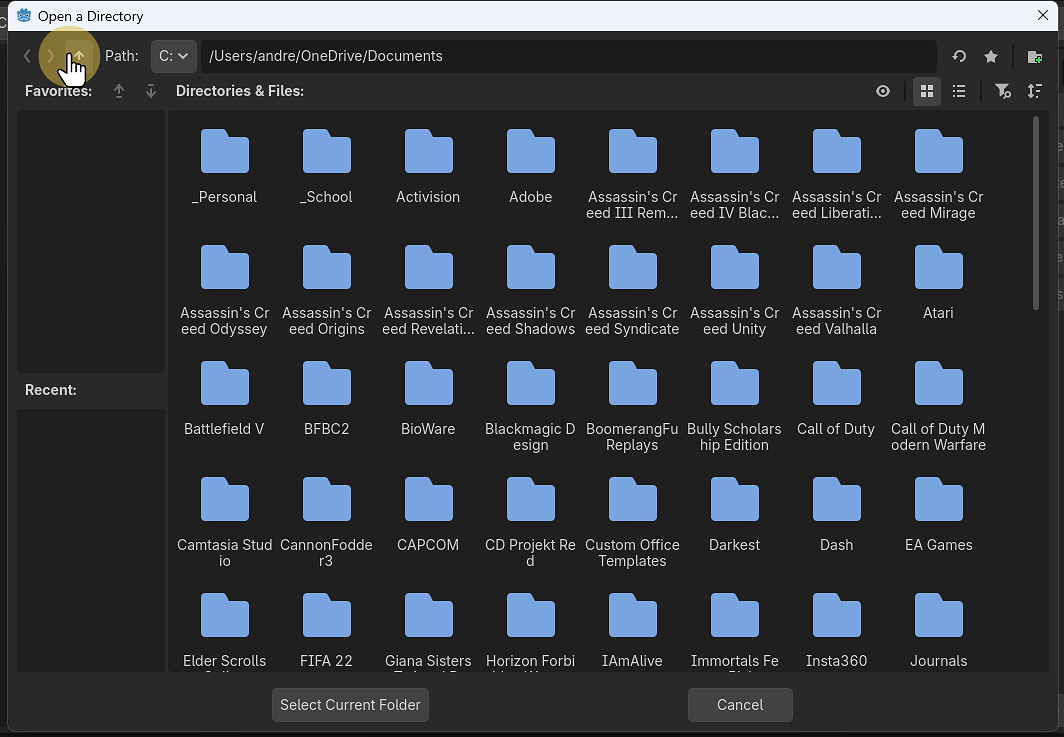
11. Use the create folder icon in the top left to make a folder for your Project
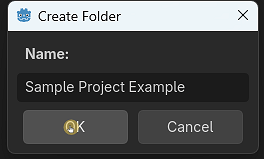
12. Click “Godot Engine”
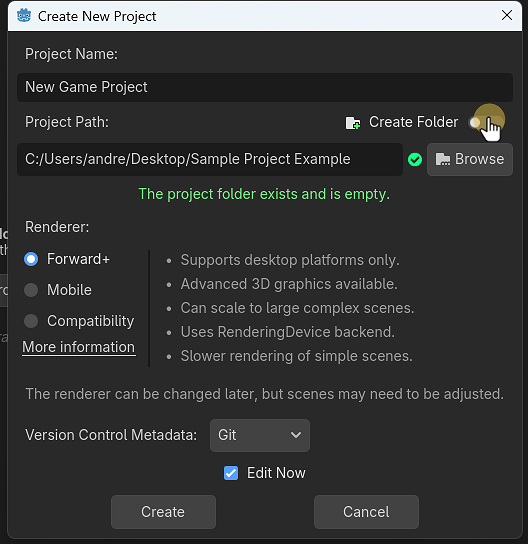
13. Name the Project and click Create
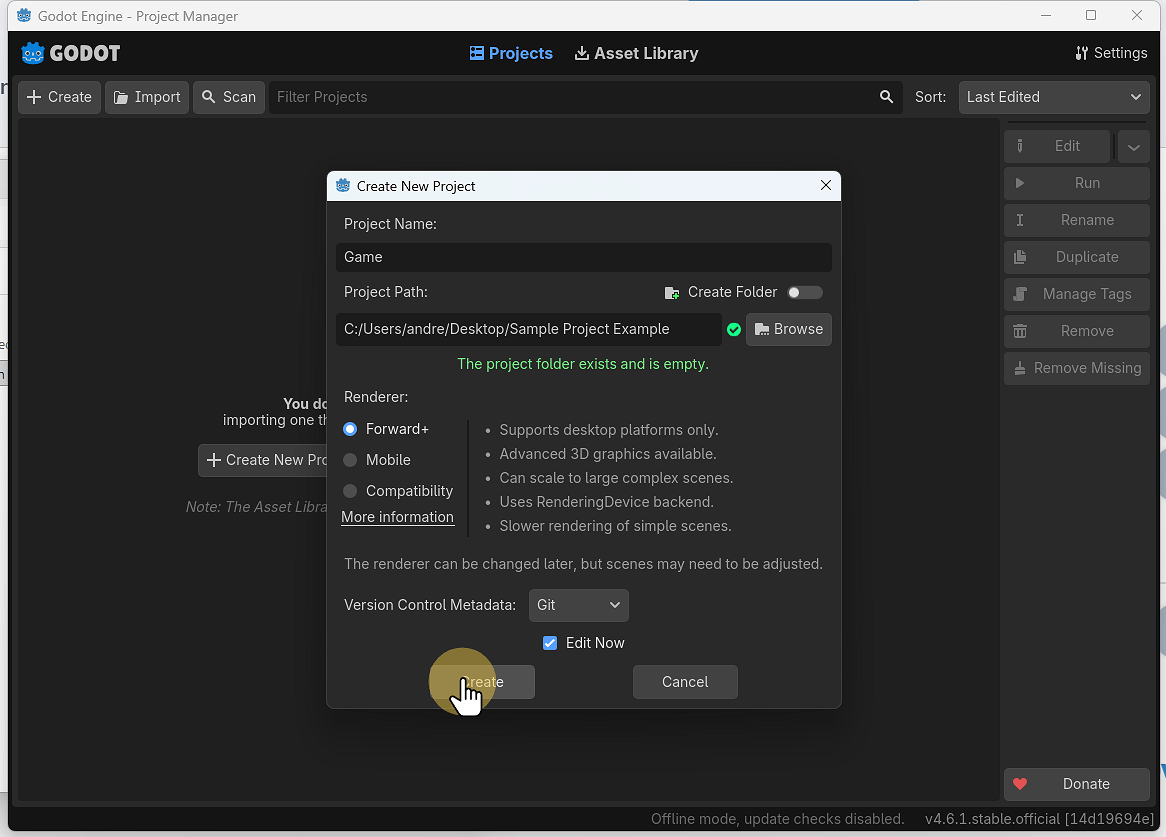
14. You now haver a Godot Project
We will set up exporting the game
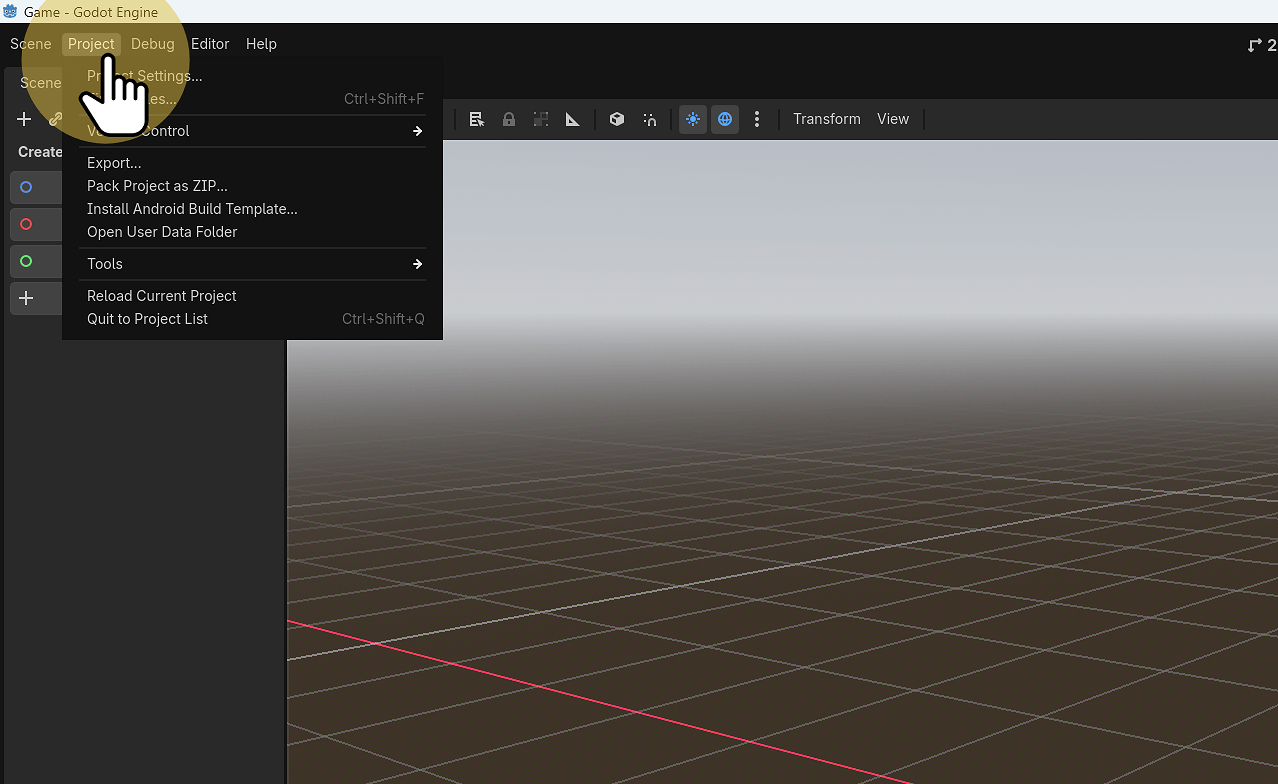
15. Click Project > Export
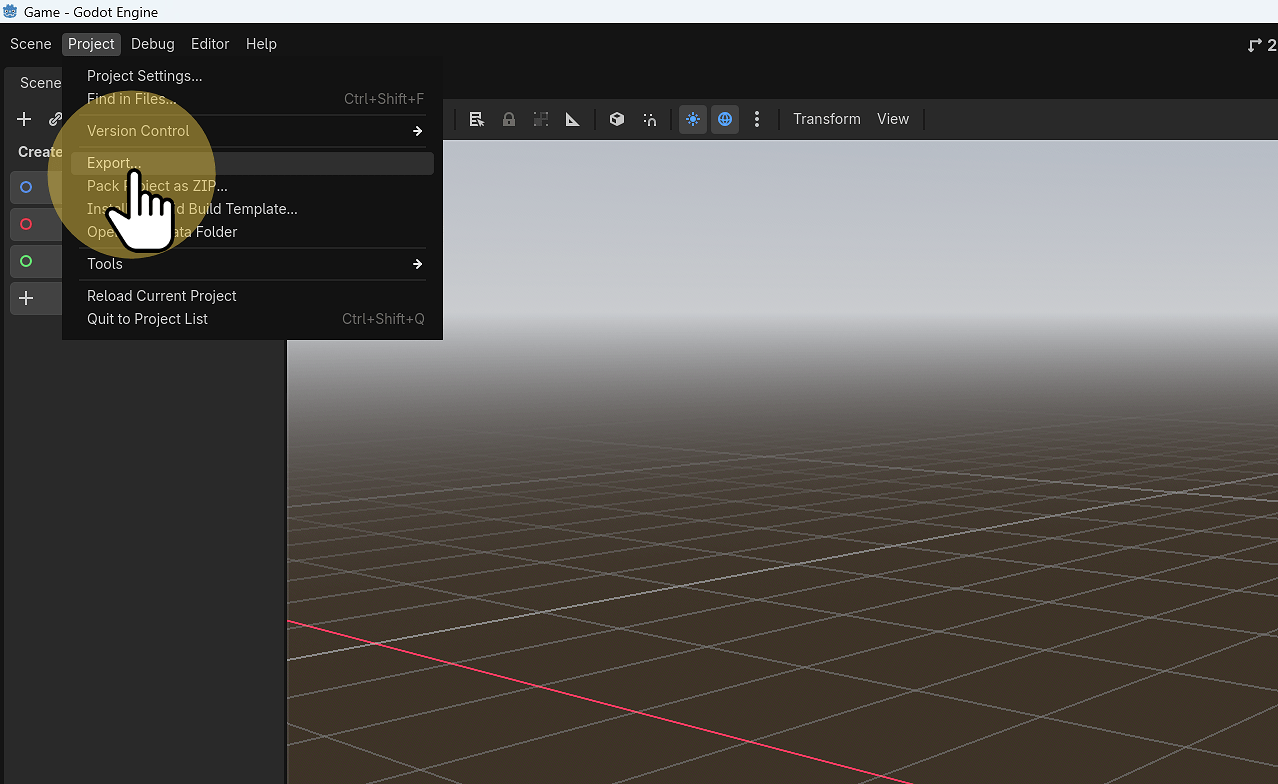
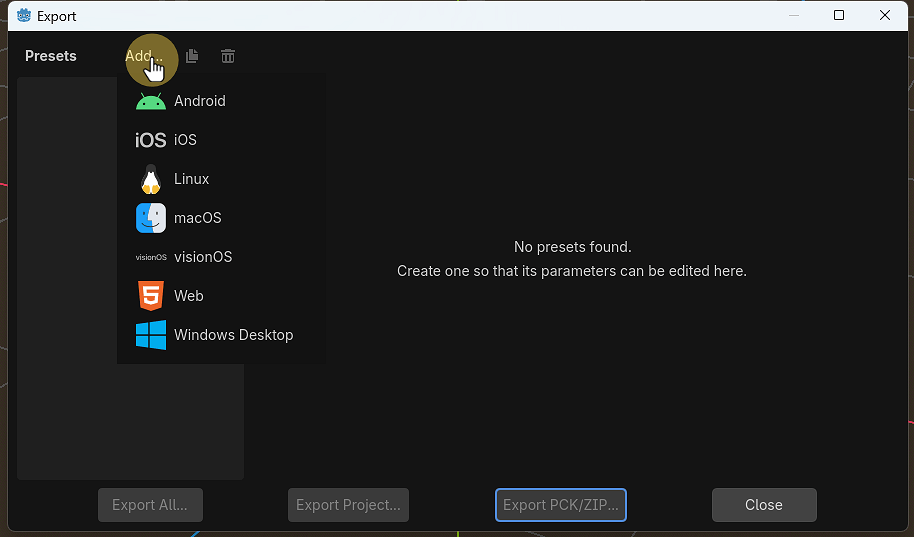
16. Select Add… Windows Desktop
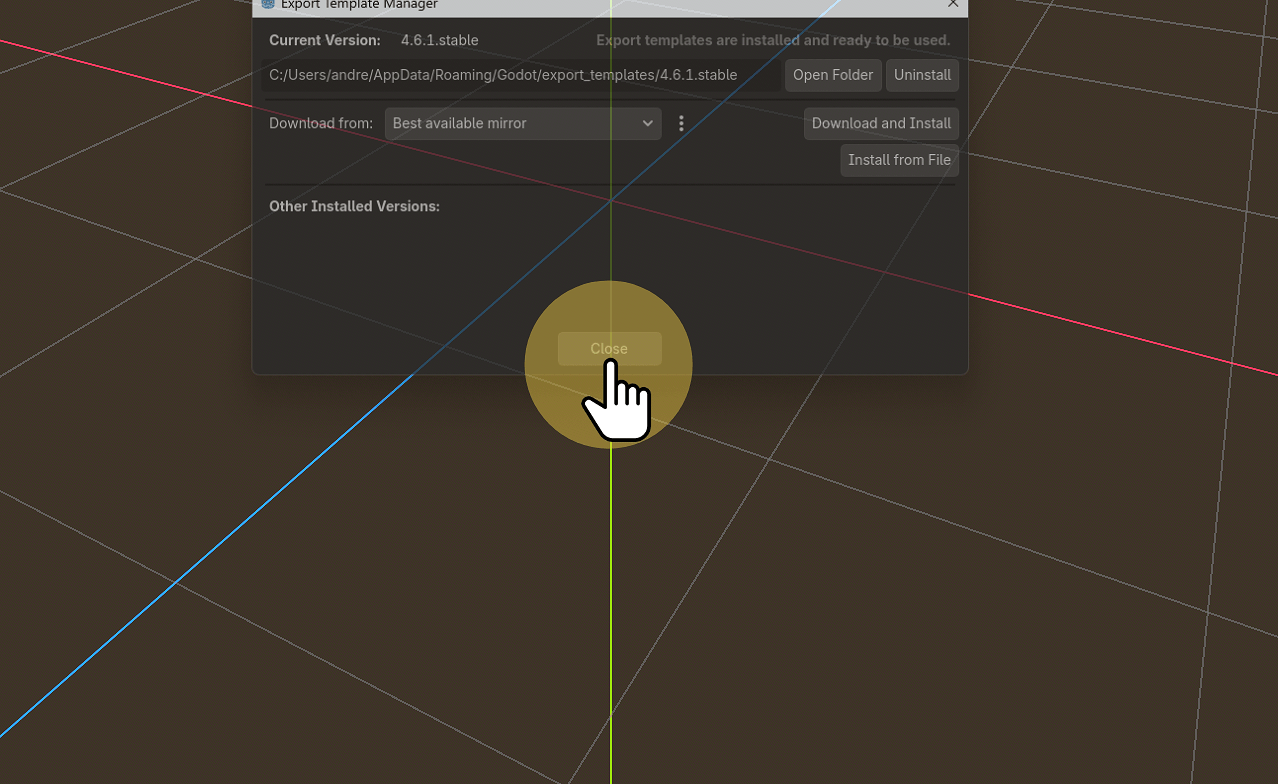
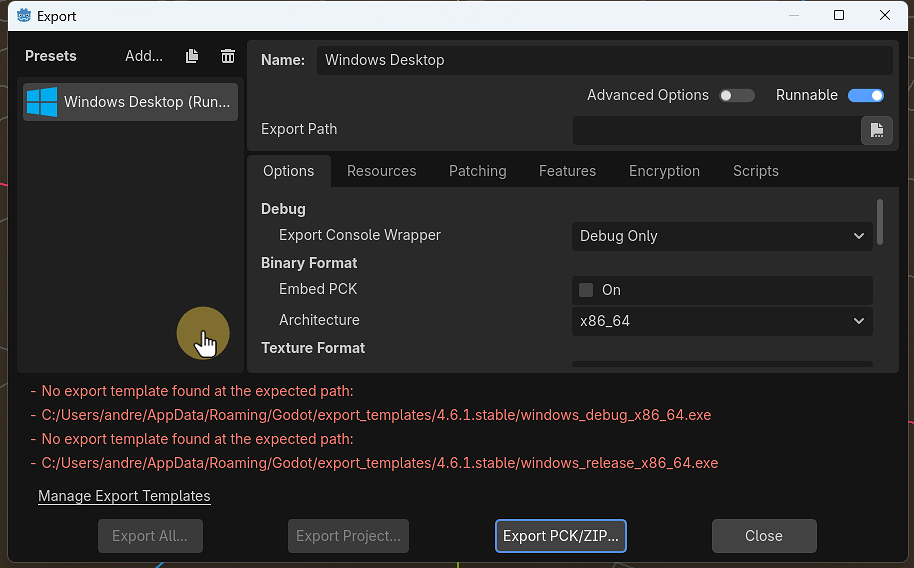
17. Click Manage Export Templates
18. Make sure you are Online and then click Download and Install
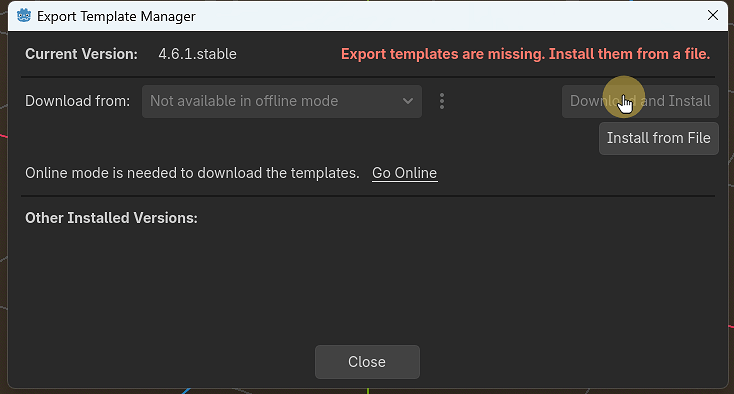
19. This might take a while and appear to have crashed, be patient.
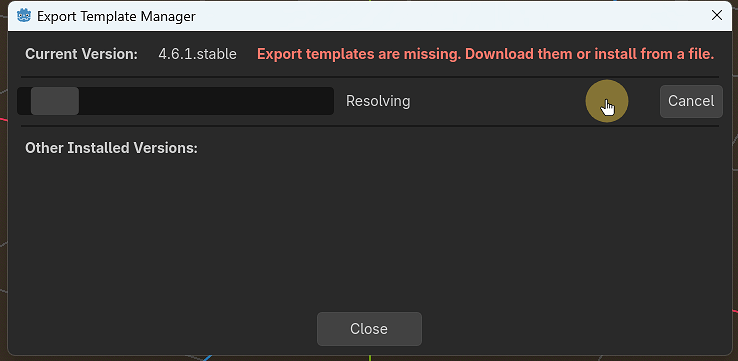
20. The export template for building you game or Project has been installed.