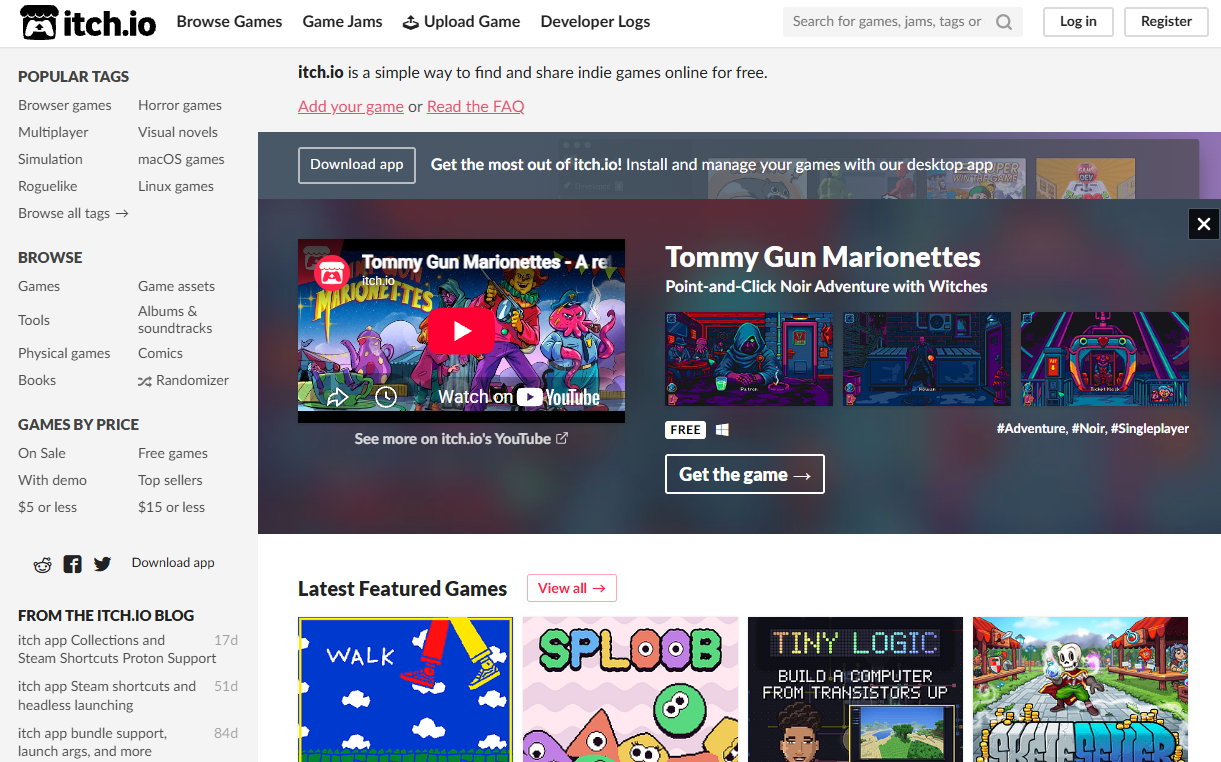
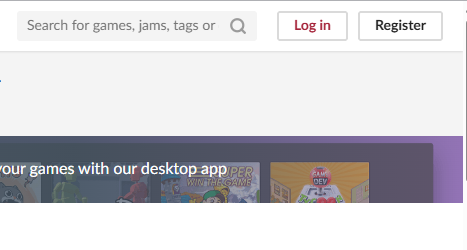
Go to itch.io and login to your account or create an account.
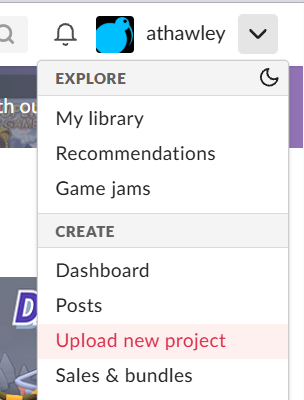
Then select Upload new Project from your username in the top right of the screen.
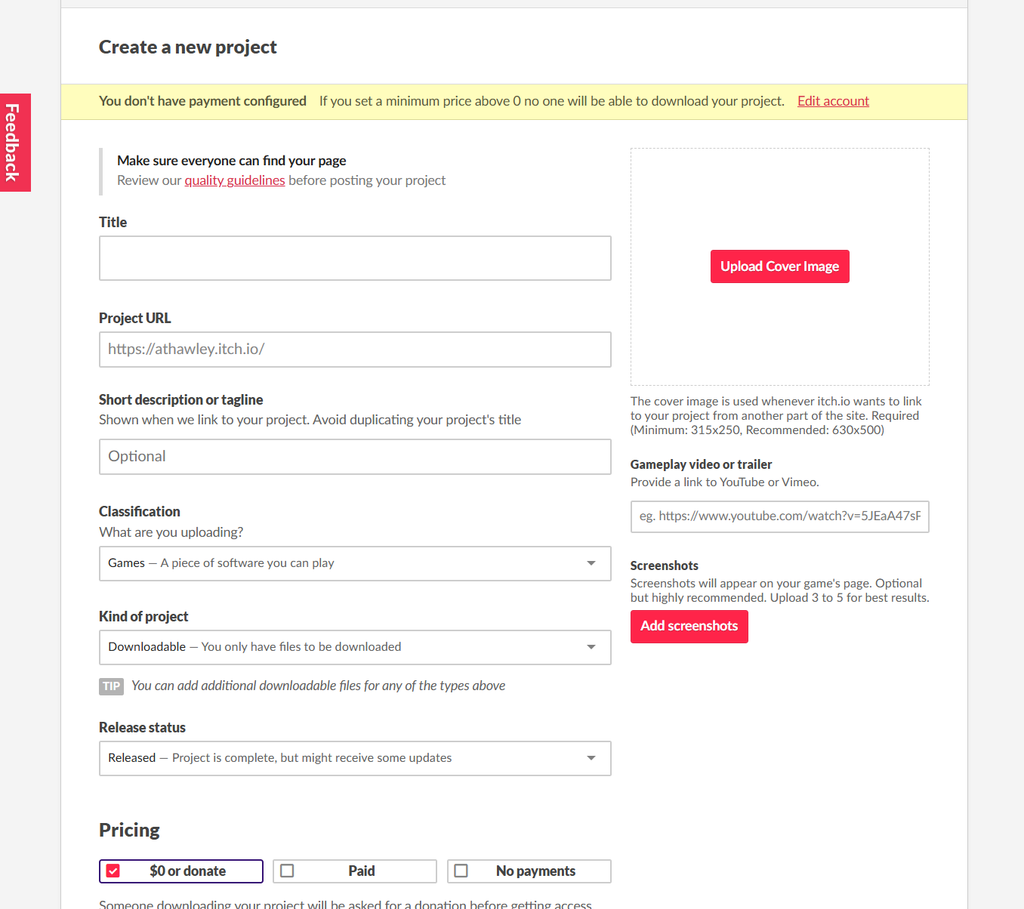
Complete the Project details.
Ensure that you set pricing to $0 or No payments.
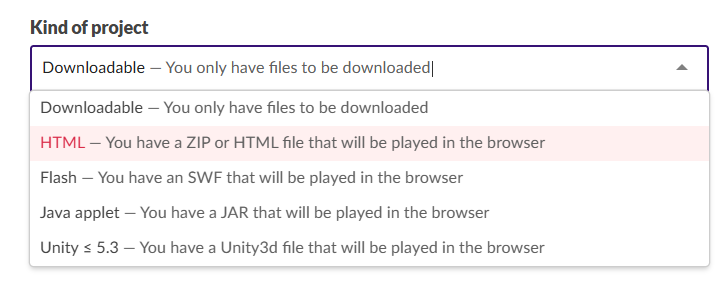
Set the kind of Project to HTML; this will require that the game needs to be run in the browser and can be played directly from the itch.io website without requiring a download.
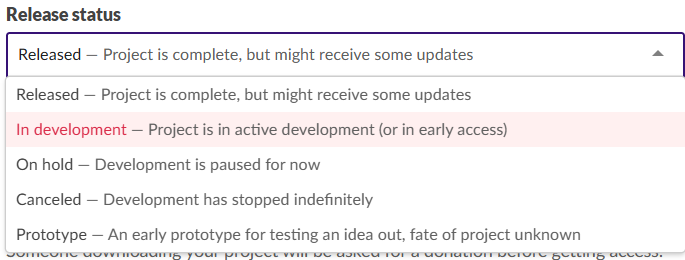
Change the release status to In development. This will allow others to access you game and give Feedback but Identify that it is not yet complete.
The Upload section is where you upload the game files. Note that if you upload a zip file there must be
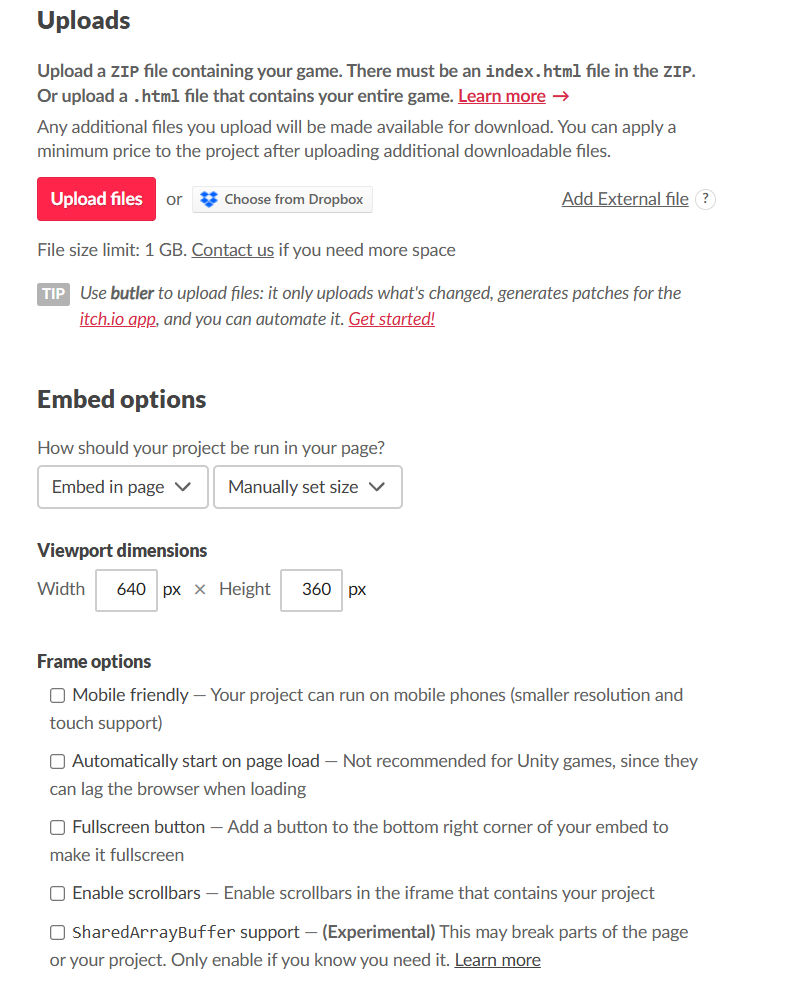
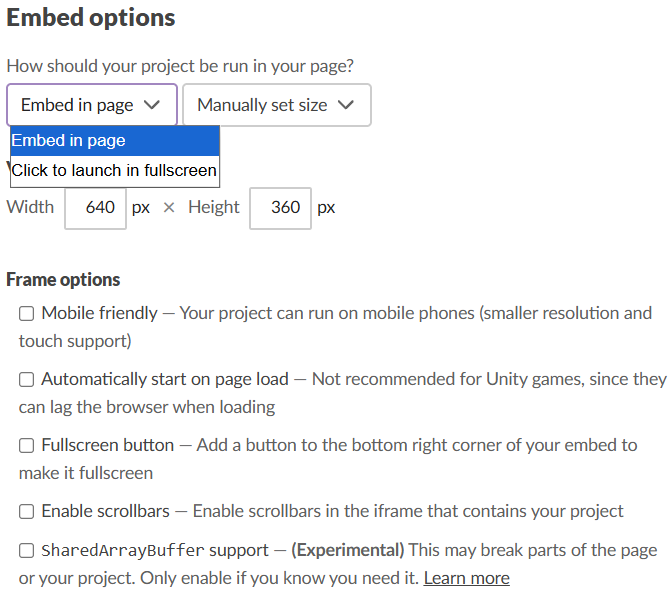
Set the appropriate Embed options. This will usually be setting to fullscreen or setting the window size to match that of the game.
In Frame options you can check othe properties such as if the game should work on mobile or have scrollbars (probably not).
Set the Community to Discussion board this allows you to collect Feedback on the itch.io page.
You also Need to set the game to Restricted so that others can view your game.
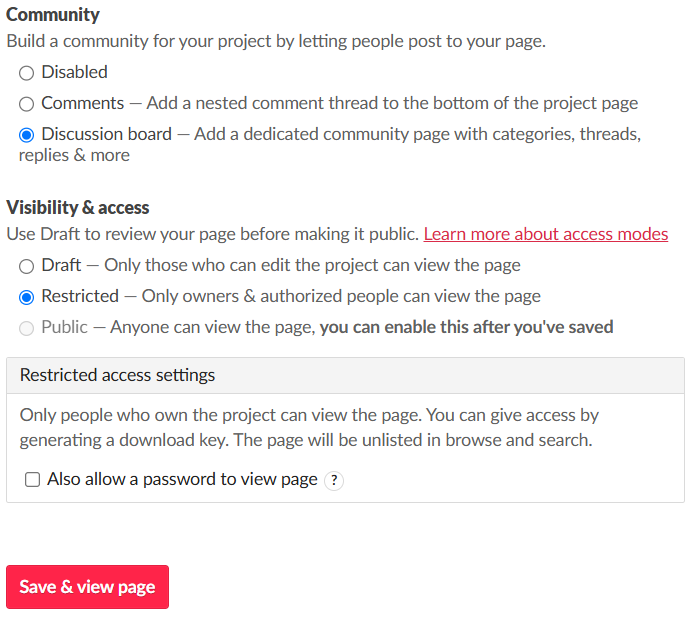
In restricted access settings check the Also allow a password to view page and set a password.
Do not use your personal password. This is a code you will give to others to be able to access your game.
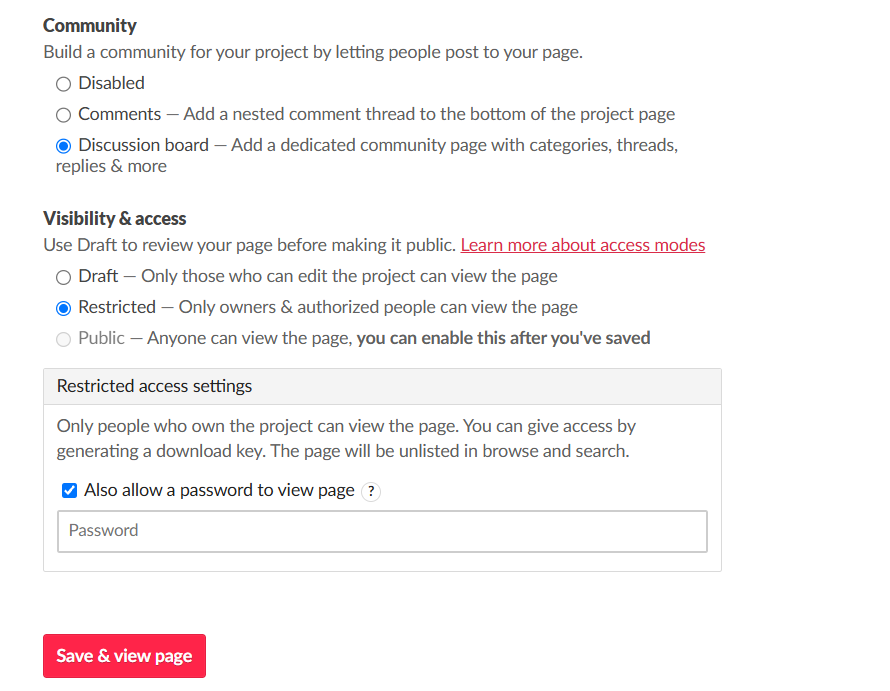
Finally click Save and view page.
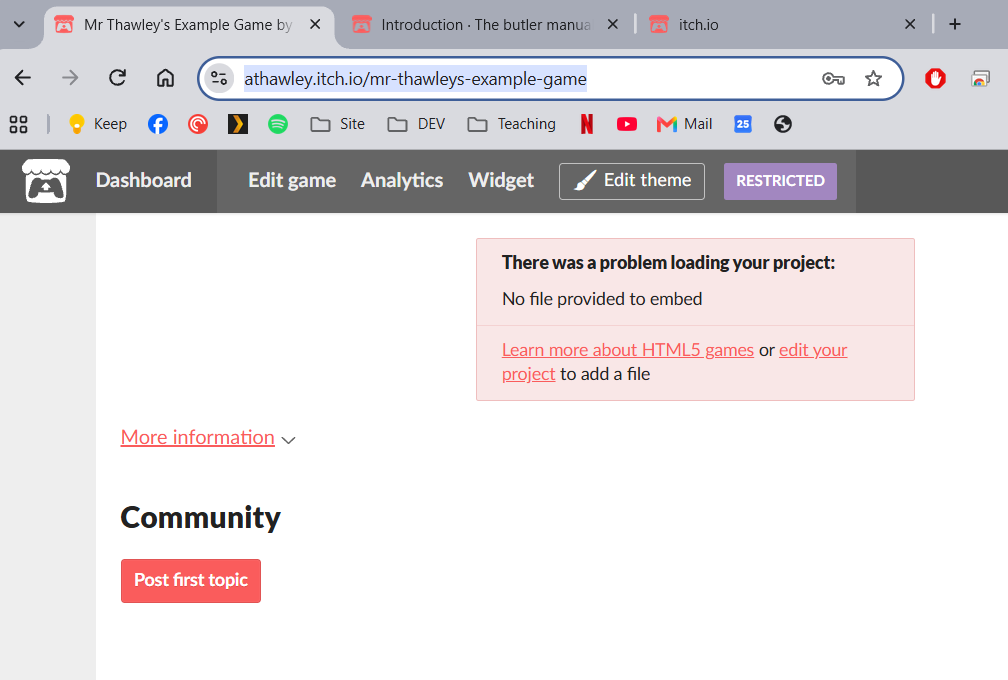
You can now share the URL and password with others and they will be able to access your game.