- All
- 3D Modelling
- AI
- Audio
- Case Studies
- Computer Science
- CT
- Databases
- DDDO
- Digital Capability
- Digital Media
- Digital Technologies
- Electronics and Mechatronics
- Ethics
- Flask
- Game Development
- Gaming
- Generative AI
- GitHub
- Godot
- HCI
- Microsoft
- NCEA
- News
- NZC
- NZCE
- OCR
- Opinion
- Phase 4
- Phase 5
- Phases
- Programming
- Project Management Tools and Techniques
- Python
- Technology
- Testing and Trialing
- Uncategorized
- UX
- Version Control
- Web Design
- Windows
-
Python: 7 Documentation and Help
 Read more: Python: 7 Documentation and Help
Below are some links to different Online documentation, guides and tutorials. When finding Resources make sure that you look up Python 3 tutorials.
-
Python: 7 Your first program – “Hello World”
Read more: Python: 7 Your first program – “Hello World”In your editor of choice create a new file. write the line The print Function takes one or more arguments This is a premade Function that prints out information to the screen Strings are pieces of text. They can be identified with a starting ” and a closing “. You can also use a starting…
-
Python: 8 My program doesn’t work (Debugging)
Read more: Python: 8 My program doesn’t work (Debugging)When writing programs you will often encounter errors. Part of the Programming process is Testing your code and ensuring that it works as intended. The more you code the easier it will be to detect these types of errors. Syntax errors are the most common form of error. These are when the compiler (or in…
-
Python: 9 Conditional and Logical operators
Read more: Python: 9 Conditional and Logical operatorsConditional and Logical operators are used to make statements that can be evaluated (worked out) to be True or False. True and False are keywords in Python to store true and false values. These are used to allow branching and different paths for our programs to take. These are often used in if statements and loops such as…
-
Setting the position of a UI Element when Visibility changes
 Read more: Setting the position of a UI Element when Visibility changes
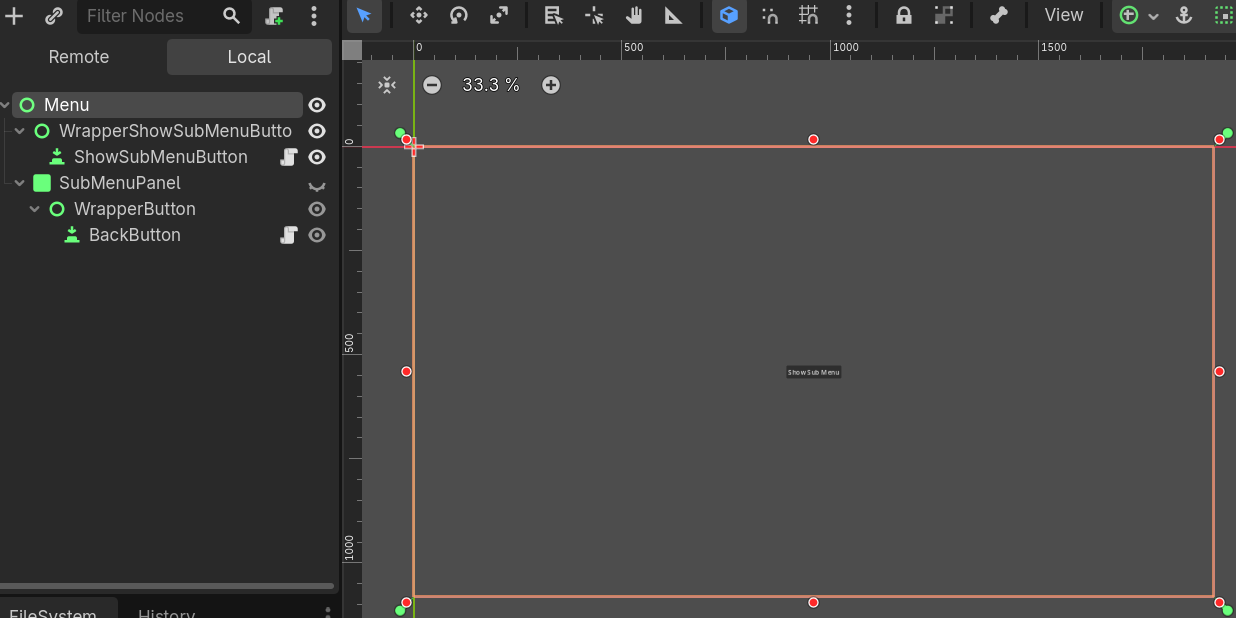
In Godot the position of UI Nodes is not set until the object is visible on the scene. If you have menus that change position depending on their parent node, this might result in the Menu not loading in the correct location. Fortunately, Godot has a signal that can detect when the visibility has been…
-
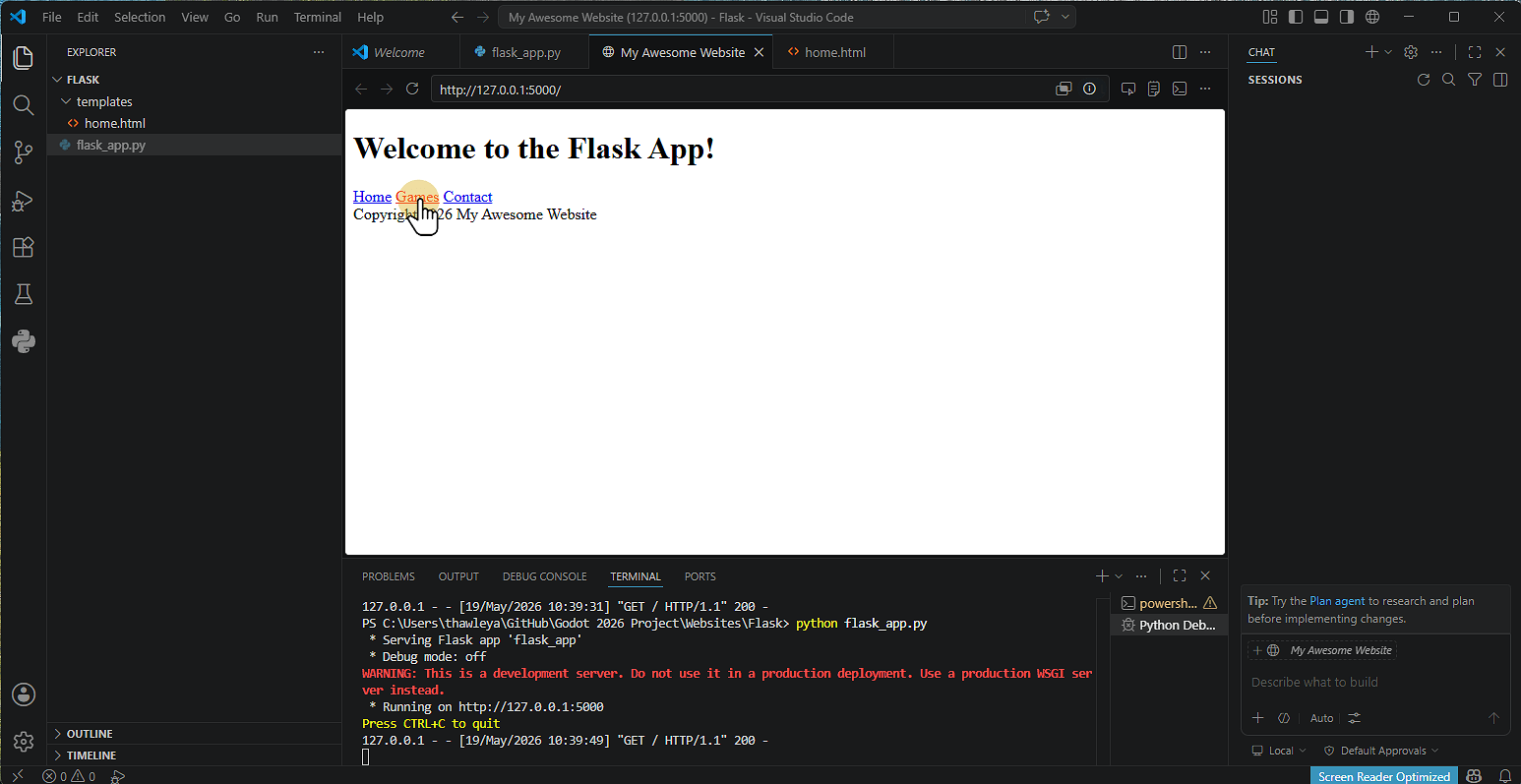
Setting up a Flask Website
 Read more: Setting up a Flask Website
1. Install Flask Click Terminal and then Run Terminal 2. Type pip install flask Click the terminal Window Type pip install flask Note that on some machines you might not have access to do this. 3. Alternative Install Method Type Python -m pip install flask 4. Flask will then install 5. Creating the Application Click New…
-
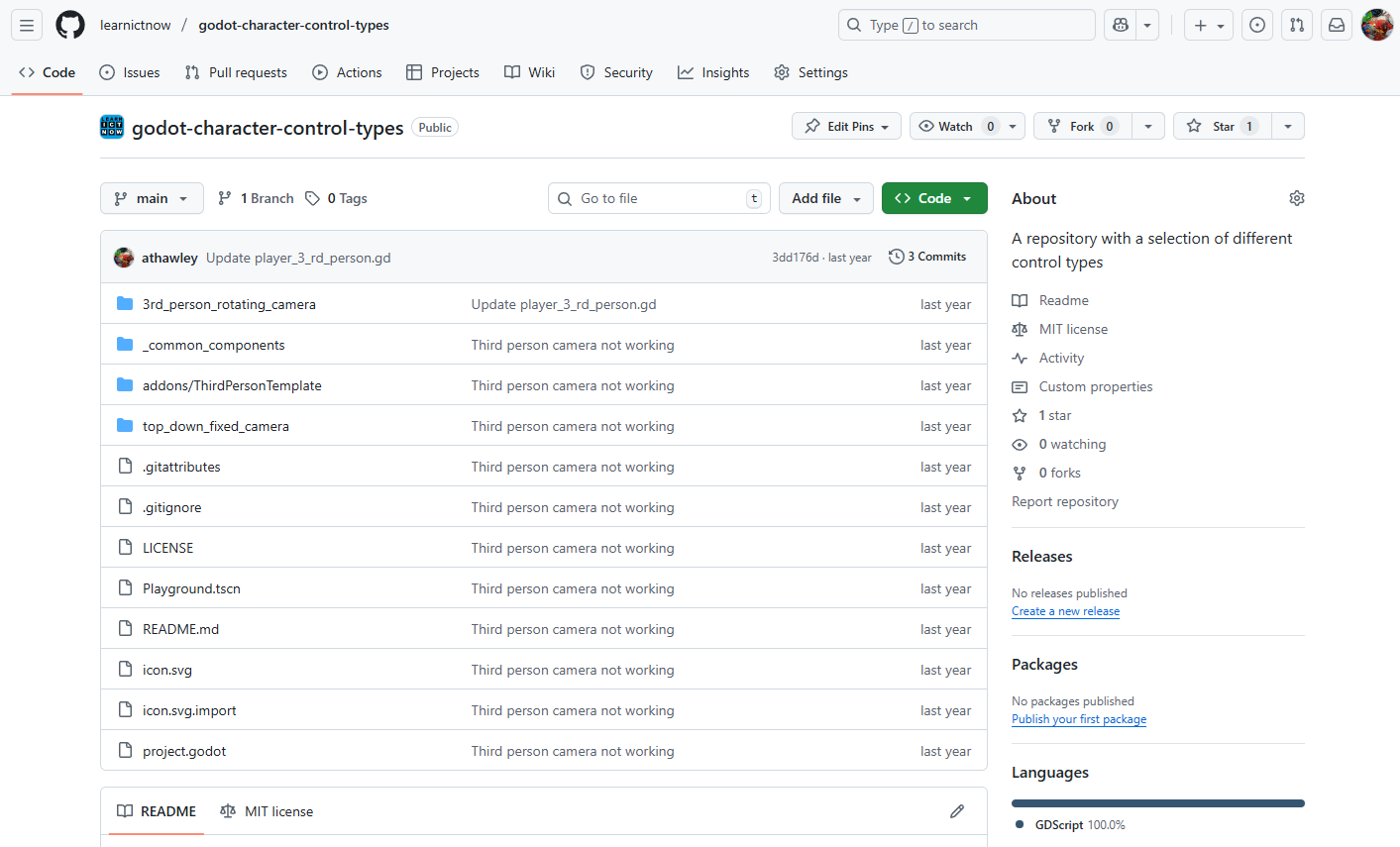
Setting up GitHub & GitHub Desktop
 Read more: Setting up GitHub & GitHub Desktop
1. Creating a GitHub Account 2. Installing GitHub Desktop 3. Creating a Repository A Repository (or “repo”) is like a folder for your Project. Using GitHub Website 4. Cloning a Repository in GitHub Desktop Cloning means copying the Repository to your computer. 5. Making Changes and Committing A commit is like saving a snapshot of…
-
Setting Up GitHub Desktop
 Read more: Setting Up GitHub Desktop
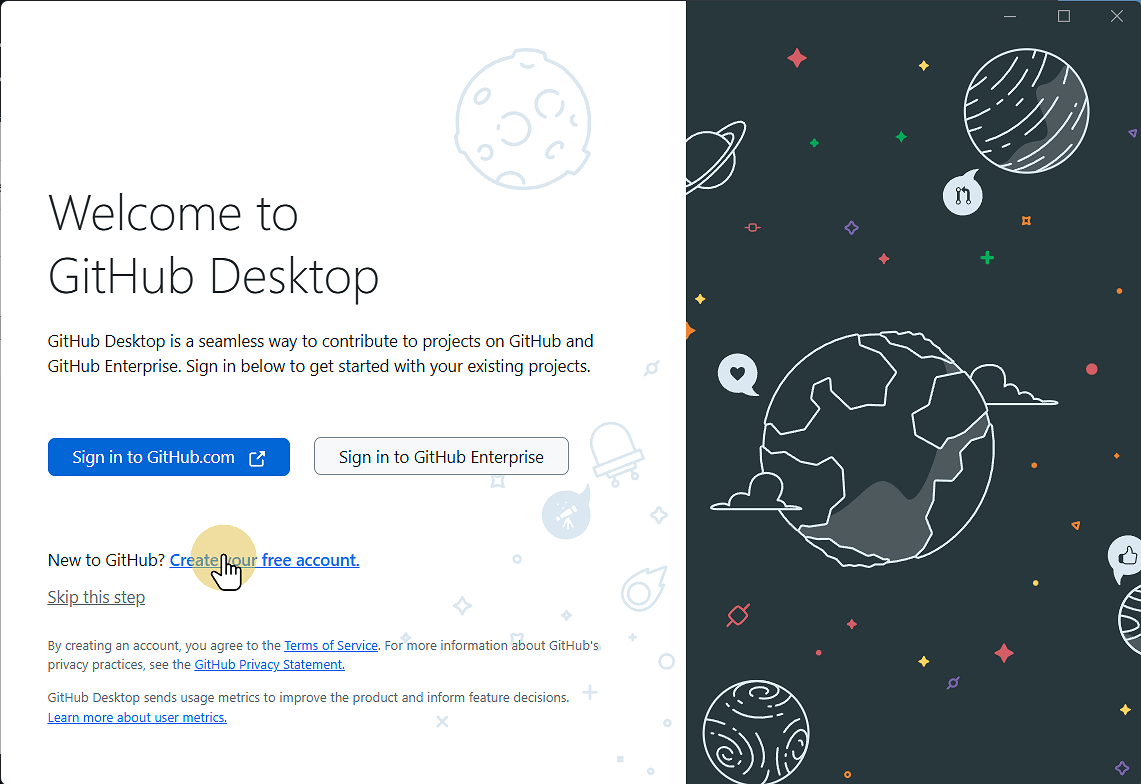
This Guide will step you through downloading and installing GitHub Desktop onto your computer. 1. Go to desktop.github.com desktop.github.com 2. Click Download for Windows (or Mac or Linux) 3. Go to your downloads folder and run the file 4. Wait for the installer to complete, then click Sign in to GitHub.com If you so 4.1.…
-
Setting up Godot (v4.6.1)
 Read more: Setting up Godot (v4.6.1)
1. Go to godotengine.org and click previous versions Godot Engine 2. Click 4.6.1-stable Download 3. Click the correct operating System 4. Go to your Downloads and copy the Godot executable file 5. Save / Paste the file where you want to save it 6. Double click the file to run Godot 7. Click Create to…
-
Simple Enemy AI in Godot
 Read more: Simple Enemy AI in Godot
Creating enemy AI in Godot 4 using the built-in Navigation System is incredibly efficient once you get the node structure down. Godot 4 uses a refined navigation server that handles pathfinding smoothly. Here is a step-by-step Guide to creating an enemy that patrols or stands still, chases the player when they enter an Area3D, and…
-
Welcome! We’re Under Construction
Please bear with us while we redevelop the website to incorporate current and future New Zealand curriculum developments and integrate aspects of the UK curriculum. Please consider turning off your adblocker for this site as we use advertising to keep content free for all users.
-
Godot Grapple Mechanic
You can download a sample Grapple Mechanic from the link below. Download files. This uses a raycast to collide with an body and then moves the player towards the target. You will Need to add or chanrge the relevant input maps for grapple, sprint, and movement.
-
Godot Pickups
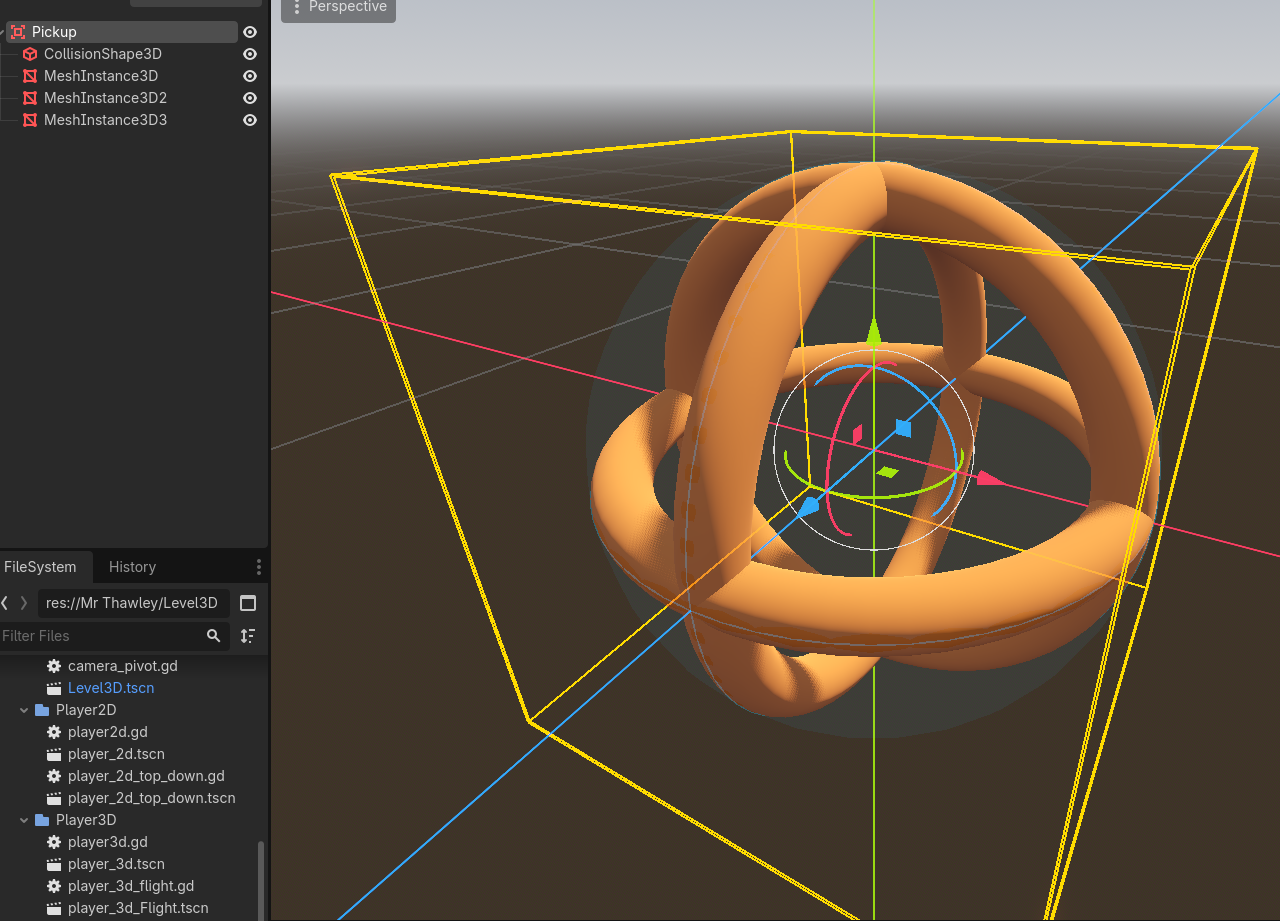
Use this script on a pickup object (Area3D) or collectable. This will add a score (assuming the player has a method called add_score.
-
How Generative AI Works
What is Generative AI? Generative AI refers to systems that can create new content—text, images, audio, or video—based on patterns learned from large datasets. How It Works Potential Issues The image below is an example of an infographic created using Generative AI. Note that, at first glance, it appears to meet the needs; however, upon…
-
Is is Possible to Block Social Media
Questions Technology & System Design Policy & Responsibility Ethics & Privacy Cultural & Societal Shifts
-
Playing audio when an action occurs (Play on Jump)
Now we want to add a sound that will play each time the user jumps. Open the Player scene. Add an AudioStreamPlayer2D to the root player object. When you select an audio file in the FileSystem you can then preview it using the Inspector. By default ogg files are imported with Loop enabled. Select the…
-
Python: 01 Comments
Comments are one of the best ways of ensuring that you write quality code that can be easily understood. Comments should Explain the purpose of a section of code. Most languages have two types of Comment a single line Comment and a multiple line Comment. In Python we use the # symbol to start a single line…
-
Python: 3 Strings are Text
Strings are a Data Type that is used to store text. Any Data the has characters (A-Z, a-z and other symbols like ! @ ‘ , . &) is a String, if it also has characters and numbers it will be stored as a String. If it just has numbers it will be stored as…
-
Python: 2 Displaying Output – Printing messages
Printing and displaying output is an essential Component of Programming. In Python we use the print() Function / command. You can Identify a Function by the () that it has (they are also used for creating classes and making our own functions but don’t worry about this yet). Inside the ( ) you put the…
-
Python: 4 Variables, Data Types and Assignment
Variables are used to store Data. They consist of an identifier or name that is used to reference the contents of the Variable throughout the program. They are used to store Data (content). A Variable must be created and have Data assigned to it before it can be used in a program. Python is known…
-
Python: 5 File and Project Management
It is really important to have excellent file management at all times but it is especially important when writing programs. The most important thing to do is to Ensure that the files are named correctly and stored in logical locations. Make sure that your files have .py on the end to indicate that they are…