- All
- 3D Modelling
- AI
- Audio
- Case Studies
- Computer Science
- CT
- Databases
- DDDO
- Digital Capability
- Digital Media
- Digital Technologies
- Electronics and Mechatronics
- Ethics
- Flask
- Game Development
- Gaming
- Generative AI
- GitHub
- Godot
- HCI
- Microsoft
- NCEA
- News
- NZC
- NZCE
- OCR
- Opinion
- Phase 4
- Phase 5
- Phases
- Programming
- Project Management Tools and Techniques
- Python
- Technology
- Testing and Trialing
- Uncategorized
- UX
- Version Control
- Web Design
- Windows
-
Python: 7 Documentation and Help
 Read more: Python: 7 Documentation and Help
Below are some links to different Online documentation, guides and tutorials. When finding Resources make sure that you look up Python 3 tutorials.
-
Python: 7 Your first program – “Hello World”
Read more: Python: 7 Your first program – “Hello World”In your editor of choice create a new file. write the line The print Function takes one or more arguments This is a premade Function that prints out information to the screen Strings are pieces of text. They can be identified with a starting ” and a closing “. You can also use a starting…
-
Python: 8 My program doesn’t work (Debugging)
Read more: Python: 8 My program doesn’t work (Debugging)When writing programs you will often encounter errors. Part of the Programming process is Testing your code and ensuring that it works as intended. The more you code the easier it will be to detect these types of errors. Syntax errors are the most common form of error. These are when the compiler (or in…
-
Python: 9 Conditional and Logical operators
Read more: Python: 9 Conditional and Logical operatorsConditional and Logical operators are used to make statements that can be evaluated (worked out) to be True or False. True and False are keywords in Python to store true and false values. These are used to allow branching and different paths for our programs to take. These are often used in if statements and loops such as…
-
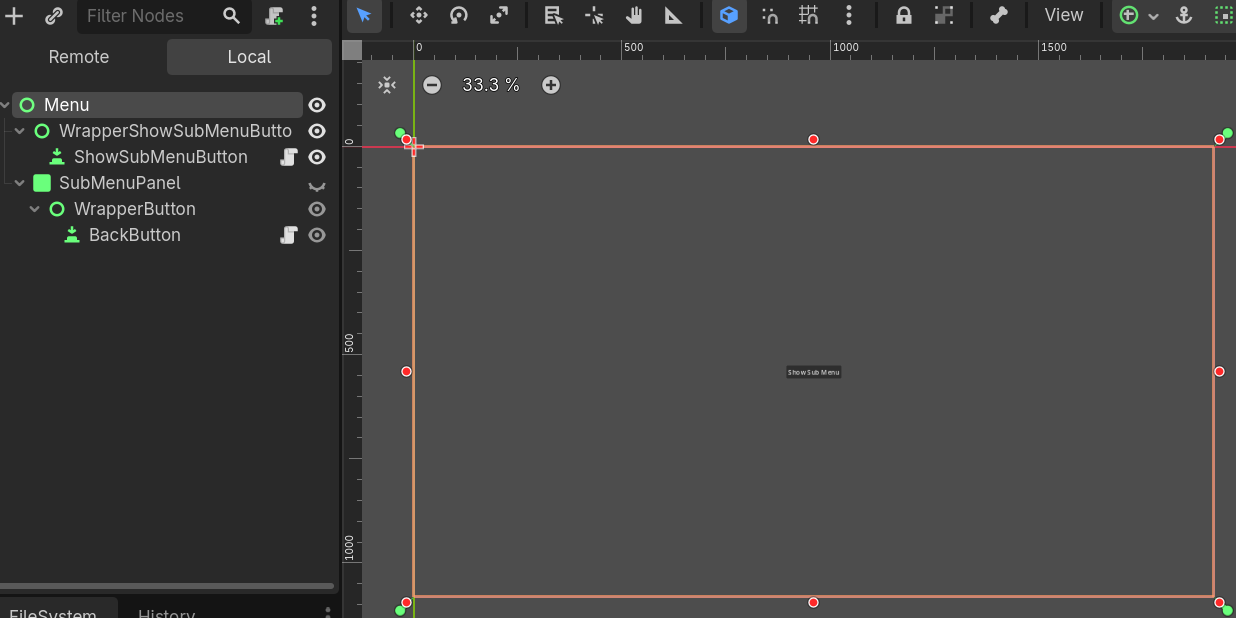
Setting the position of a UI Element when Visibility changes
 Read more: Setting the position of a UI Element when Visibility changes
In Godot the position of UI Nodes is not set until the object is visible on the scene. If you have menus that change position depending on their parent node, this might result in the Menu not loading in the correct location. Fortunately, Godot has a signal that can detect when the visibility has been…
-
Setting up a Flask Website
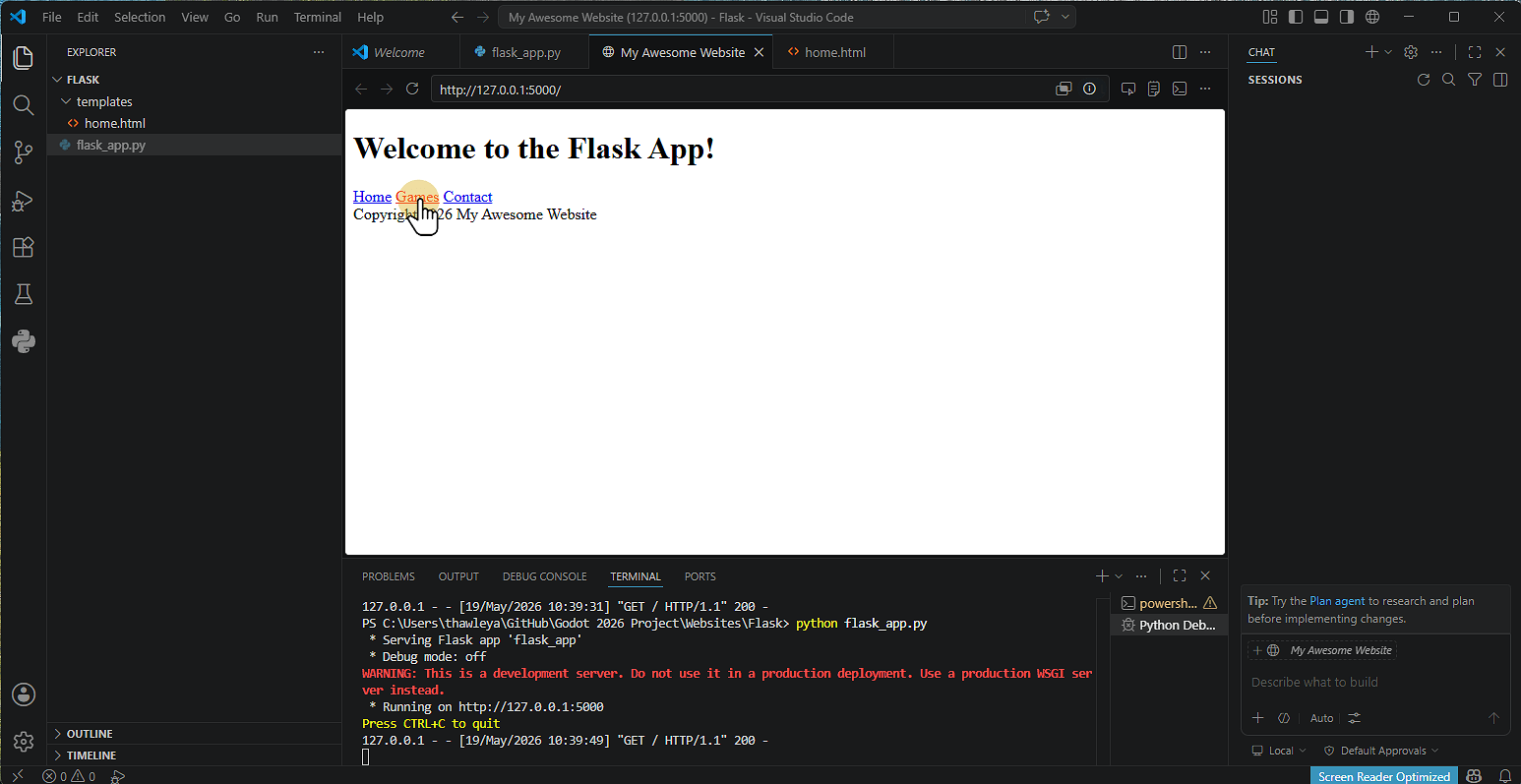 Read more: Setting up a Flask Website
1. Install Flask Click Terminal and then Run Terminal 2. Type pip install flask Click the terminal Window Type pip install flask Note that on some machines you might not have access to do this. 3. Alternative Install Method Type Python -m pip install flask 4. Flask will then install 5. Creating the Application Click New…
-
Setting up GitHub & GitHub Desktop
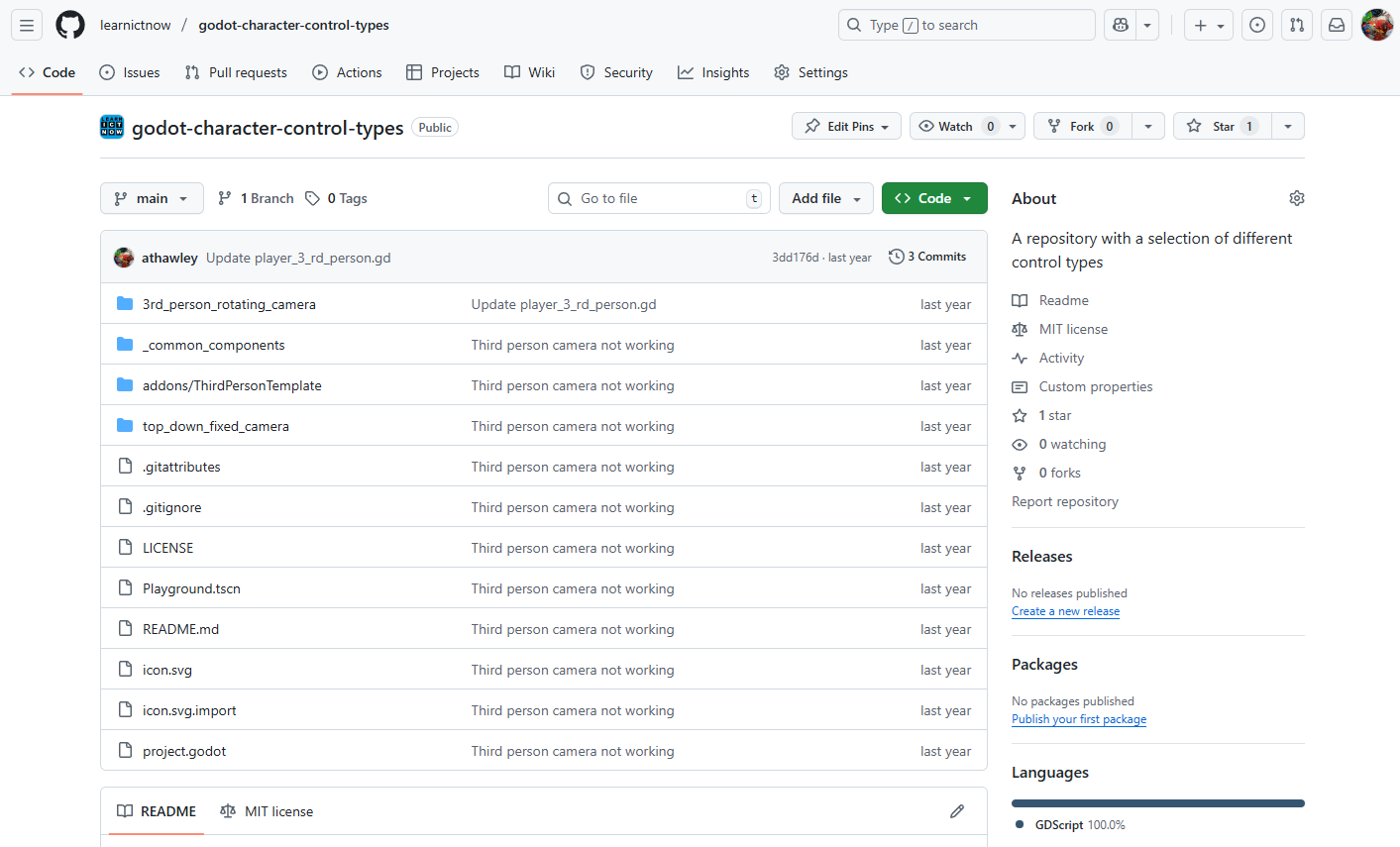 Read more: Setting up GitHub & GitHub Desktop
1. Creating a GitHub Account 2. Installing GitHub Desktop 3. Creating a Repository A Repository (or “repo”) is like a folder for your Project. Using GitHub Website 4. Cloning a Repository in GitHub Desktop Cloning means copying the Repository to your computer. 5. Making Changes and Committing A commit is like saving a snapshot of…
-
Setting Up GitHub Desktop
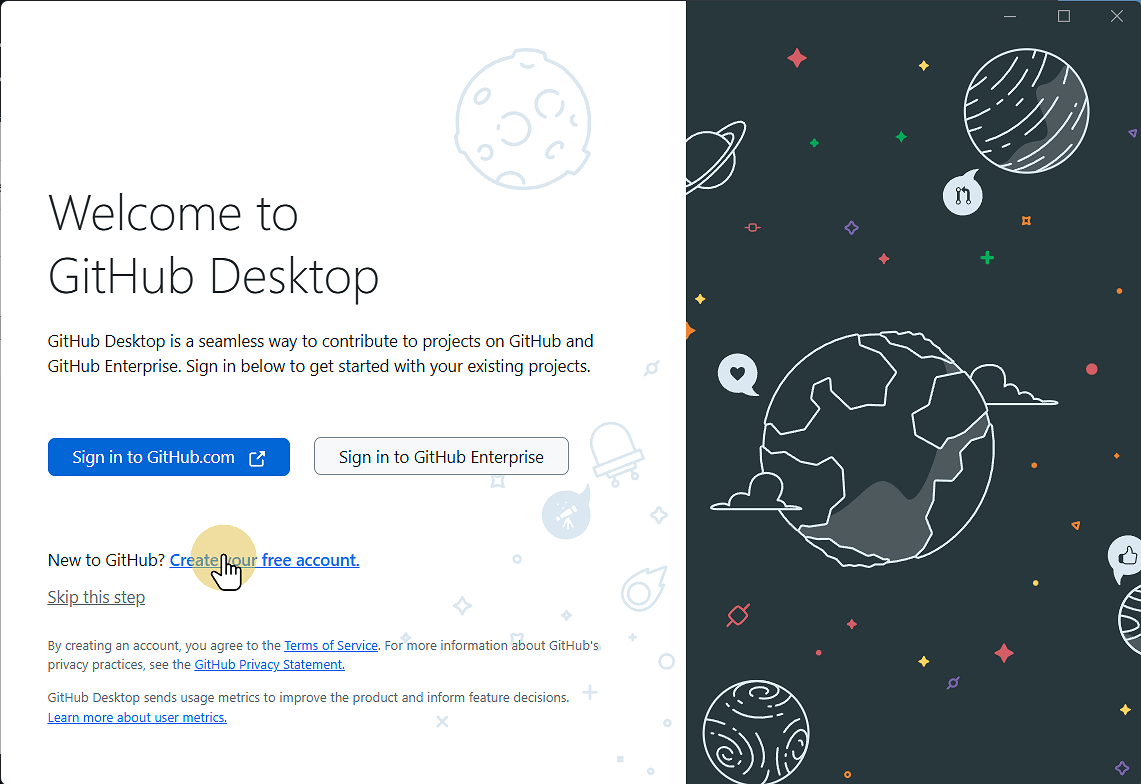 Read more: Setting Up GitHub Desktop
This Guide will step you through downloading and installing GitHub Desktop onto your computer. 1. Go to desktop.github.com desktop.github.com 2. Click Download for Windows (or Mac or Linux) 3. Go to your downloads folder and run the file 4. Wait for the installer to complete, then click Sign in to GitHub.com If you so 4.1.…
-
Setting up Godot (v4.6.1)
 Read more: Setting up Godot (v4.6.1)
1. Go to godotengine.org and click previous versions Godot Engine 2. Click 4.6.1-stable Download 3. Click the correct operating System 4. Go to your Downloads and copy the Godot executable file 5. Save / Paste the file where you want to save it 6. Double click the file to run Godot 7. Click Create to…
-
Simple Enemy AI in Godot
 Read more: Simple Enemy AI in Godot
Creating enemy AI in Godot 4 using the built-in Navigation System is incredibly efficient once you get the node structure down. Godot 4 uses a refined navigation server that handles pathfinding smoothly. Here is a step-by-step Guide to creating an enemy that patrols or stands still, chases the player when they enter an Area3D, and…
-
Welcome! We’re Under Construction
Please bear with us while we redevelop the website to incorporate current and future New Zealand curriculum developments and integrate aspects of the UK curriculum. Please consider turning off your adblocker for this site as we use advertising to keep content free for all users.
-
Python: 6 Numbers and Operators ( + – / * )
Numbers work as you would expect. Note that 2 and 2.0 are considered different types. 2 is an Integer and 2.0 of a double. You can also specify a floating point number by including an f after the number 2.0f When carrying out calculations you should always try to have numbers of the same type.…
-
Python: 7 Documentation and Help
Below are some links to different Online documentation, guides and tutorials. When finding Resources make sure that you look up Python 3 tutorials.
-
Python: 7 Your first program – “Hello World”
In your editor of choice create a new file. write the line The print Function takes one or more arguments This is a premade Function that prints out information to the screen Strings are pieces of text. They can be identified with a starting ” and a closing “. You can also use a starting…
-
Python: 8 My program doesn’t work (Debugging)
When writing programs you will often encounter errors. Part of the Programming process is Testing your code and ensuring that it works as intended. The more you code the easier it will be to detect these types of errors. Syntax errors are the most common form of error. These are when the compiler (or in…
-
Python: 9 Conditional and Logical operators
Conditional and Logical operators are used to make statements that can be evaluated (worked out) to be True or False. True and False are keywords in Python to store true and false values. These are used to allow branching and different paths for our programs to take. These are often used in if statements and loops such as…
-
Setting the position of a UI Element when Visibility changes
In Godot the position of UI Nodes is not set until the object is visible on the scene. If you have menus that change position depending on their parent node, this might result in the Menu not loading in the correct location. Fortunately, Godot has a signal that can detect when the visibility has been…
-
Setting up a Flask Website
1. Install Flask Click Terminal and then Run Terminal 2. Type pip install flask Click the terminal Window Type pip install flask Note that on some machines you might not have access to do this. 3. Alternative Install Method Type Python -m pip install flask 4. Flask will then install 5. Creating the Application Click New…
-
Setting Up GitHub Desktop
This Guide will step you through downloading and installing GitHub Desktop onto your computer. 1. Go to desktop.github.com desktop.github.com 2. Click Download for Windows (or Mac or Linux) 3. Go to your downloads folder and run the file 4. Wait for the installer to complete, then click Sign in to GitHub.com If you so 4.1.…
-
Setting up GitHub & GitHub Desktop
1. Creating a GitHub Account 2. Installing GitHub Desktop 3. Creating a Repository A Repository (or “repo”) is like a folder for your Project. Using GitHub Website 4. Cloning a Repository in GitHub Desktop Cloning means copying the Repository to your computer. 5. Making Changes and Committing A commit is like saving a snapshot of…
-
Setting up Godot (v4.6.1)
1. Go to godotengine.org and click previous versions Godot Engine 2. Click 4.6.1-stable Download 3. Click the correct operating System 4. Go to your Downloads and copy the Godot executable file 5. Save / Paste the file where you want to save it 6. Double click the file to run Godot 7. Click Create to…