- All
- 3D Modelling
- AI
- Audio
- Case Studies
- Computer Science
- CT
- Databases
- DDDO
- Digital Capability
- Digital Media
- Digital Technologies
- Electronics and Mechatronics
- Ethics
- Flask
- Game Development
- Gaming
- Generative AI
- GitHub
- Godot
- HCI
- Microsoft
- NCEA
- News
- NZC
- NZCE
- OCR
- Opinion
- Phase 4
- Phase 5
- Phases
- Programming
- Project Management Tools and Techniques
- Python
- Technology
- Testing and Trialing
- Uncategorized
- UX
- Version Control
- Web Design
- Windows
-
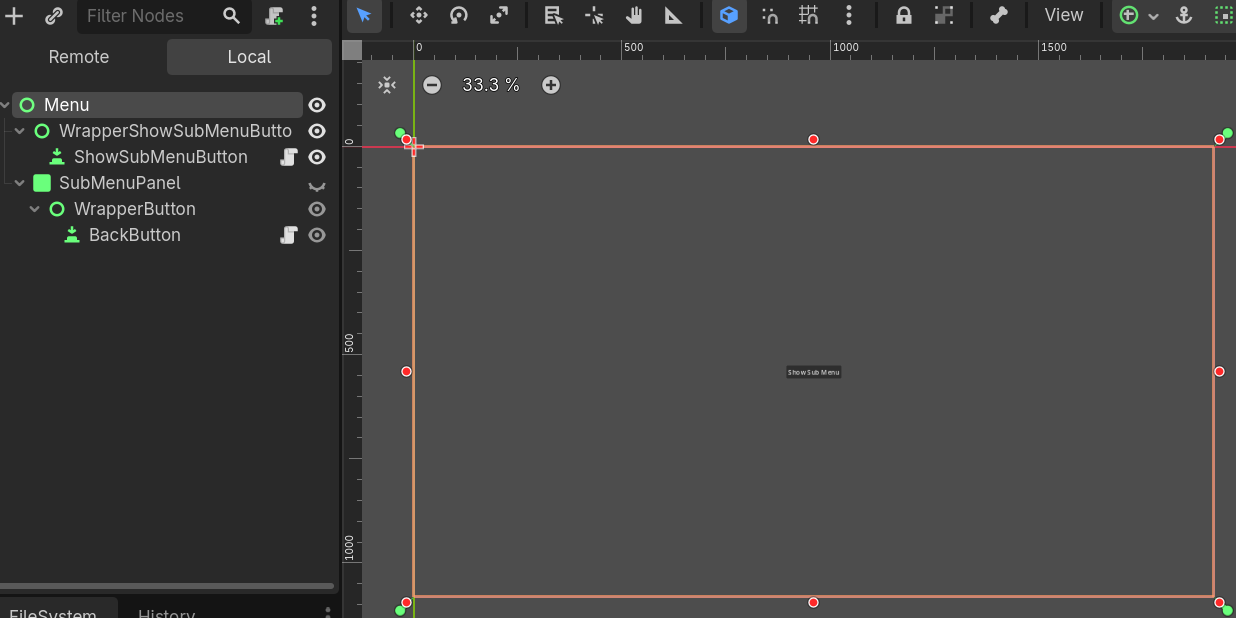
Setting the position of a UI Element when Visibility changes
 Read more: Setting the position of a UI Element when Visibility changes
In Godot the position of UI Nodes is not set until the object is visible on the scene. If you have menus that change position depending on their parent node, this might result in the Menu not loading in the correct location. Fortunately, Godot has a signal that can detect when the visibility has been…
-
Setting up a Flask Website
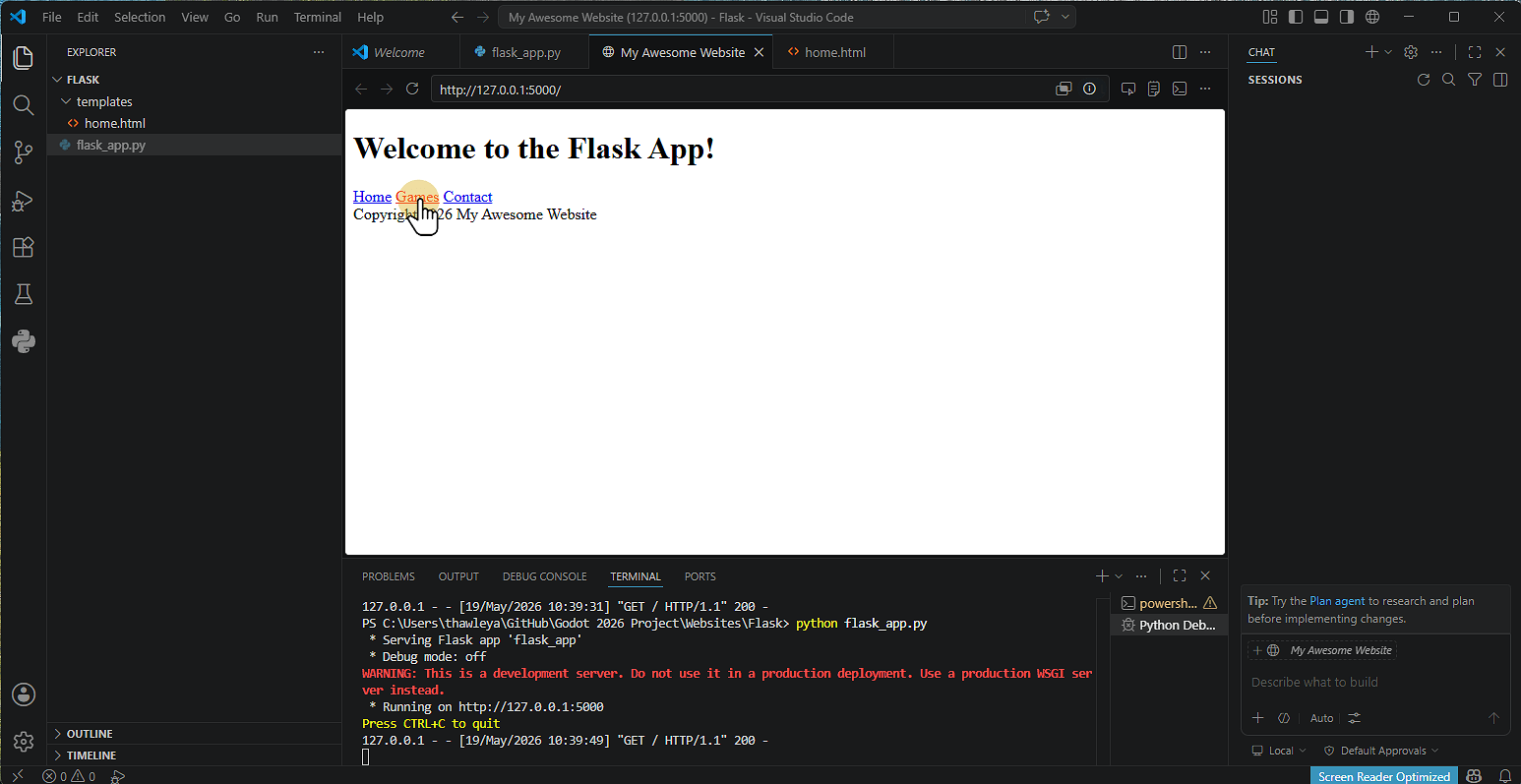 Read more: Setting up a Flask Website
1. Install Flask Click Terminal and then Run Terminal 2. Type pip install flask Click the terminal Window Type pip install flask Note that on some machines you might not have access to do this. 3. Alternative Install Method Type Python -m pip install flask 4. Flask will then install 5. Creating the Application Click New…
-
Setting up GitHub & GitHub Desktop
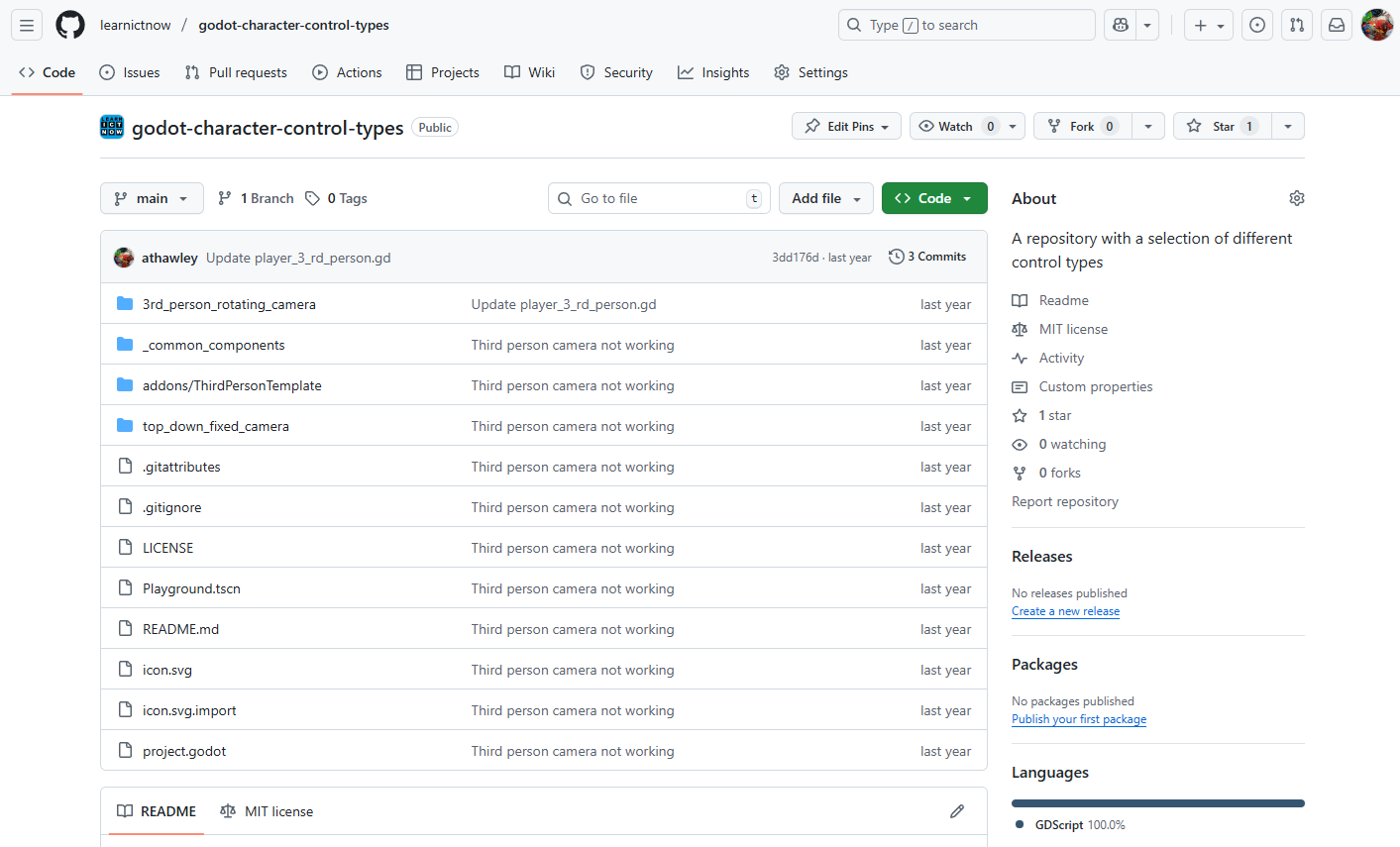 Read more: Setting up GitHub & GitHub Desktop
1. Creating a GitHub Account 2. Installing GitHub Desktop 3. Creating a Repository A Repository (or “repo”) is like a folder for your Project. Using GitHub Website 4. Cloning a Repository in GitHub Desktop Cloning means copying the Repository to your computer. 5. Making Changes and Committing A commit is like saving a snapshot of…
-
Setting Up GitHub Desktop
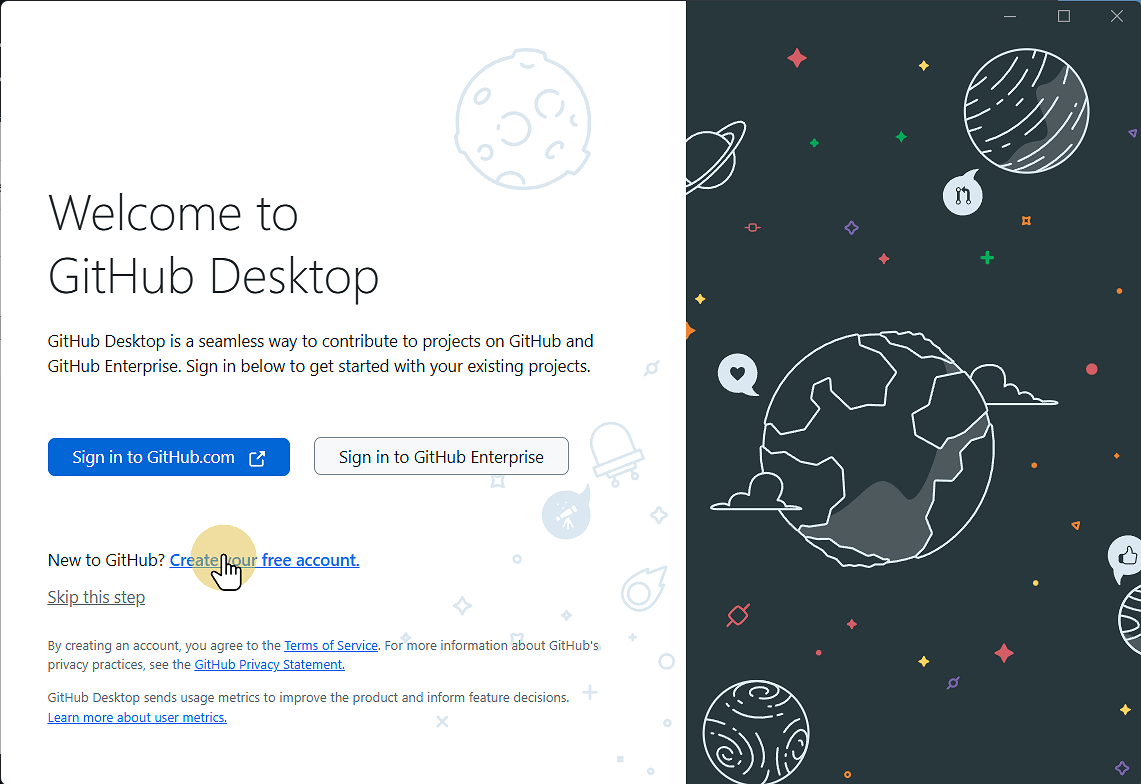 Read more: Setting Up GitHub Desktop
This Guide will step you through downloading and installing GitHub Desktop onto your computer. 1. Go to desktop.github.com desktop.github.com 2. Click Download for Windows (or Mac or Linux) 3. Go to your downloads folder and run the file 4. Wait for the installer to complete, then click Sign in to GitHub.com If you so 4.1.…
-
Setting up Godot (v4.6.1)
 Read more: Setting up Godot (v4.6.1)
1. Go to godotengine.org and click previous versions Godot Engine 2. Click 4.6.1-stable Download 3. Click the correct operating System 4. Go to your Downloads and copy the Godot executable file 5. Save / Paste the file where you want to save it 6. Double click the file to run Godot 7. Click Create to…
-
Steam Hardware
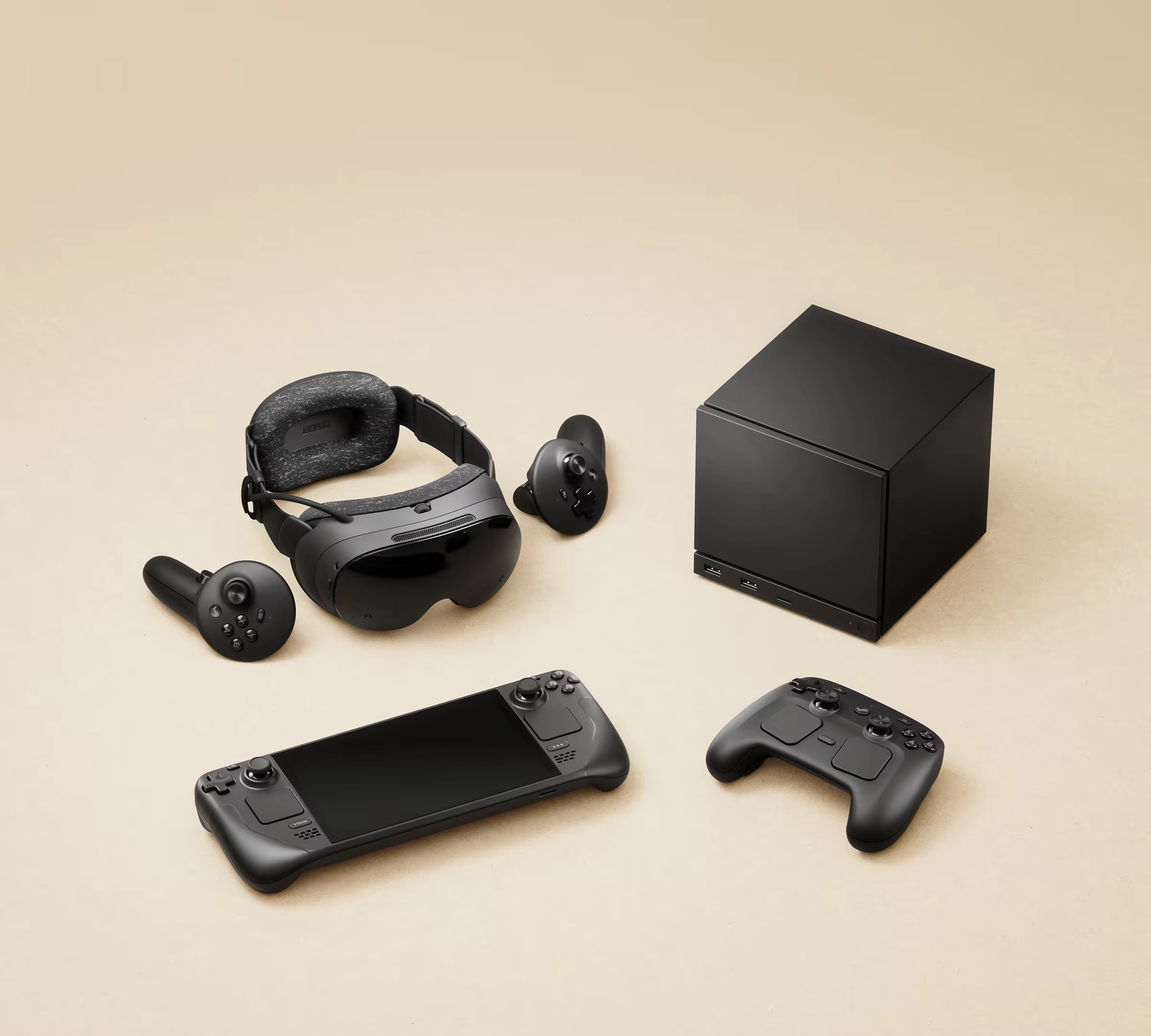 Read more: Steam Hardware
The announcement by Valve of new Steam hardware marks a continuation of Valve’s foray into the handheld and console market. This is probably the biggest shift since Sony entered the market with the PlayStation in 1994. Valve is the dominant game store on PC. In 2022, they released the Steam Deck, a Linux-based handheld with…
-
Stuxnet
 Read more: Stuxnet
Stuxnet was / is a virus that was developed to specifically target the centrifuges used in the Iranian uranium enrichment programme. Watch the video and read the above article from wired.com on Stuxnet. Use the information above and other sources to answer the questions. “Cyberwarfare is how most wars will be fought in…
-
Tilesets and Tilemaps in Godot 4
 Read more: Tilesets and Tilemaps in Godot 4
 -
Touch Input on Secondary Monitor in Windows 11
 Read more: Touch Input on Secondary Monitor in Windows 11
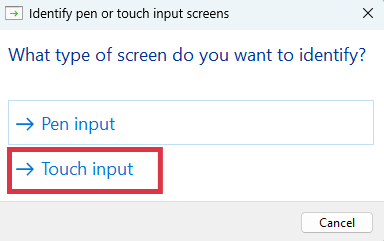
1. Open Control Panel 2. Click Hardware and Sound 3. Click Tablet PC Settings 4. Click Setup 5. Select Touch Input 6. Follow Onscreen Instructions 7. Click OK
-
Tron Catalyst
 Read more: Tron Catalyst
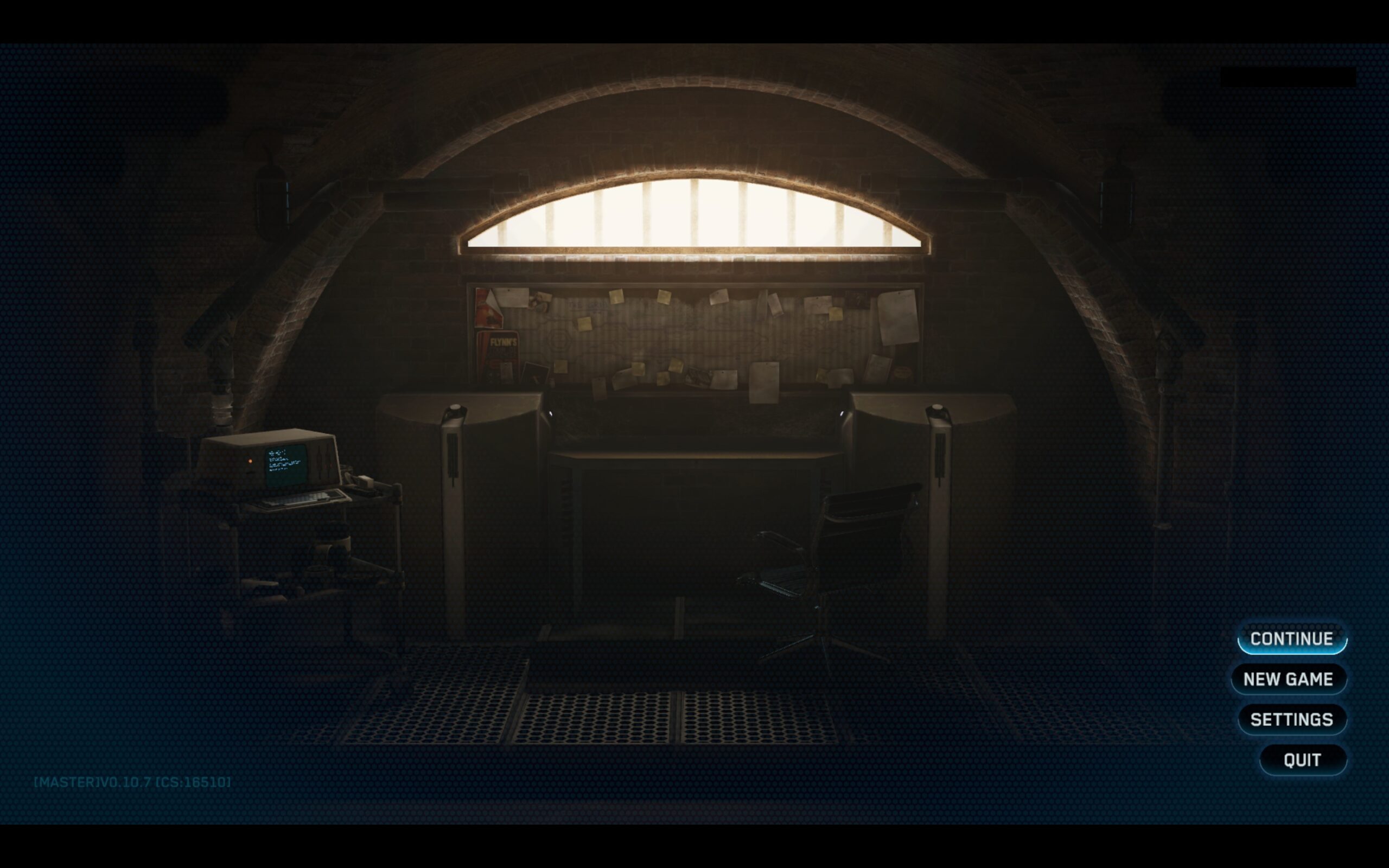
Tron Catalyst is based on the Disney Tron franchise. Although franchise is a loose term. The original movie Tron came out in 1982 and was an early pioneer of computer-generated graphics and the use of video games as a storytelling device.