- All
- 3D Modelling
- AI
- Audio
- Case Studies
- Computer Science
- CT
- Databases
- DDDO
- Digital Capability
- Digital Media
- Digital Technologies
- Electronics and Mechatronics
- Ethics
- Flask
- Game Development
- Gaming
- Generative AI
- GitHub
- Godot
- HCI
- Microsoft
- NCEA
- News
- NZC
- NZCE
- OCR
- Opinion
- Phase 4
- Phase 5
- Phases
- Programming
- Project Management Tools and Techniques
- Python
- Technology
- Testing and Trialing
- Uncategorized
- UX
- Version Control
- Web Design
- Windows
-
Creating models in Blockbench and using in Godot 4.
Read more: Creating models in Blockbench and using in Godot 4.Installing Blockbench Creating a Model Adding Textures Animating a Model Exporting models and importing into Godot 4
-
Flask | Adding Images
 Read more: Flask | Adding Images
Displaying images in a Flask application follows the exact same logic as linking external CSS files. Because Flask manages paths dynamically, you cannot use standard relative file paths like src=”../images/photo.jpg”. Instead, you use the built-in URL_for Function to tell Flask to look inside your designated directory. Here is a step-by-step Guide to organising, referencing, and…
-
Flask | Adding Styles with CSS
 Read more: Flask | Adding Styles with CSS
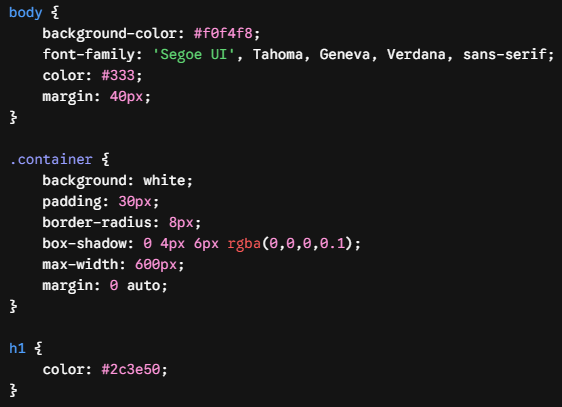
Serving Static files like CSS stylesheets in a web framework is slightly different from doing it in pure HTML. Because Flask manages paths dynamically, it uses a built-in Function called URL_for to safely locate and link your Static assets. Here is a step-by-step Guide to setting up, organising, and linking a CSS file to your…
-
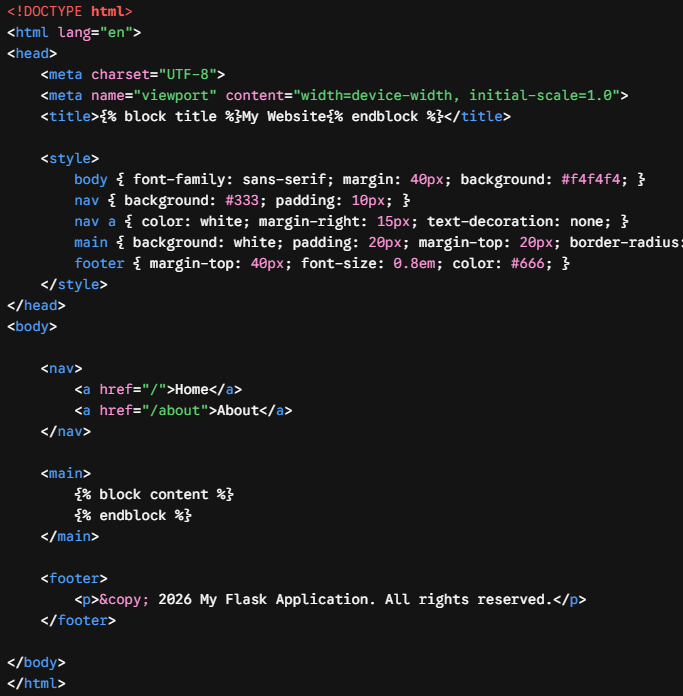
Flask | Template Inheritance
 Read more: Flask | Template Inheritance
In Flask, template inheritance is one of the most powerful features of the Jinja2 template engine. It allows you to create a single “master” layout (a base blueprint) containing your site’s common structure—like the HTML skeleton, navigation bar, and footer—and then inherit and override specific sections in your child templates. This prevents code duplication and…
-
GitHub Classroom – Creating an Assignment as a Teacher
 Read more: GitHub Classroom – Creating an Assignment as a Teacher
1. Go to classroom.github.com classroom.github.com 2. Click Sign In and sign in with your GitHub Account 3. Click New Classroom if you haven't made one already 3.1. Select the Organisation to use This groups the assignments together. Create an organisation if you Need one. 3.1.1. Enter the classroom name and click Create Classroom 3.1.2. Click…
-
GitHub Classroom Accepting and Setting up an Assignment (with Godot)
 Read more: GitHub Classroom Accepting and Setting up an Assignment (with Godot)
1. Select your name and select continue If you are not on the list select Skip to the next step 2. Enter a name for your team Not that only one team member should complete this step. The other team members can select the team to join. 3. Click Create Team Or Join Team if…
-
Godot 4 | Adding Audio
 Read more: Godot 4 | Adding Audio
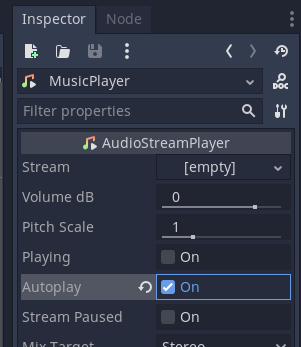
We will add audio to our game. This will involve adding music to the main level and sound effects when the player jumps. Importing Audio You can download free audio assets from kenney.nl here or use a tool to create your own. This example uses the Music Jingles and Impact Sounds audio asset packs. Extract the asset packs into your Assets…
-
Godot 4 Parallax Scrolling
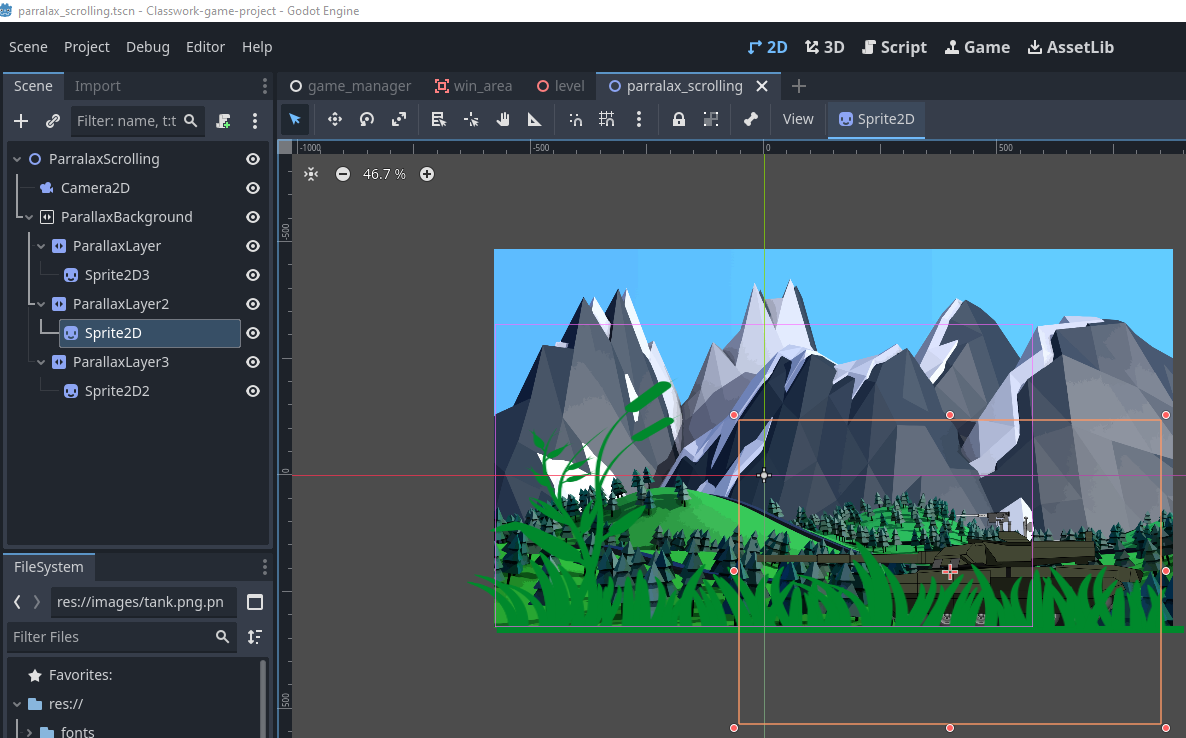 Read more: Godot 4 Parallax Scrolling
Scene Setup Start by creating a new 2D scene in Godot. Add ParallaxBackground Add ParallaxLayer(s) Add Visual Elements Configure Motion Scale This controls how fast each layer moves relative to the camera. References [1] docs.godotengine.org
-
How Generative AI Works
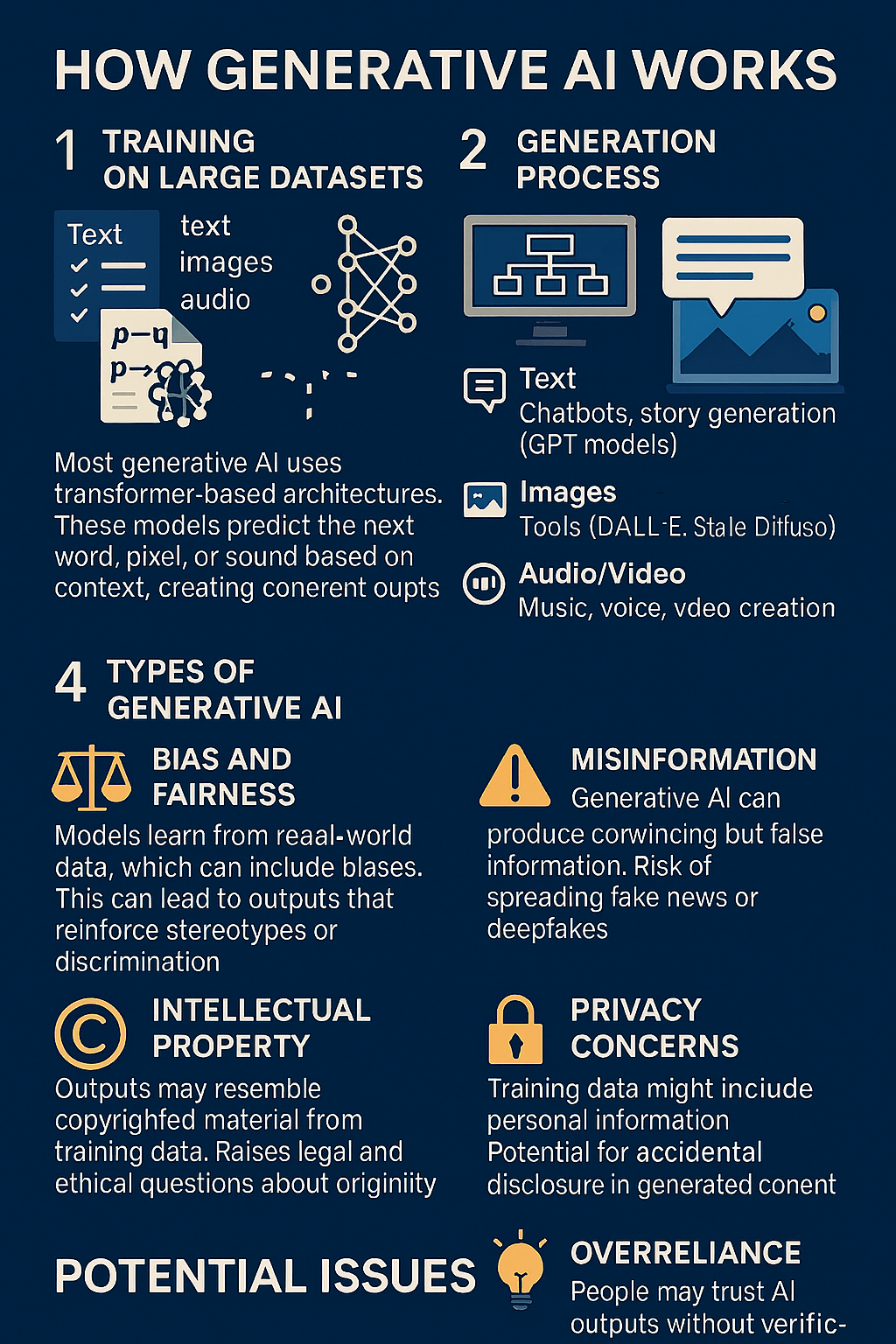 Read more: How Generative AI Works
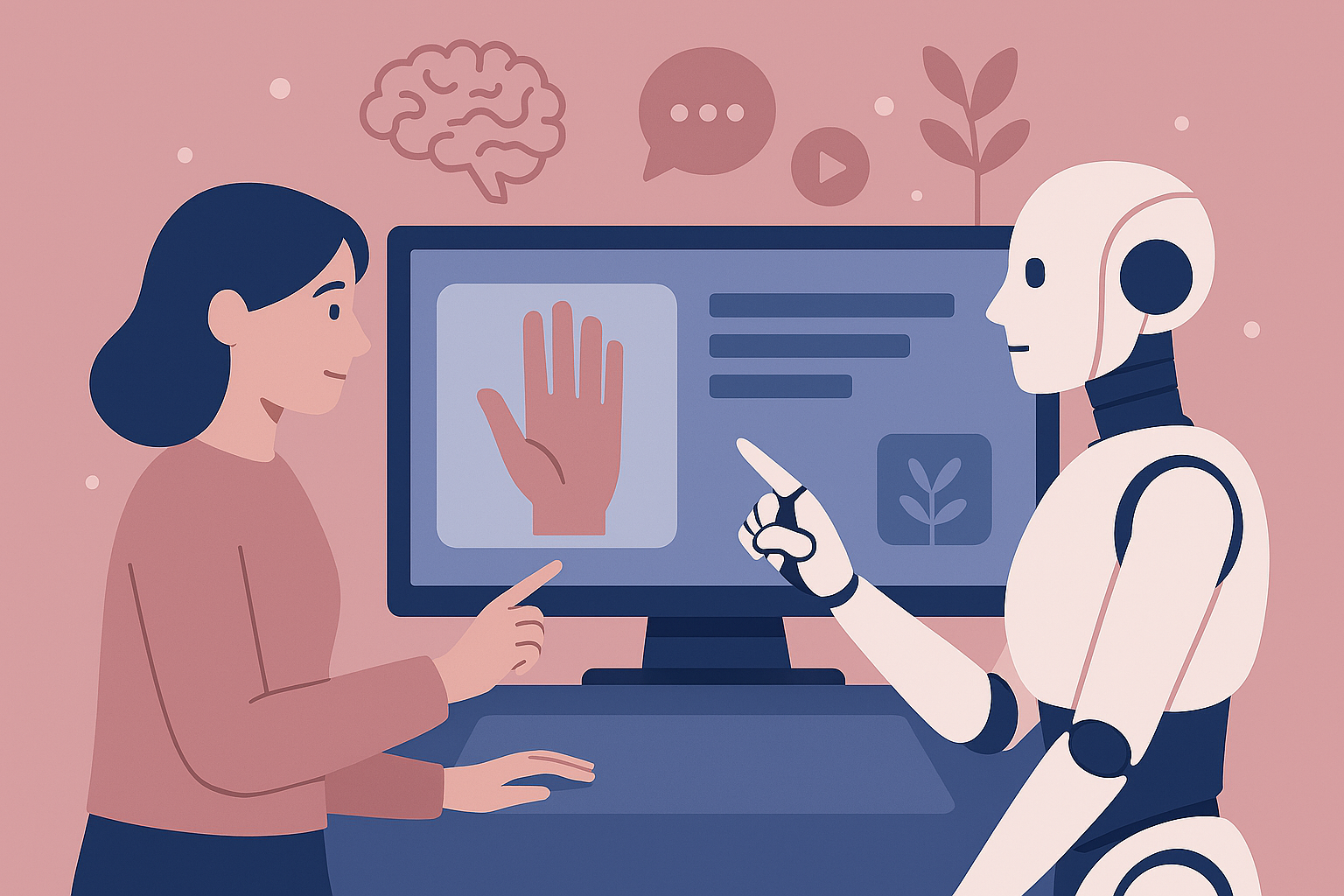
What is Generative AI? Generative AI refers to systems that can create new content—text, images, audio, or video—based on patterns learned from large datasets. How It Works Potential Issues The image below is an example of an infographic created using Generative AI. Note that, at first glance, it appears to meet the needs; however, upon…
-
Playing audio when an action occurs (Play on Jump)
 Read more: Playing audio when an action occurs (Play on Jump)
Now we want to add a sound that will play each time the user jumps. Open the Player scene. Add an AudioStreamPlayer2D to the root player object. When you select an audio file in the FileSystem you can then preview it using the Inspector. By default ogg files are imported with Loop enabled. Select the…