Now we want to add a sound that will play each time the user jumps.
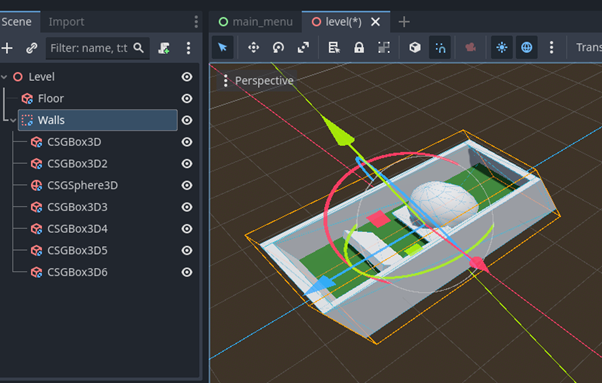
Open the Player scene.
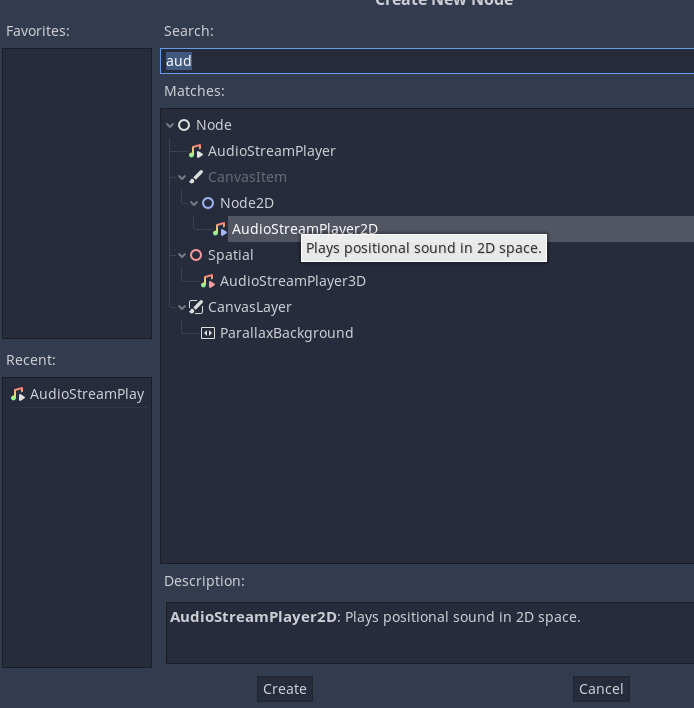
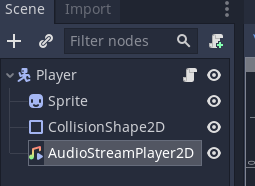
Add an AudioStreamPlayer2D to the root player object.
When you select an audio file in the FileSystem you can then preview it using the Inspector.
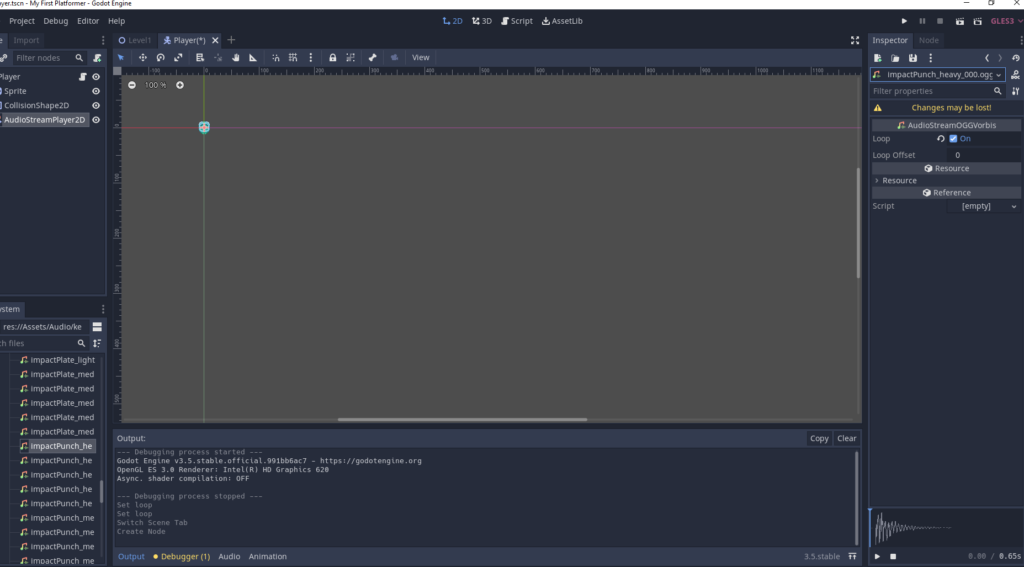
By default ogg files are imported with Loop enabled.
Select the audio file and then the Import tab (next to Scene)
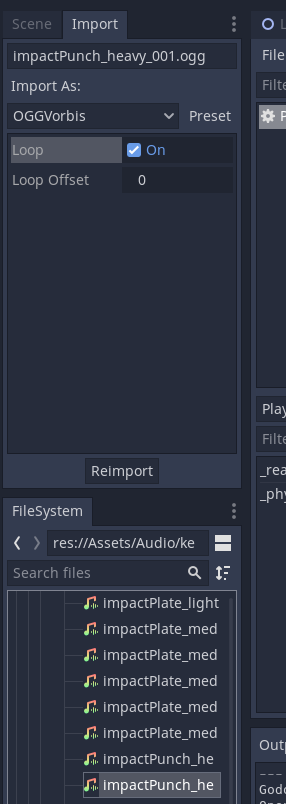
Uncheck the Loop checkbox.
Then click Reimport.
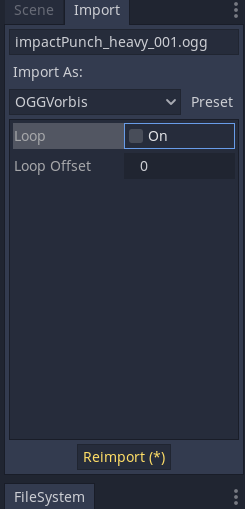
Switch back to Scene.
Add your chosen audio to the AudioSteamPlayer2D node.
We do not want it to autoplay as we will handle this with code later.
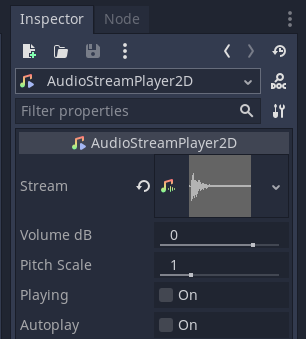
Select the audio stream and make sure that it is not set to Loop
Click on the scroll to open the script attached to the Player node.
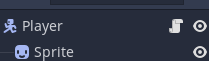
We are going to add code to the jump action so that the audio plays when the player jumps.
Add the points shown in 21 and 22 to add in a Variable for the audio player and to play the audio inside the jump press and on the ground Condition.
# 1 Extend the Character body node to allow for 2d physics
extends CharacterBody2D

# 2 Create a gravity Variable of type int and set it to 800
# In capitals as it is a constant and won't change
var GRAVITY : int = 80

# 3 Create a Variable to store the player velocity
# Set this to the type of a 2D vector e.g. x and y
var velocity: Vector2 = Vector2()
# 7 Create a Variable to set the speed of the player
# 20 Update the speed that the player moves
var speed : int = 50
# 14 Jump force
var jump : int = 50

# 4 Create a Sprite Variable and link it to the Sprite node. When the node is
# initialised.
@onready var Sprite = $Sprite
# 21 Add a Variable for the audio stream player
@onready var audioPlayer = $AudioStreamPlayer2D

# Called when the node enters the scene tree for the first time.
func _ready():
	pass # Replace with Function body.

# 5 Runs the physics updates to the game
func _physics_process(delta):
	# 6 Update the y axis velocity by the time elapsed
	velocity.y += delta * GRAVITY

	# 8 Check is the left input is pressed
	# note player_left is the action in the input map
	if Input.is_action_pressed("player_left"):
		# 9 Update the velocity by the speed of the player
		# 18 set x velocity to -speed to have fixed speed
		velocity.x = -speed
	# 10 do the same for the moving right
	elif Input.is_action_pressed("player_right"):
		# 19 set x velocity to speed to have fixed speed
		velocity.x = speed
	# 11 If left or right is not pressed set the x velocity to 0
	else:
		velocity.x = 0

	# 12 Flip the Sprite depending on the direction of movement
	if velocity.x < 0:
		Sprite.flip_h = false
	elif velocity.x > 0:
		Sprite.flip_h = true

	# 15 Detect the jump button being pressed
	# 17 Add the is_on_floor() check to the jump Condition
	if Input.is_action_just_pressed("player_jump") && is_on_floor():
		# 16 Multiply by -1 to turn the velocity into a negative value
		velocity.y = jump * -1
		# 22 Play the audio for the jump
		audioPlayer.play()

	# 13 Move the object, the second Parameter sets the vertical axis
	move_and_slide(velocity, Vector2.UP)
Test your program. When the player jumps the audio should play once.