Managing BYOD devices in schools is challenging. The operating systems used are continually changing, students use a Range of different devices.
In New Zealand (and a number of other countries) Microsoft now requires users under 16 to have a parent manage their account. This, combined with the fact that Microsoft does not allow school email to be used as a standalone account on Windows Home devices, creates a headache for schools during onboarding and device management.
By default Microsoft Family Safety is enabled. This is great for parents as they can use the tool to manage screen time and restrict Internet access. However, this required restricting the browser to Microsoft Edge, and schools cannot adjust device access during the school day. Parental intervention is required.
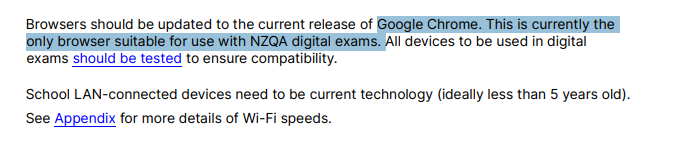
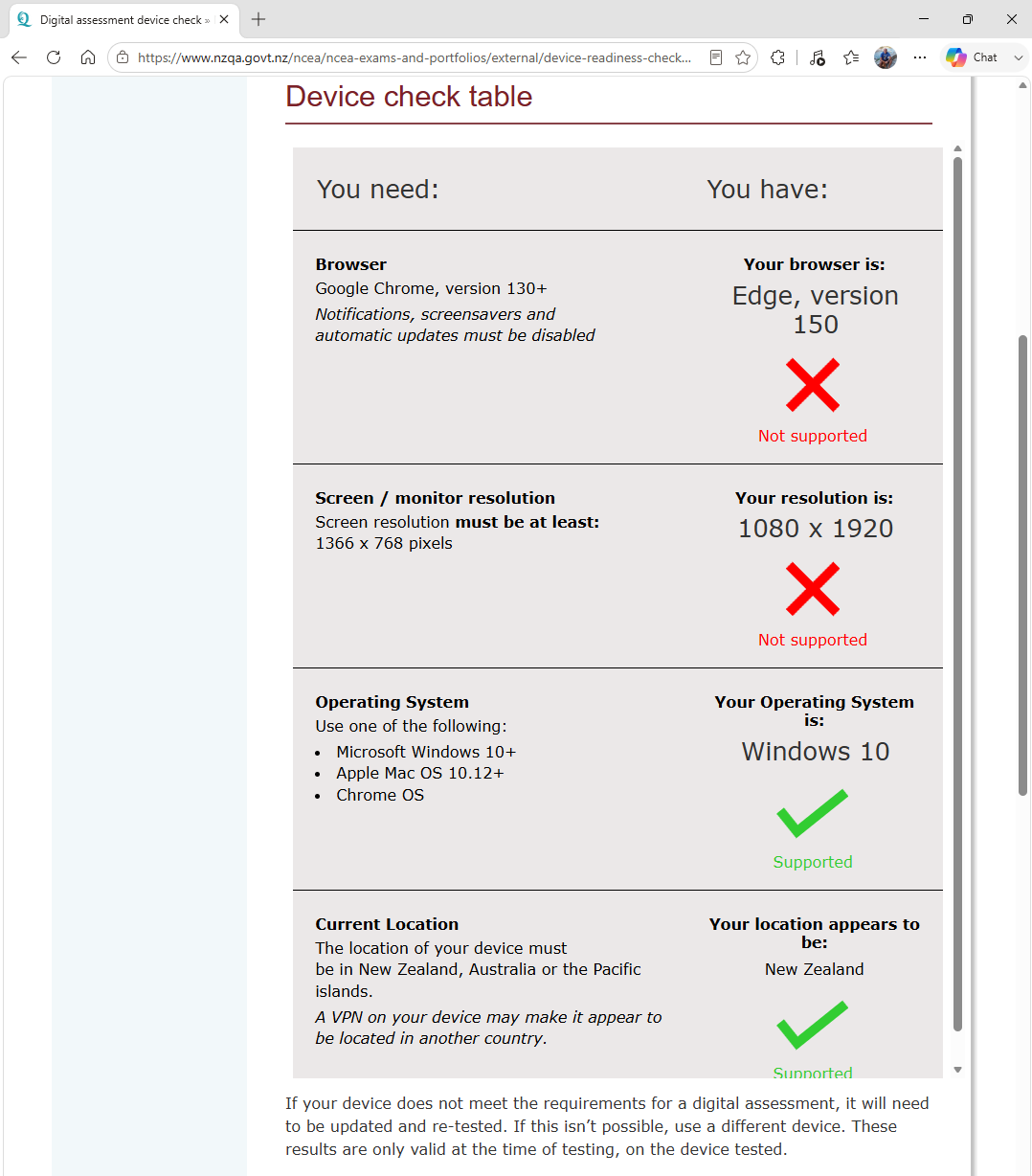
The NZQA Digital Assessment platform only officially supports Google Chrome. As a result, students whose parents have Microsoft Family Safety enabled on their device and web filtering enabled are unable to meet NZQA’s digital assessment requirements. NZQA are forcing schools to intervene in parental rights and responsibility so that students can use their own devices for assessment. There is no valid reason that Microsoft Edge cannot be used in the examination other than insufficient Testing and development of the Digital Assessment platform.
You can check if your device and browser meets NZQAs requirements here.