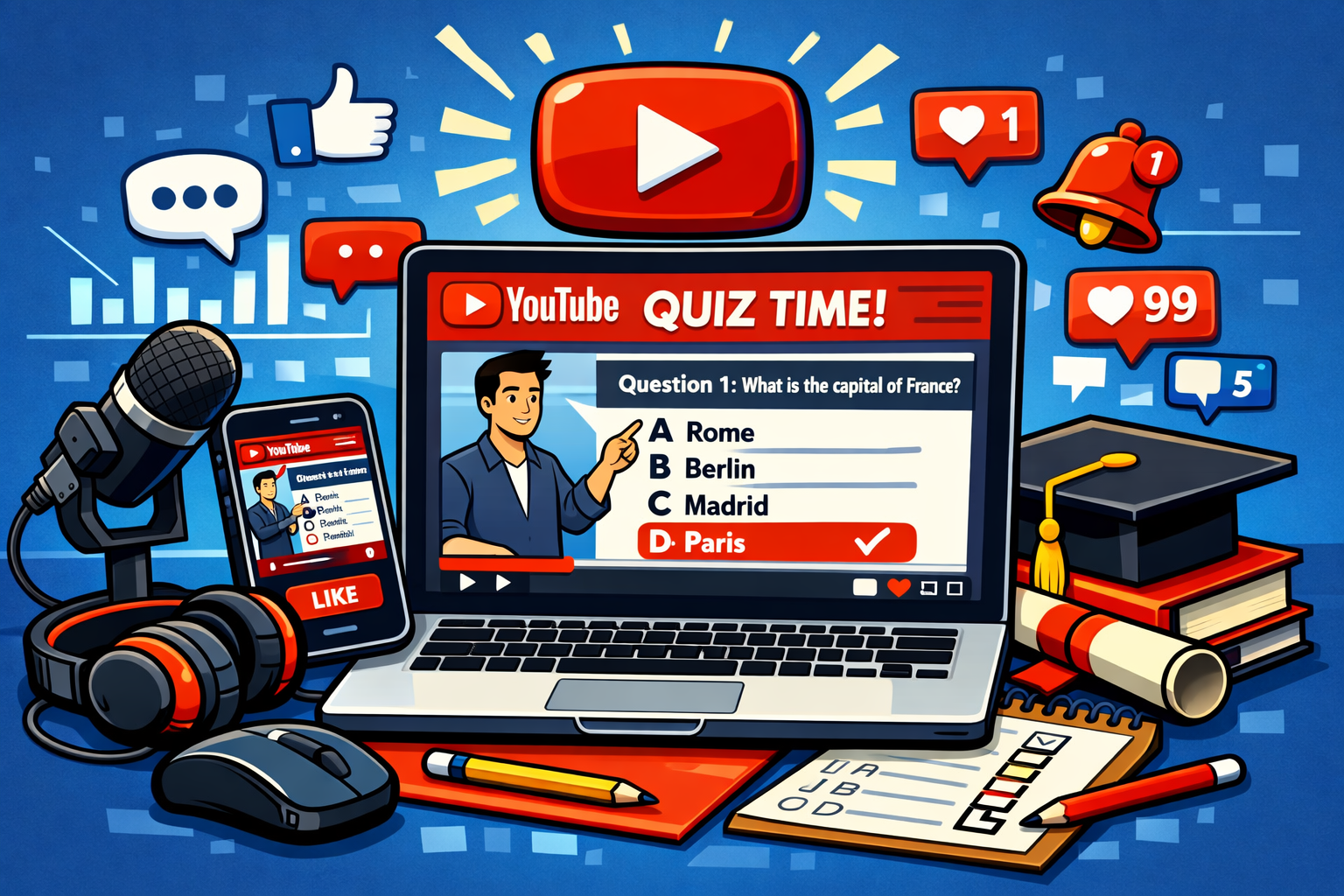
Click the video to view the playlist of all 10 Usability heuristics videos.
10 Usability Heuristics: Master Practice Test
Test your knowledge of the principles defined by Jakob Nielsen.
1. A user is filling out a multi-page form and sees a progress indicator at the top showing “Step 2 of 5.” Which Heuristic does this Support?
Show Answer & Rationale
Correct Answer: B
Rationale: The System should always keep users informed about what is going on. A progress bar or “Step X of Y” label provides immediate Feedback on the user’s current location in a process.
2. An e-book reader app uses a “page-turning” animation and a bookmark icon to save progress. This is an example of:
Show Answer & Rationale
Correct Answer: C
Rationale: This follows the principle of using concepts and metaphors that users are familiar with from their real-life experiences (physical books) rather than System-oriented terms.
3. When a user accidentally deletes an email, the System provides an “Undo” button in a toast notification. Which Heuristic is applied?
Show Answer & Rationale
Correct Answer: A
Rationale: Users often choose System functions by mistake and Need a clearly marked “emergency exit” to leave the unwanted state without having to go through an extended dialogue.
4. An application uses a “Save” icon (floppy disk) that looks the same and is in the same location across all its modules. This is an example of:
Show Answer & Rationale
Correct Answer: C
Rationale: Users should not have to wonder whether different words, situations, or actions mean the same thing. Internal and external consistency reduces the learning curve.
5. A travel website prevents a user from selecting a “Return Date” that is earlier than their “Departure Date” by graying out those dates on the calendar. This is:
Show Answer & Rationale
Correct Answer: C
Rationale: Even better than good error messages is a careful Design which prevents a problem from occurring in the first place.
6. A search bar that shows a dropdown of “Recent Searches” helps the user avoid having to remember what they looked for previously. This adheres to:
Show Answer & Rationale
Correct Answer: D
Rationale: Minimize the user’s memory load by making objects, actions, and options visible. The user should not have to remember information from one part of the dialogue to another.
7. Keyboard shortcuts like Ctrl+C and Ctrl+V are primarily examples of which Heuristic for Advanced users?
Show Answer & Rationale
Correct Answer: B
Rationale: Accelerators—unseen by the novice user—may often speed up the interaction for the expert user such that the System can cater to both inexperienced and experienced users.
8. A dashboard removes all secondary information and decorative graphics to focus entirely on three key Performance metrics. This is:
Show Answer & Rationale
Correct Answer: C
Rationale: Dialogues should not contain information which is irrelevant or rarely needed. Every extra unit of information in a dialogue competes with the relevant units of information.
9. A “404 Page Not Found” message explains that the link is broken and provides a button to return to the homepage. This follows:
Show Answer & Rationale
Correct Answer: A
Rationale: Error messages should be expressed in plain language (no codes), precisely indicate the problem, and constructively suggest a solution.
10. A software provides a searchable FAQ section and a “Getting Started” Guide. Which Heuristic is this?
Show Answer & Rationale
Correct Answer: B
Rationale: Even though it is better if the System can be used without documentation, it may be necessary to Provide help and documentation that is easy to search and focused on the user’s task.
11. After clicking ‘Submit’, the button turns gray and says ‘Processing…’ so the user doesn’t click it twice. This is:
Show Answer & Rationale
Correct Answer: B
Rationale: By changing the button text and state, the System provides immediate Feedback that the request is being handled, preventing confusion.
12. An app uses a “Trash Can” icon for deleting files. This is a metaphor based on which Heuristic?
Show Answer & Rationale
Correct Answer: C
Rationale: It maps a digital action (deletion) to a real-world object (throwing something in the trash), making the System more intuitive.
13. A photo editing app allows users to “Redo” an action they just “Undid.” This supports:
Show Answer & Rationale
Correct Answer: A
Rationale: Redo/Undo functionality provides the “emergency exit” required to give users a sense of Control over their actions.
14. If an Android app uses the standard “Back” button behavior expected by all Android users, it is following:
Show Answer & Rationale
Correct Answer: B
Rationale: External consistency ensures that users aren’t confused when switching between different apps on the same platform.
15. A pop-up asks, “Are you sure you want to quit without saving?” This is an example of:
Show Answer & Rationale
Correct Answer: C
Rationale: This is a confirmation dialogue designed to prevent a high-cost error (losing work) from happening accidentally.
16. A menu displays icons next to text labels (e.g., a printer icon next to ‘Print’). This helps users via:
Show Answer & Rationale
Correct Answer: A
Rationale: The icon acts as a visual cue that allows users to recognize the Function quickly without having to read or recall what the specific menu item does.
17. Allowing a user to set “Custom Presets” for their preferred workspace layout is an example of:
Show Answer & Rationale
Correct Answer: A
Rationale: Personalization allows expert users to tailor the interface to their specific frequent tasks, increasing their efficiency.
18. A website uses large, high-quality images but keeps the navigation simple and the text concise. Which Heuristic does this lean toward?
Show Answer & Rationale
Correct Answer: A
Rationale: This Heuristic isn’t just about beauty; it’s about removing noise. Concise text and simple navigation Ensure the most important content stands out.
19. An error message says: “Invalid Input: Code 0x8004.” Why does this fail the heuristics?
Show Answer & Rationale
Correct Answer: C
Rationale: Heuristic #9 states error messages should be in plain language and constructively suggest a solution, not use cryptic internal codes.
20. Context-sensitive help, where a user can click a small ‘?’ icon next to a field to see its definition, is:
Show Answer & Rationale
Correct Answer: A
Rationale: This provides documentation right at the point of Need, making it much more effective than a giant manual.
21. A user knows that ‘Swipe Left’ usually deletes an item in most apps. If your app uses ‘Swipe Left’ to archive, it violates:
Show Answer & Rationale
Correct Answer: C
Rationale: This violates external consistency standards, where users expect familiar gestures to have the same meaning across different applications.
22. Breadcrumbs at the top of a page (Home > Products > Electronics) primarily Support which Heuristic?
Show Answer & Rationale
Correct Answer: A
Rationale: Breadcrumbs inform the user of their current location within the hierarchy of the site, fulfilling the Need for System status visibility.
23. Using a “House” icon for the homepage is an example of which principle?
Show Answer & Rationale
Correct Answer: A
Rationale: It uses a real-world metaphor (home) to represent the starting point of the navigation.
24. Why is a ‘Search’ button usually better than just pressing ‘Enter’?
Show Answer & Rationale
Correct Answer: C
Rationale: Having a visible button means the user doesn’t have to remember (recall) the key command; they can see (recognize) the action available.
25. Allowing users to “Skip” an intro video is an application of:
Show Answer & Rationale
Correct Answer: B
Rationale: Users should be able to exit or bypass non-essential sequences, giving them authority over their experience.
End of Practice Test
Great job! Remember that these 10 heuristics are “rules of thumb” rather than absolute laws. Always test with real users!