This Guide will step you through downloading and installing GitHub Desktop onto your computer.
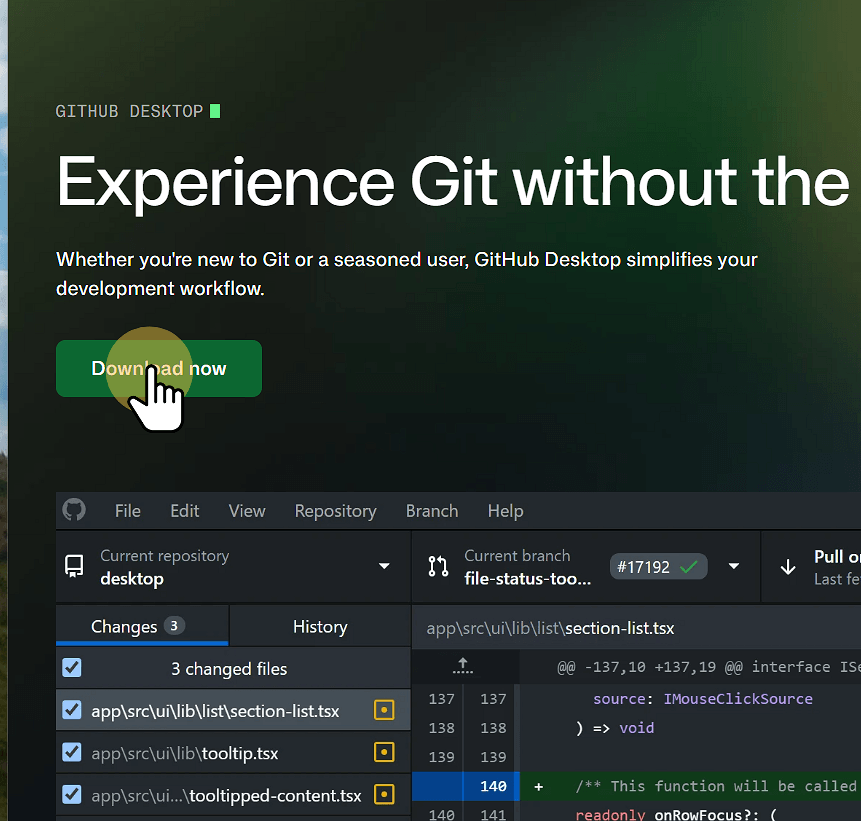
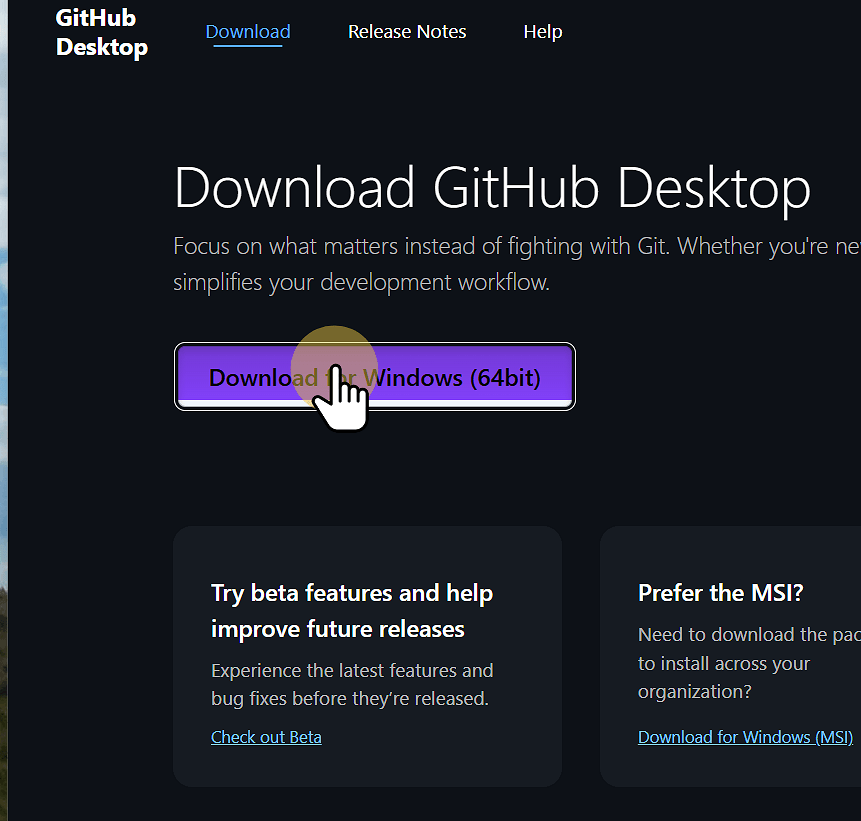
2. Click Download for Windows (or Mac or Linux)
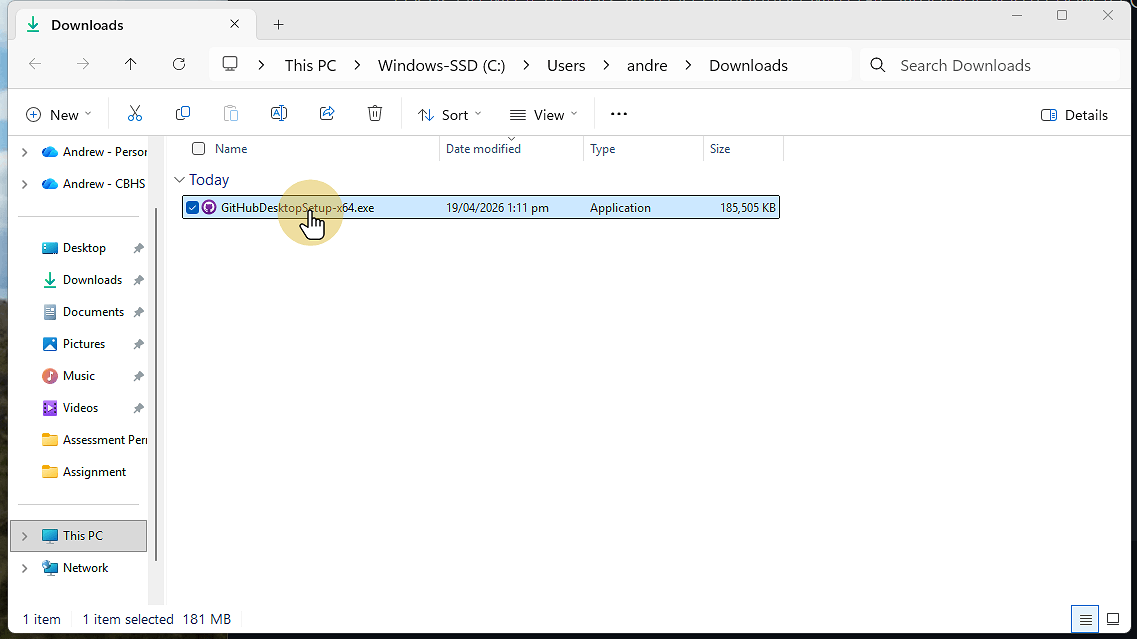
3. Go to your downloads folder and run the file
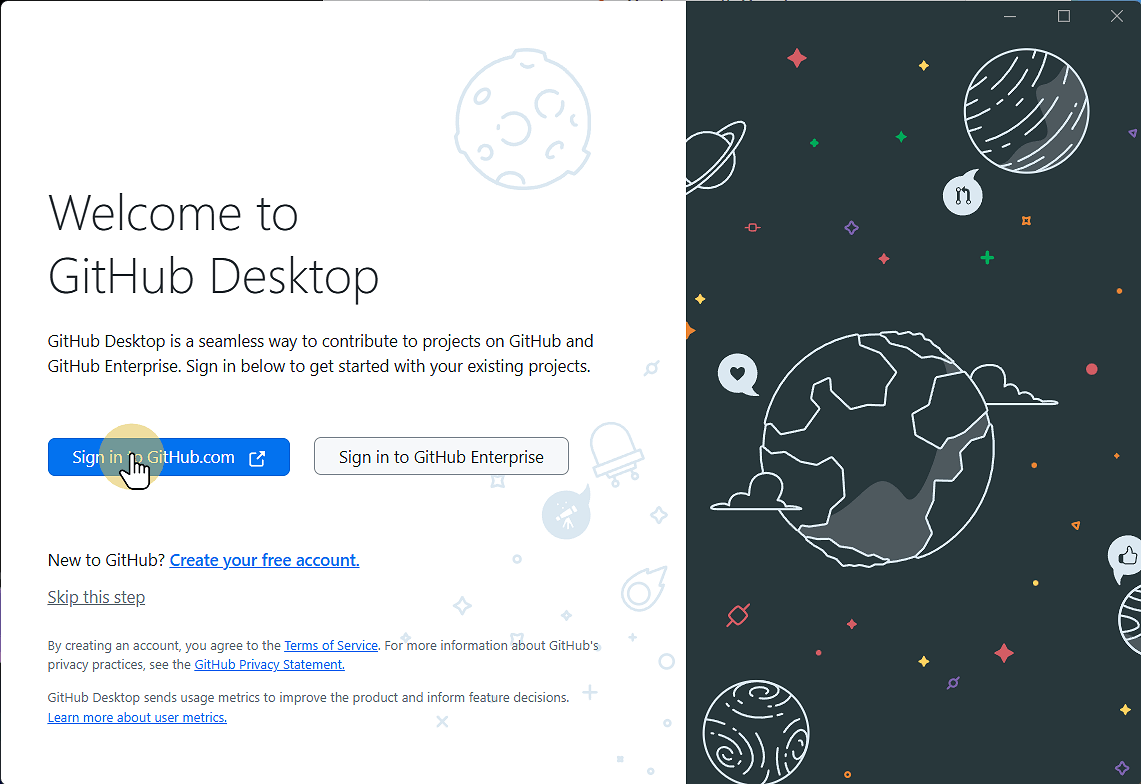
4. Wait for the installer to complete, then click Sign in to GitHub.com
If you so
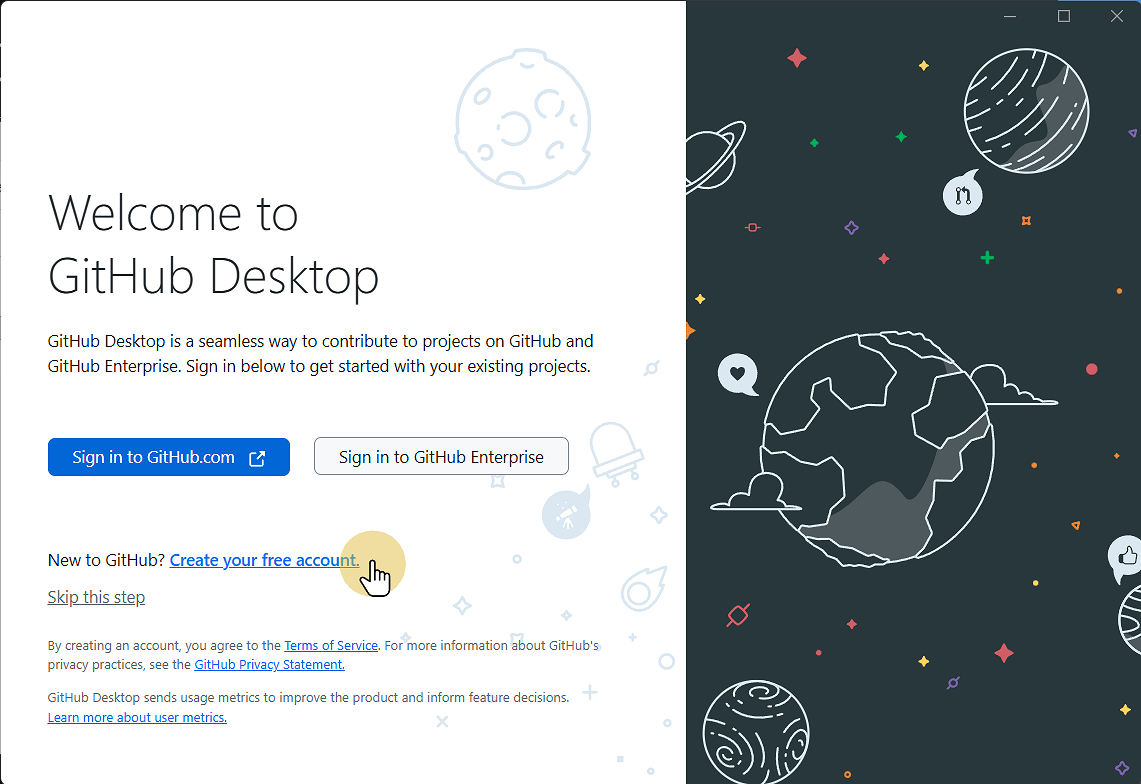
4.1. If you do not have a GitHub account click Create account
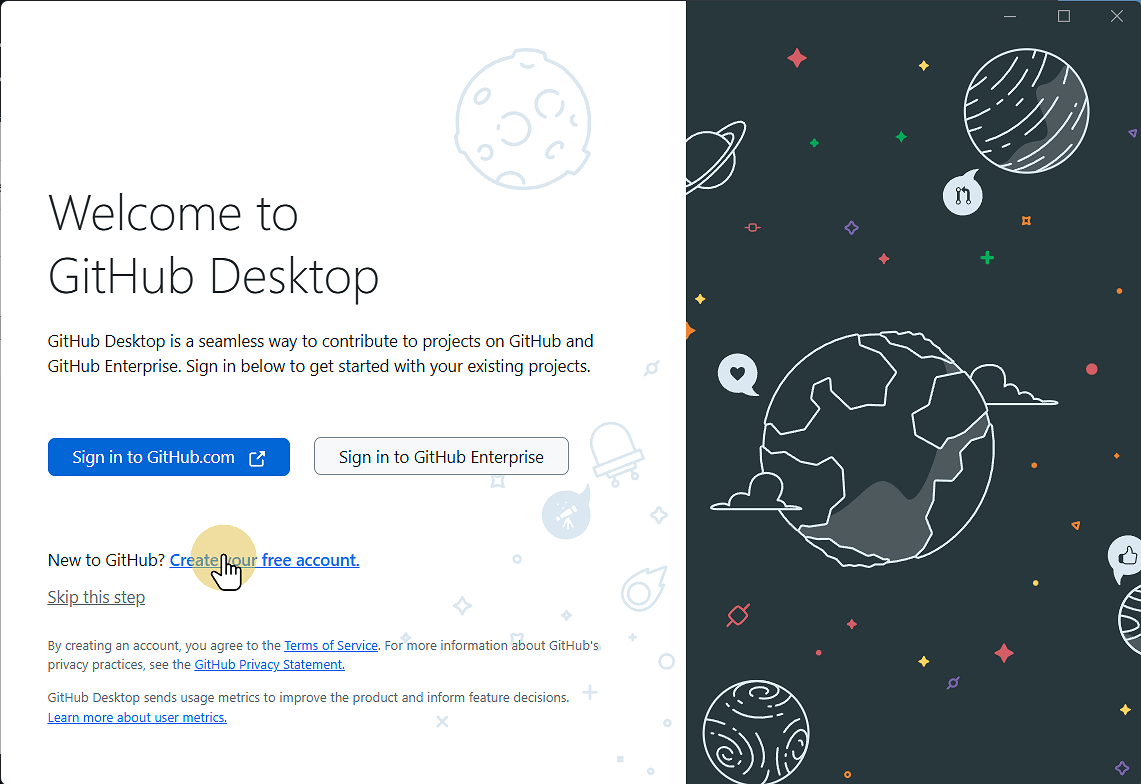
4.2. Complete the sign up form
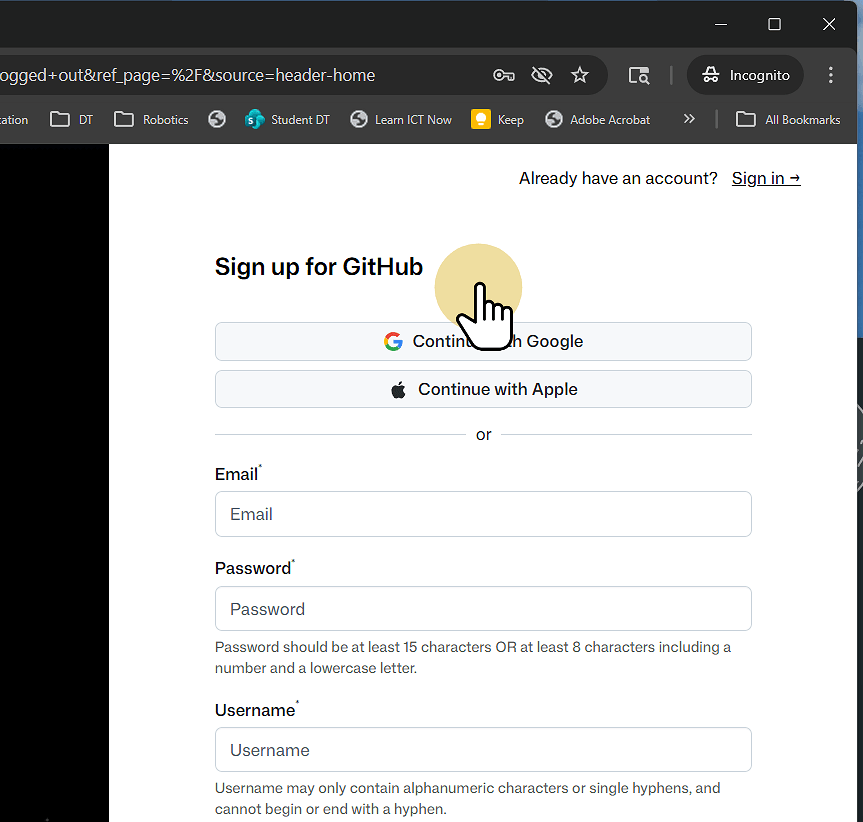
4.3. Return to GitHub Desktop
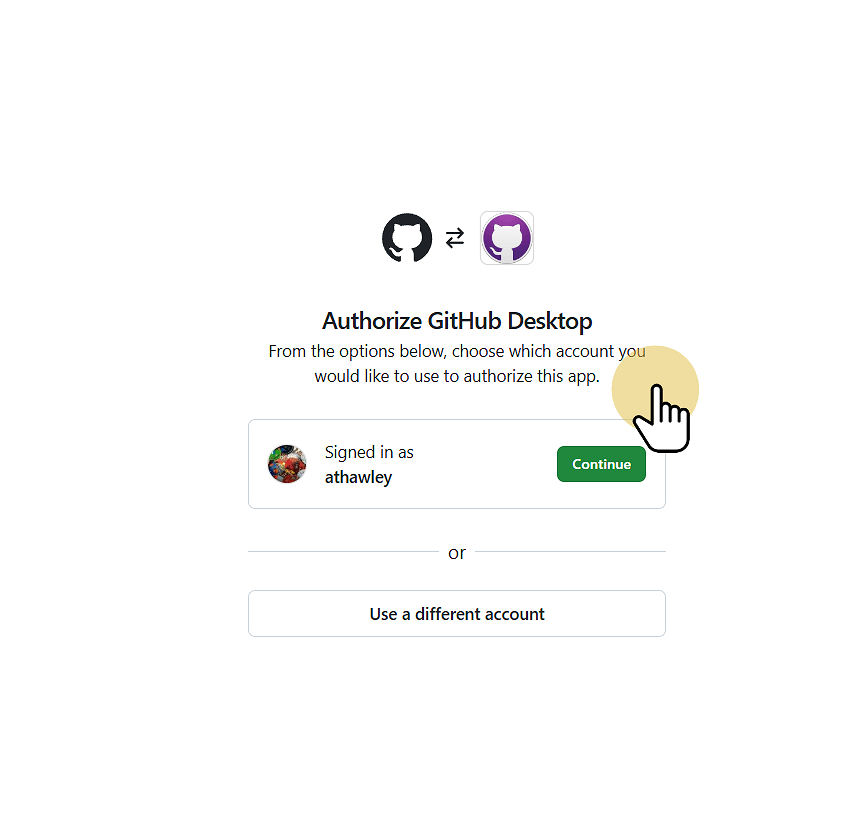
5. Sign in to your GitHub account and click Continue to link GitHub Desktop and your GitHub account
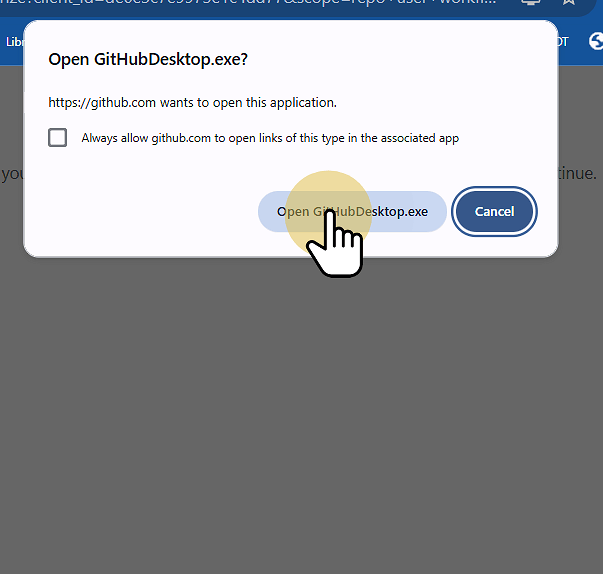
6. Click Open GitHubDesktop.exe to complete the link
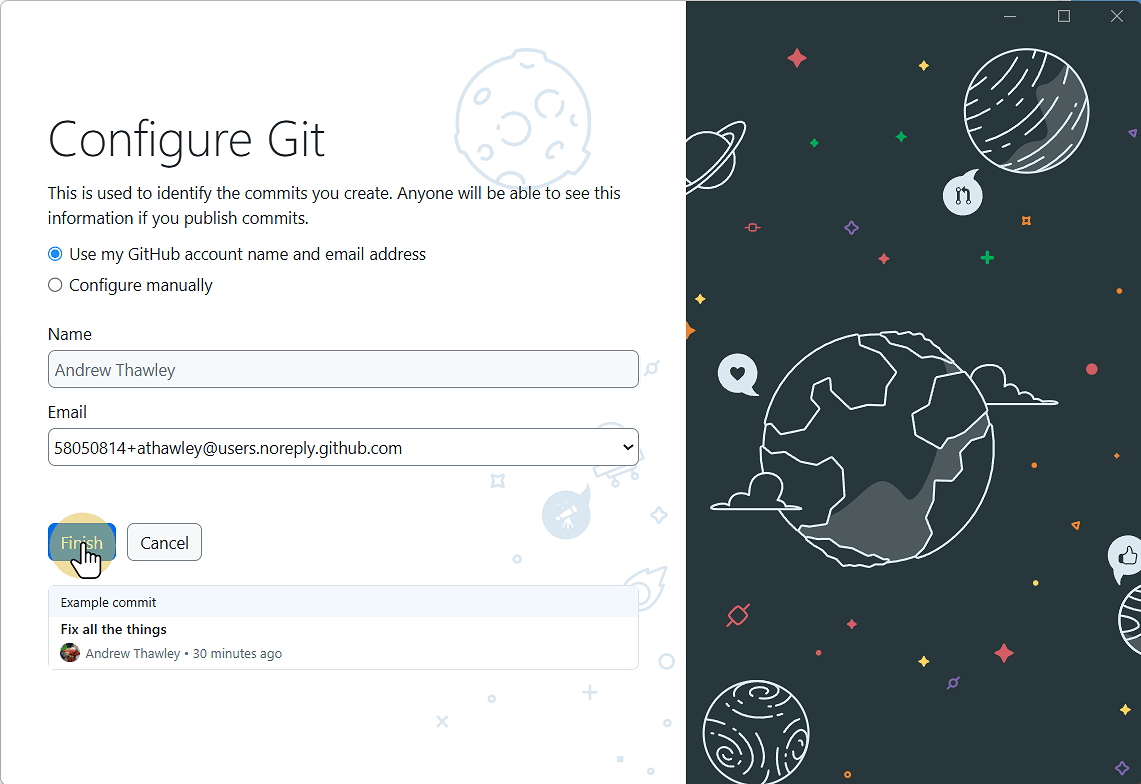
7. Click Finish
You have now setup GitHub Desktop