
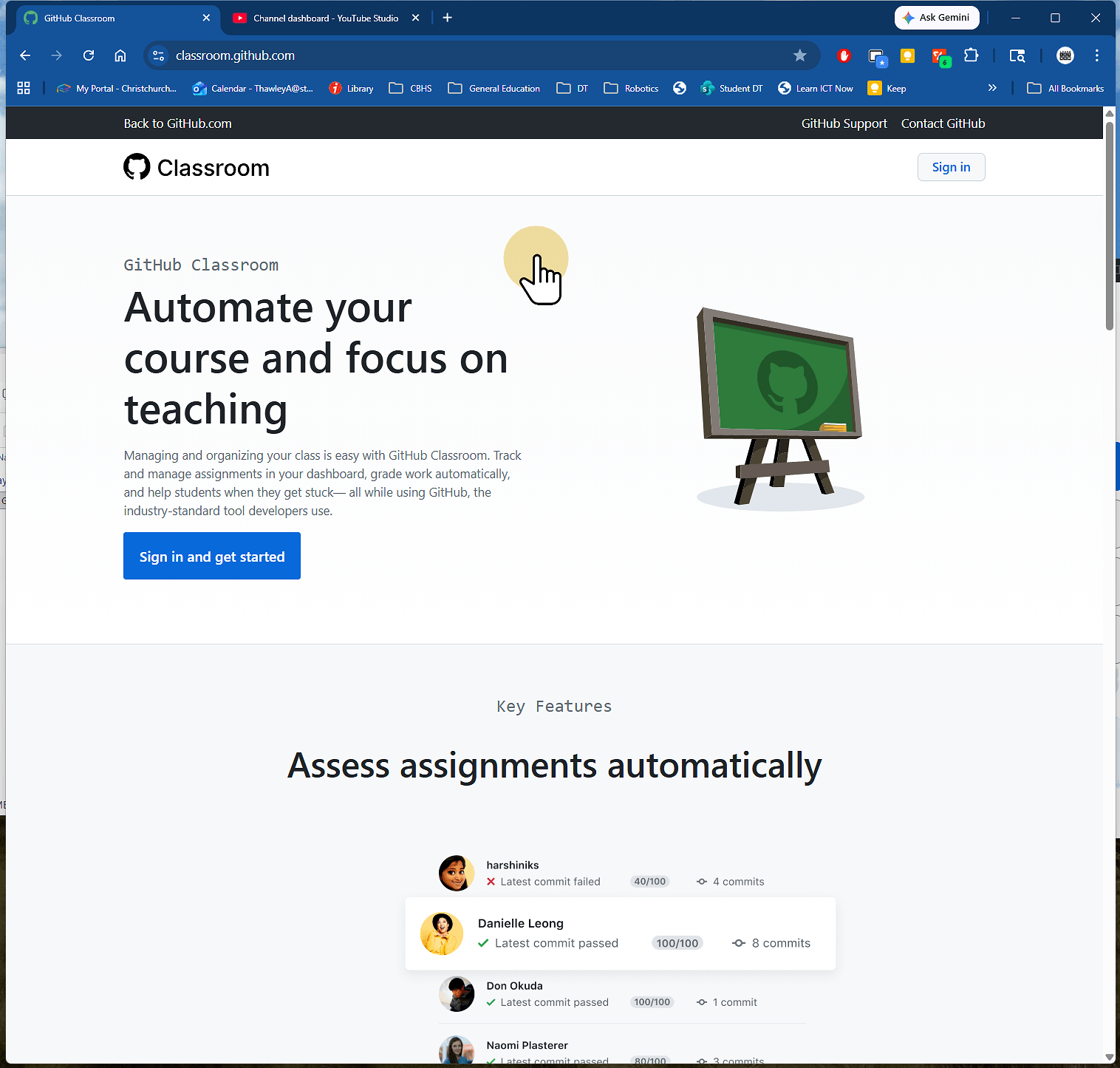
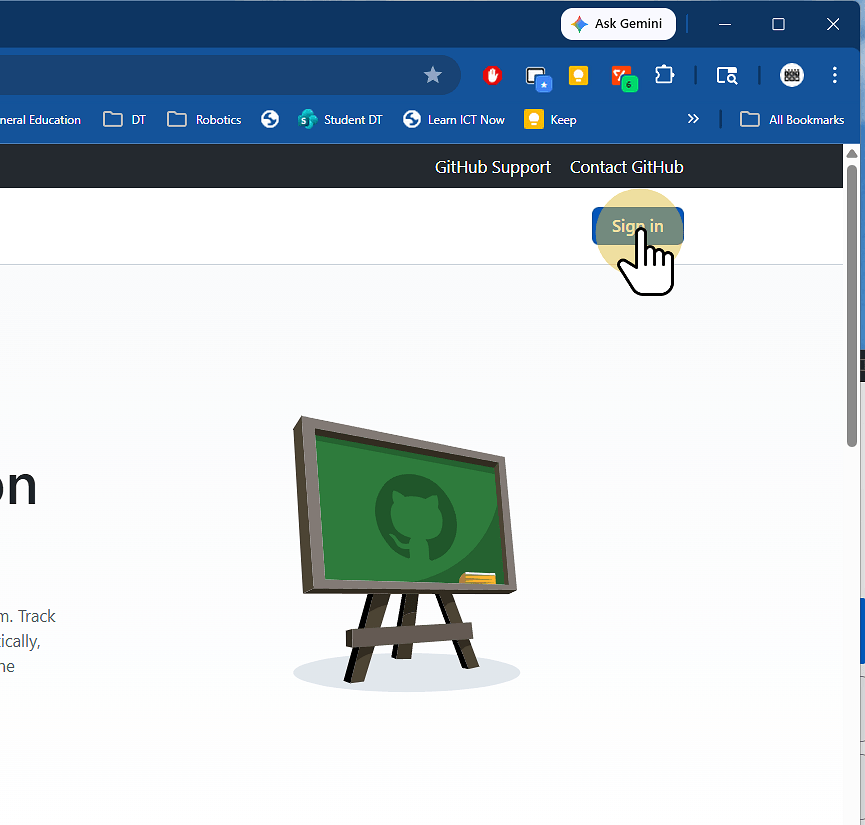
2. Click Sign In and sign in with your GitHub Account
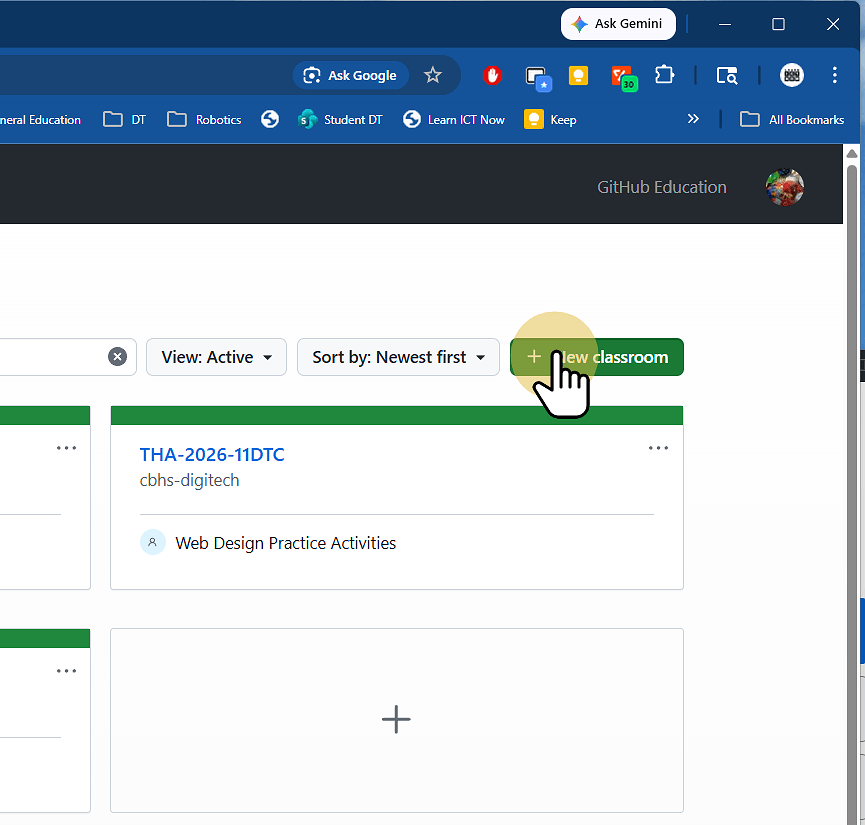
3. Click New Classroom if you haven't made one already
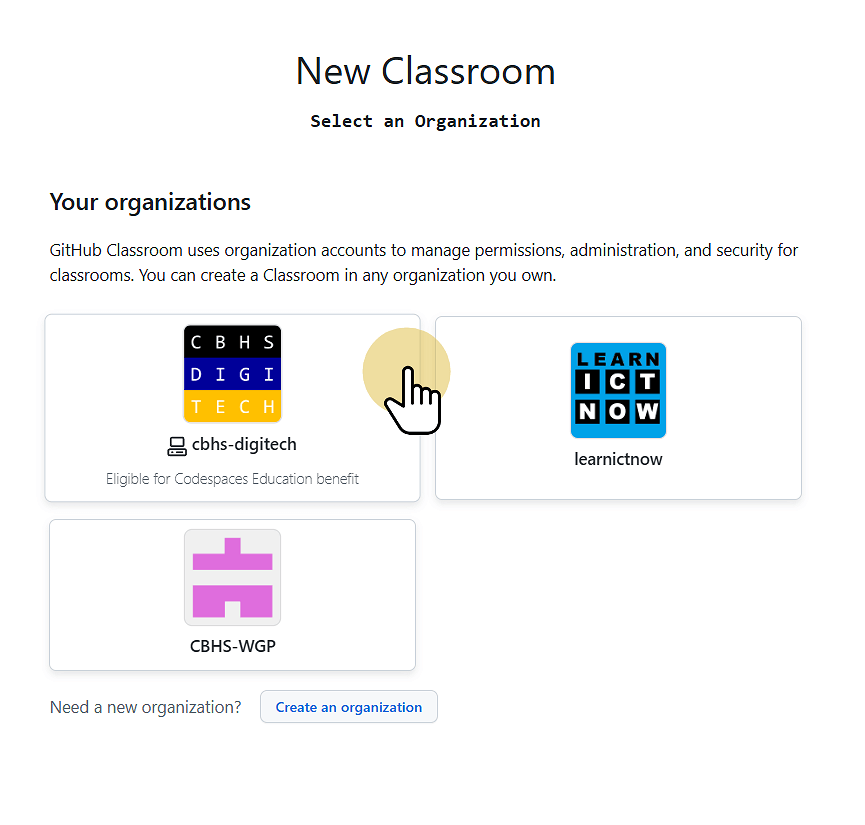
3.1. Select the Organisation to use
This groups the assignments together. Create an organisation if you Need one.
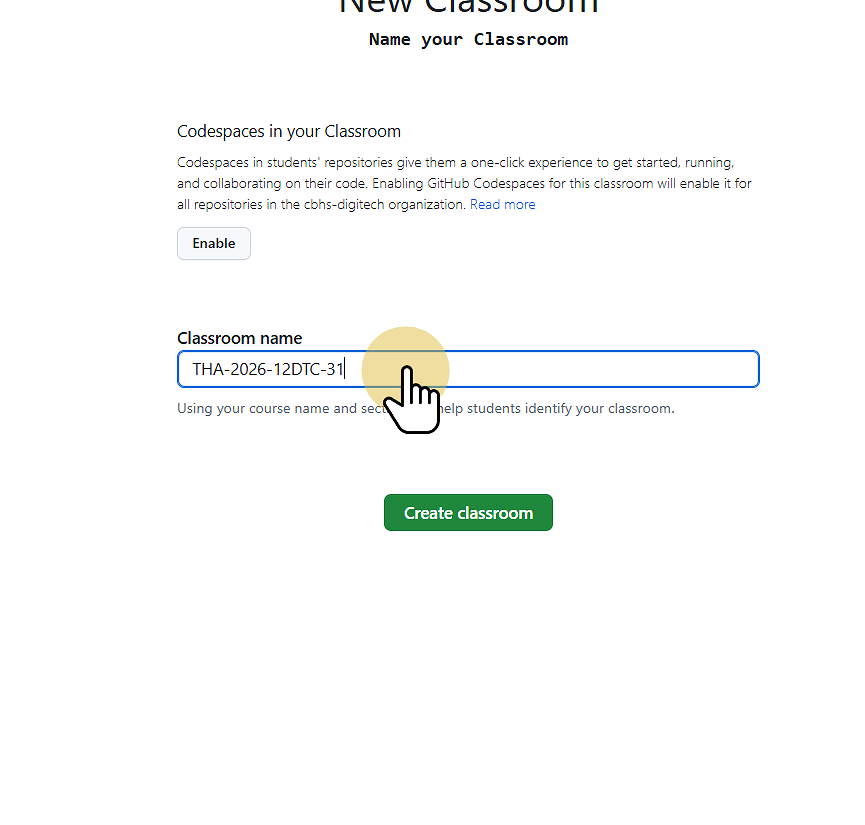
3.1.1. Enter the classroom name and click Create Classroom
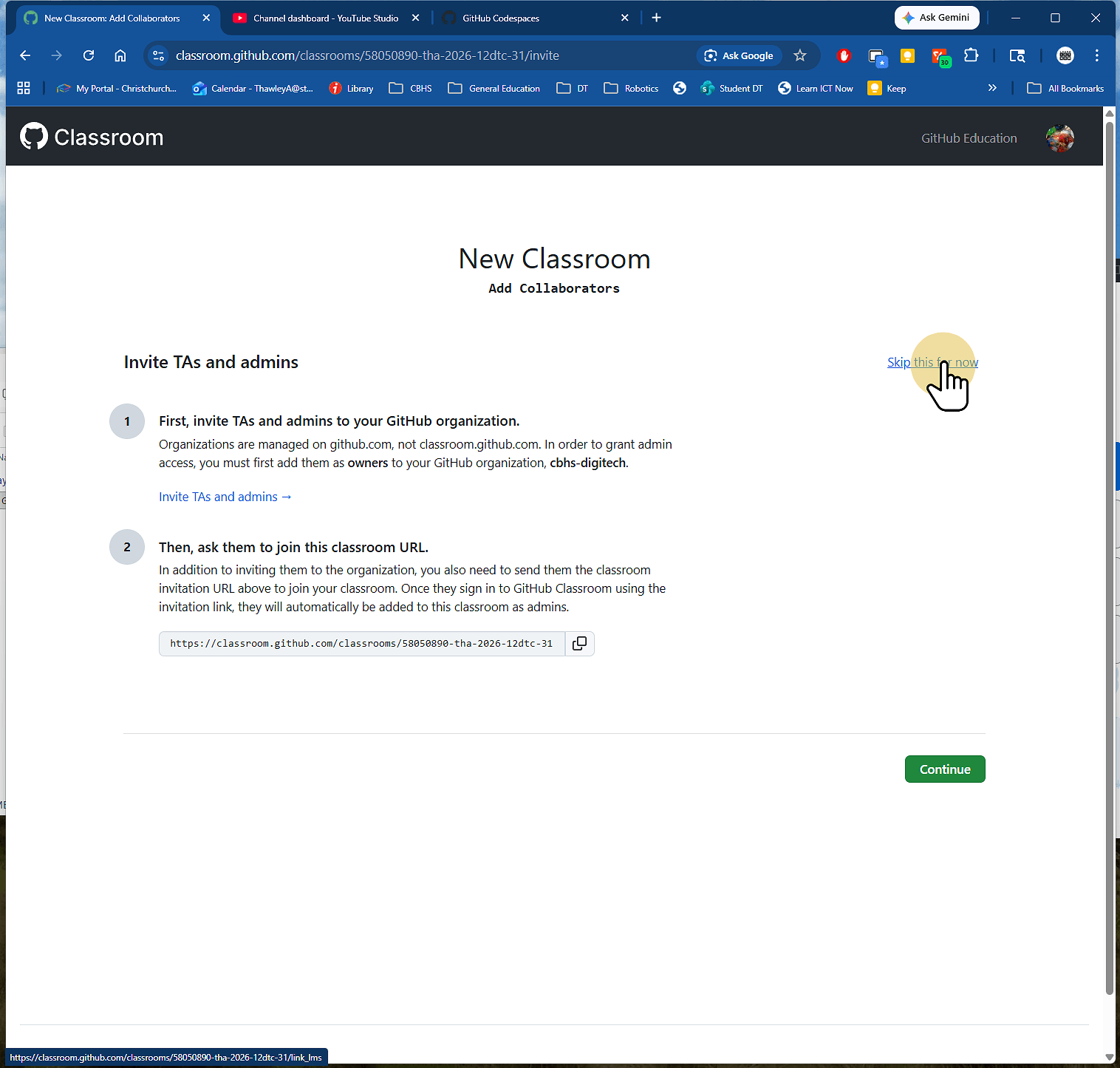
3.1.2. Click skip this for now
On the next screen paste the names of all of the students in the class, one per line
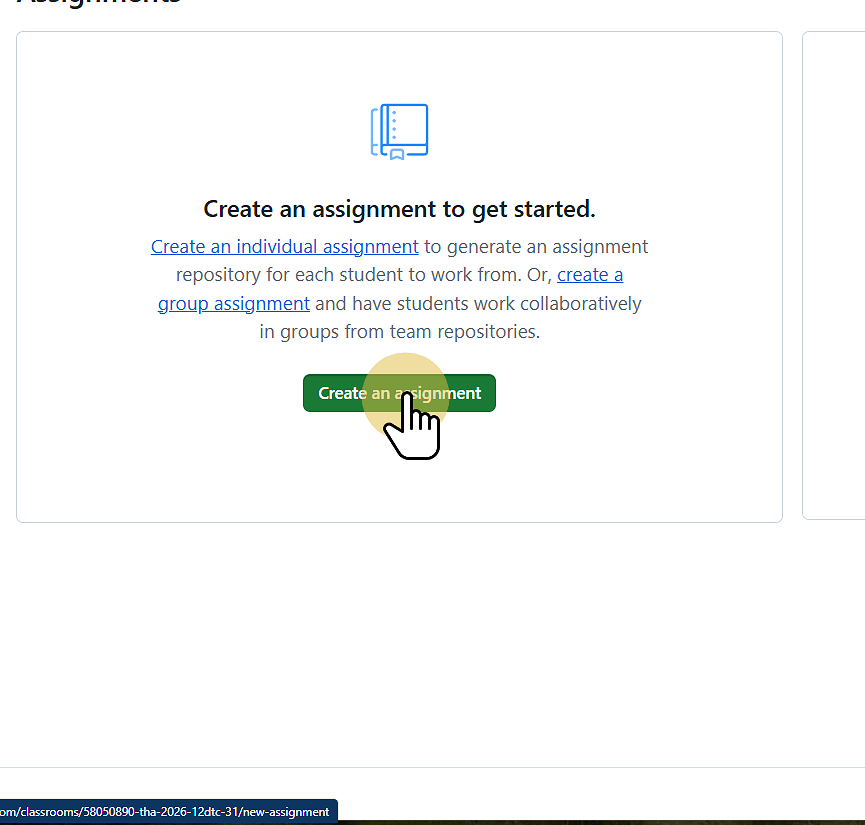
4. Click Create an Assignment
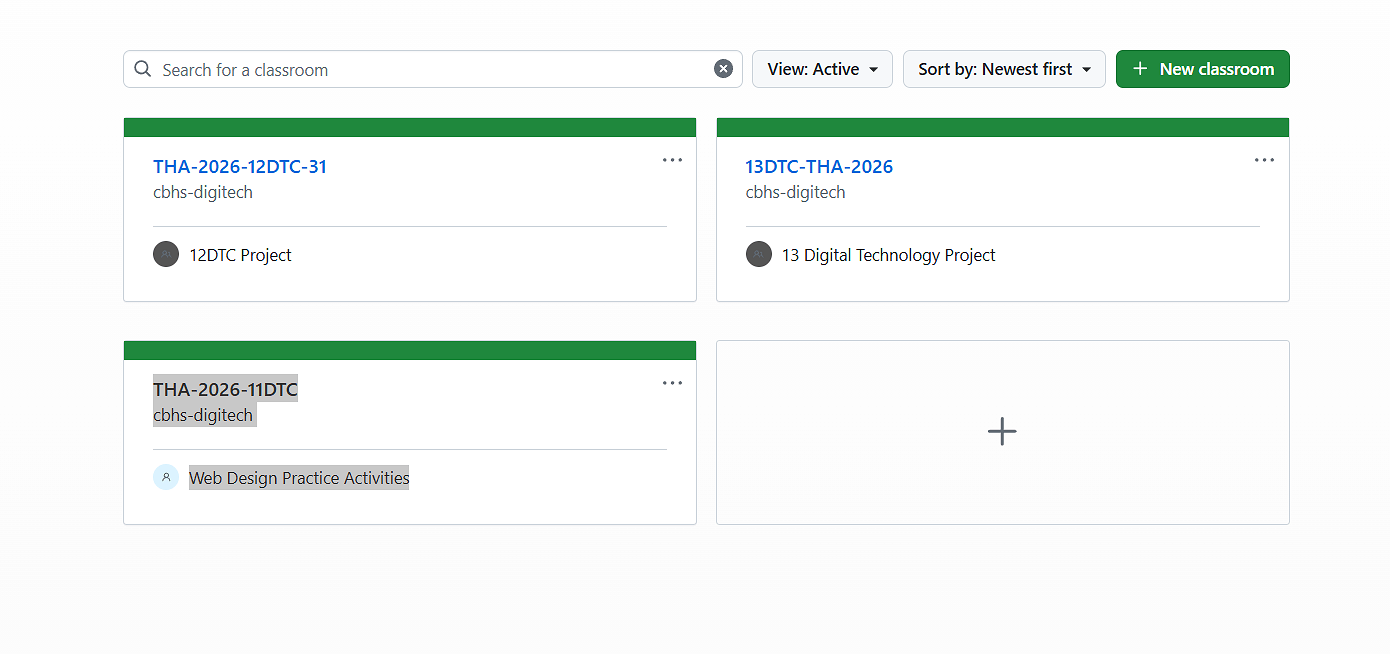
5. Click … and select Create Assignment
6. Give the assignment a title
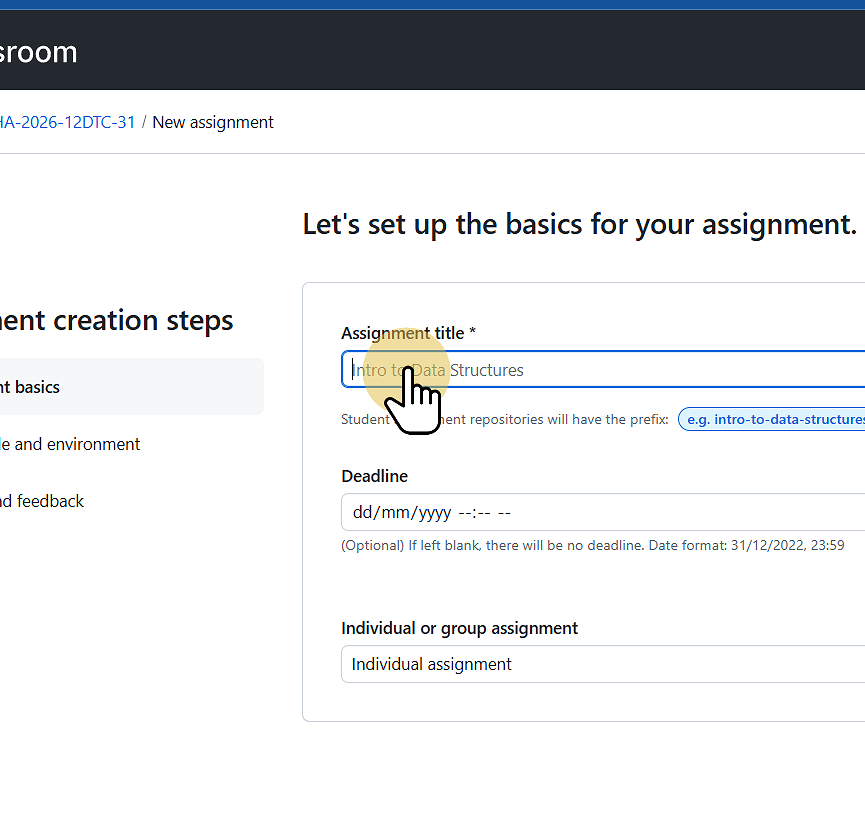
7. Select if the assignment ios individual or group
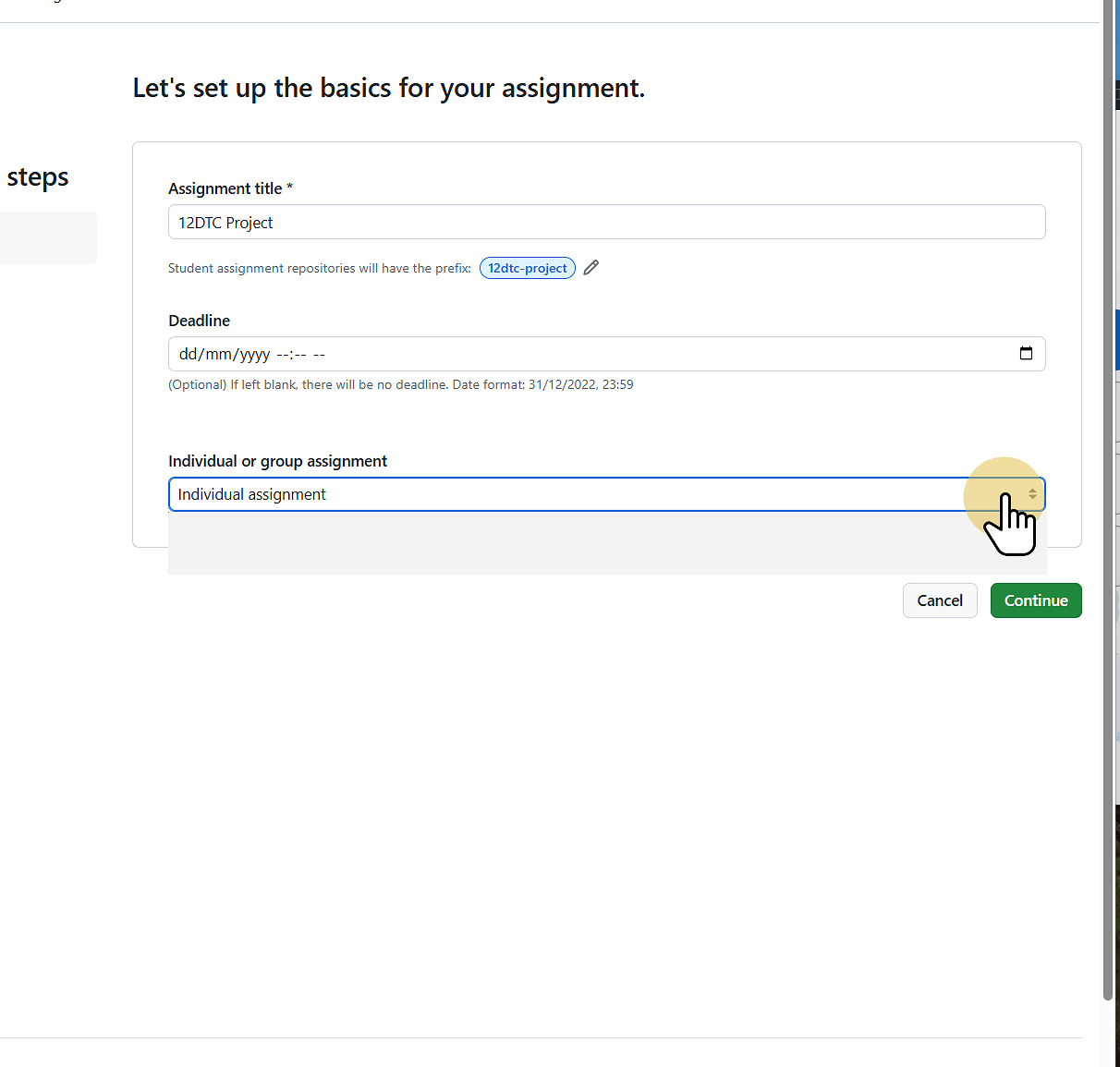
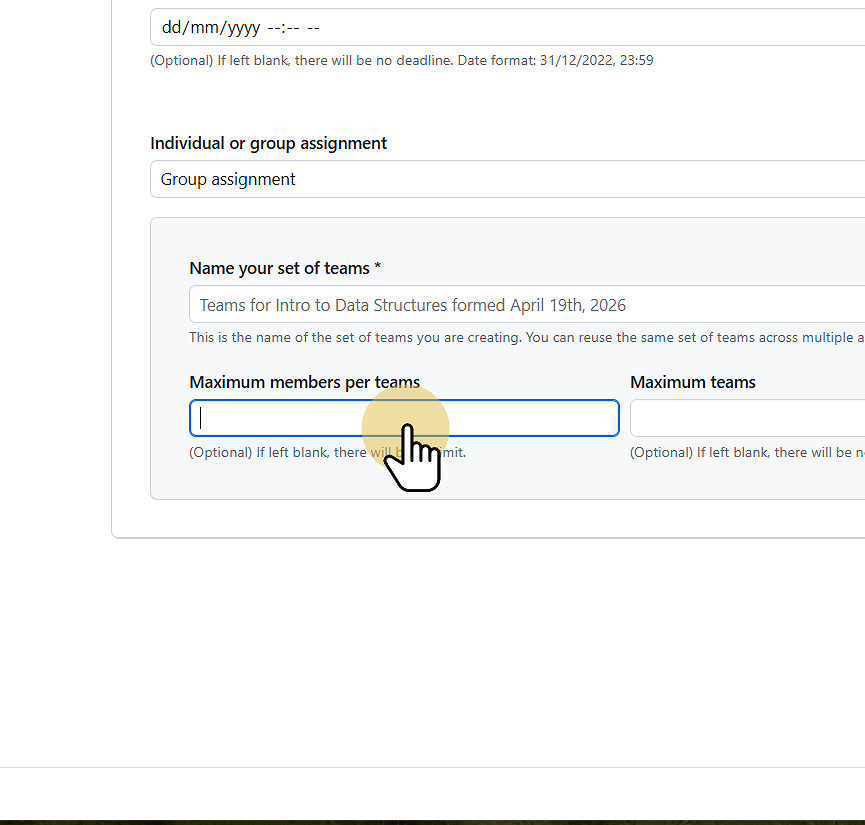
7.1. If a group assignment set the maximum number of people per team if this is required
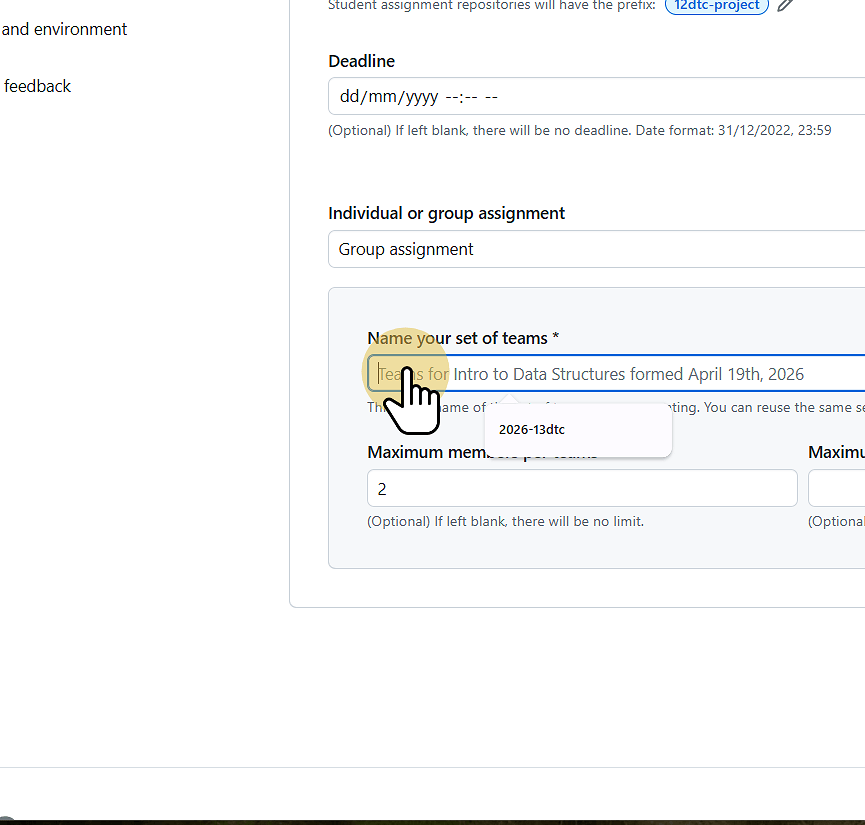
7.2. Enter a prefix name for the teams
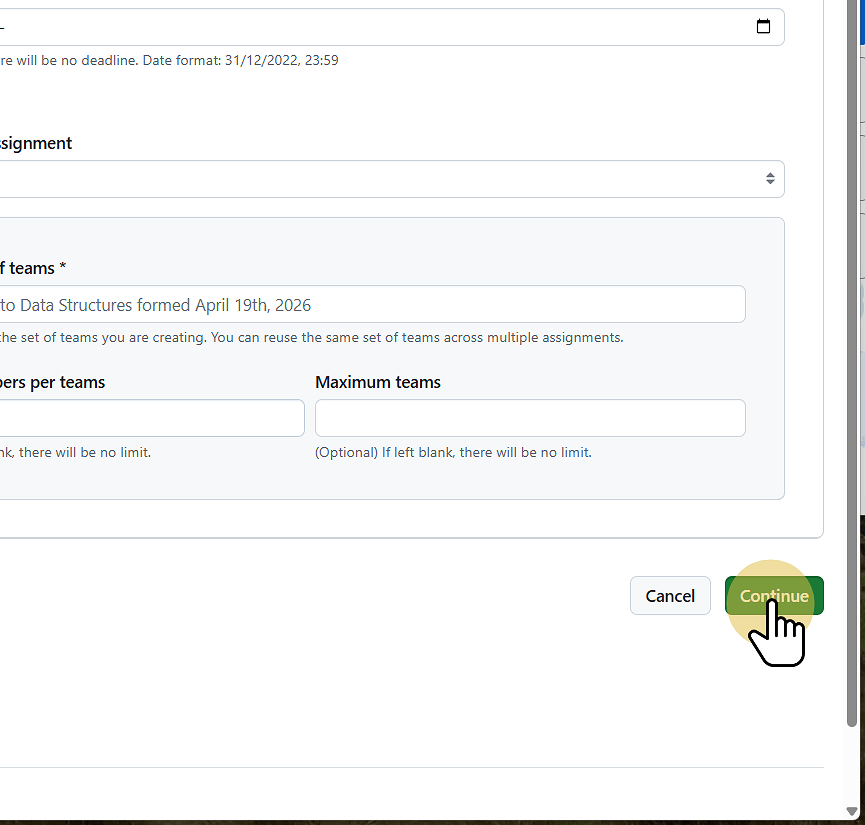
7.3. Click Continue
8. Add an existing template Repository if you want ot Provide starter code.
Leave empty if you want an empty assignment to start with.
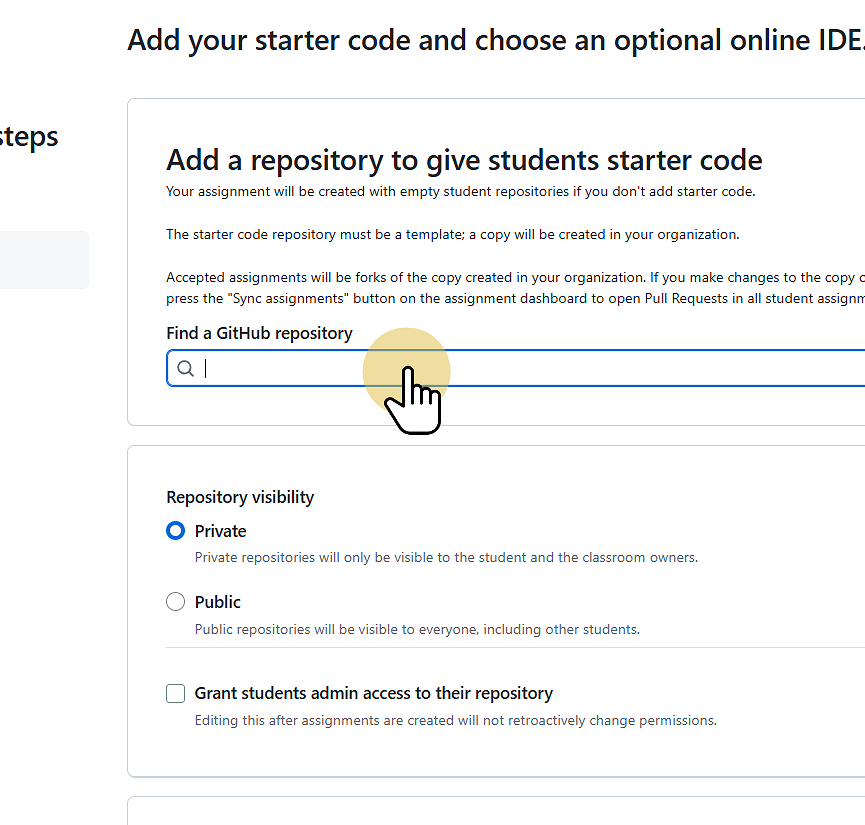
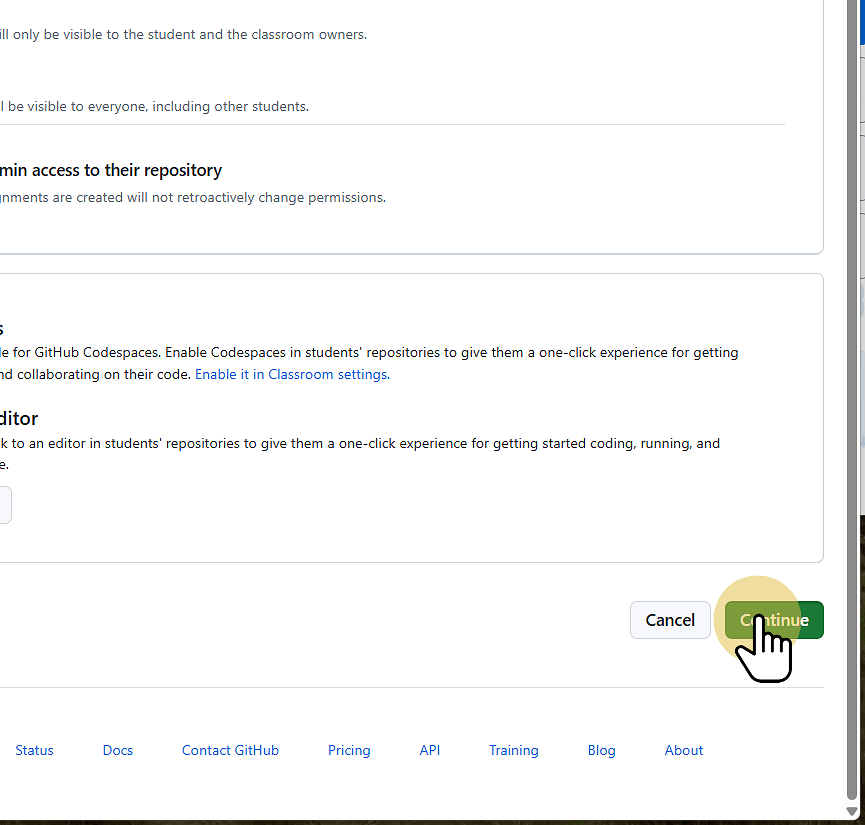
9. Click Continue
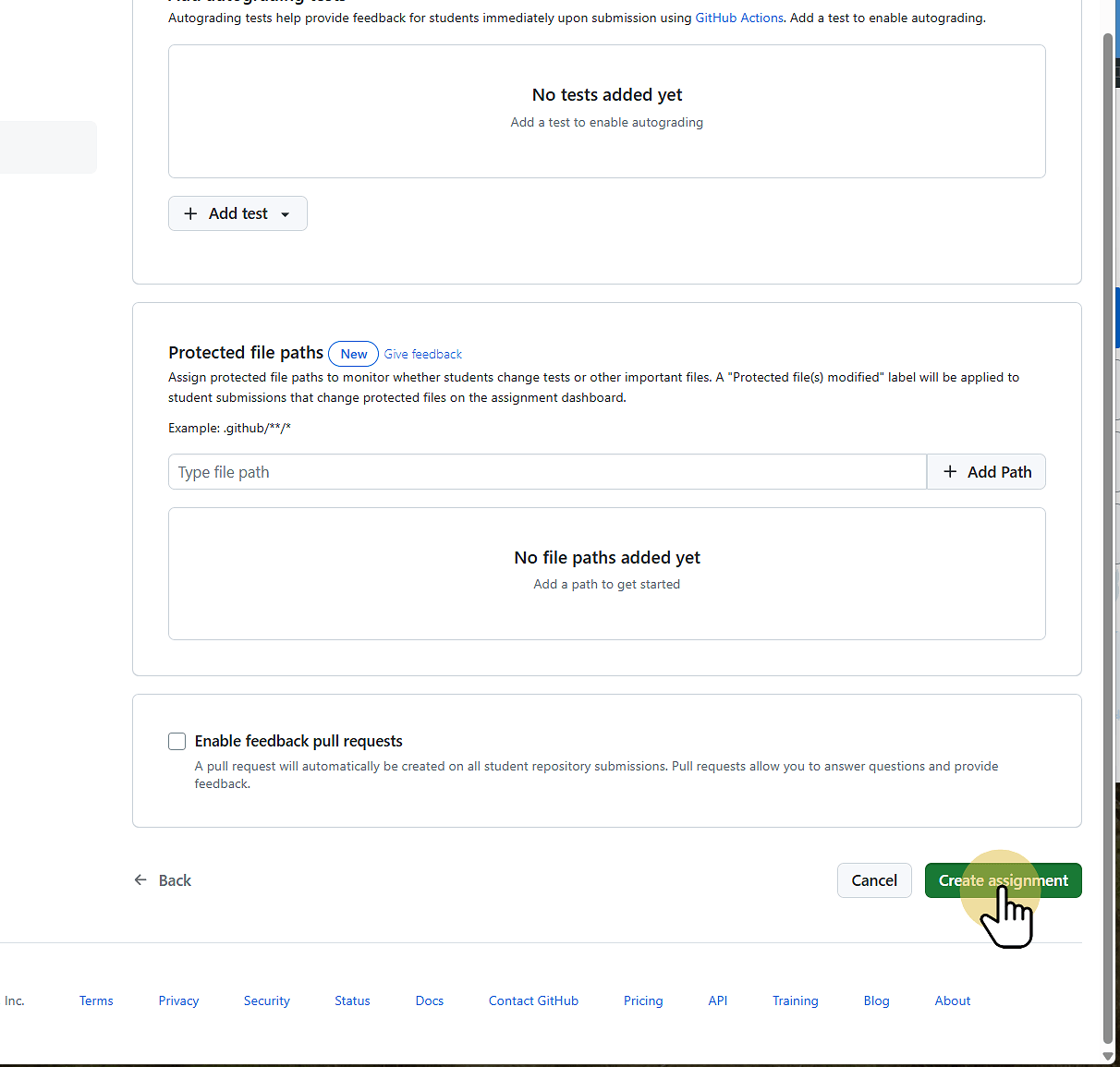
10. Click Create Assignment
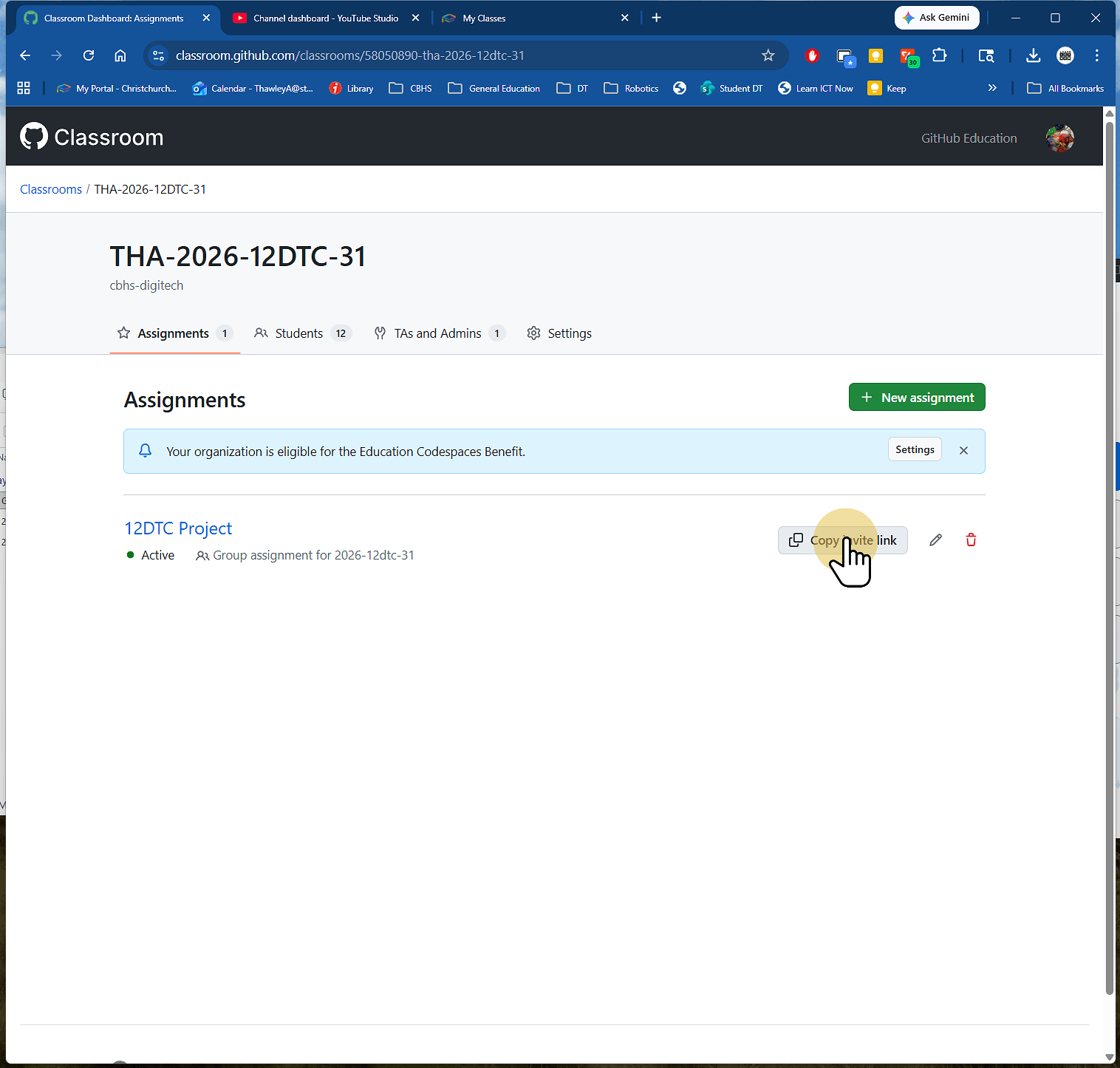
11. Copy this link and send it to the students.
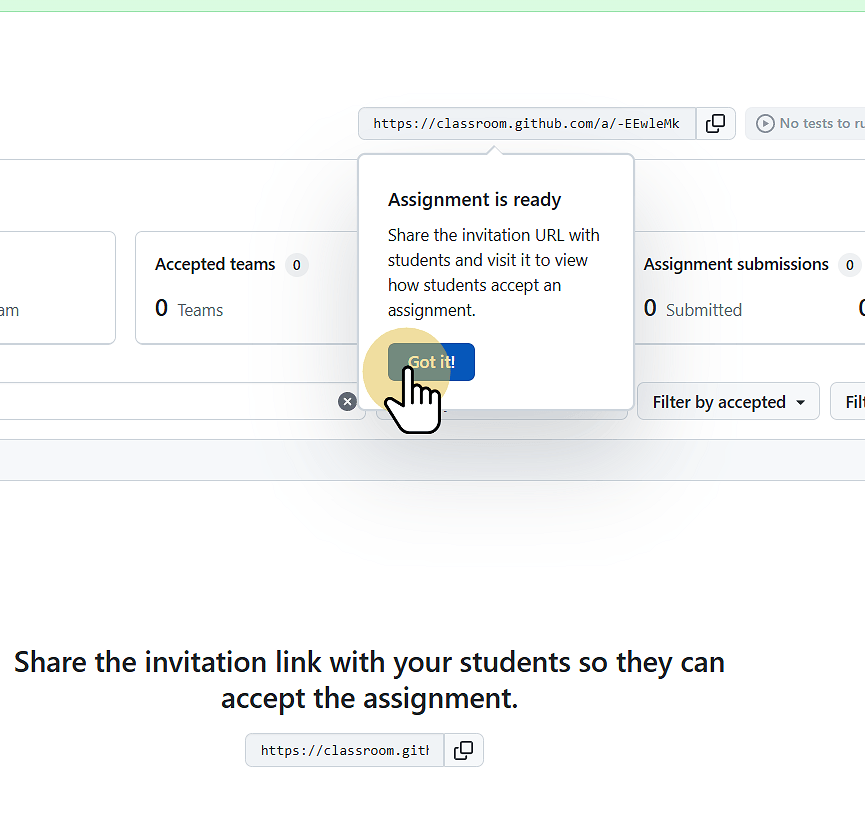
12. You can also go into the assgnment and copy the invite link tio send it to students