We will add audio to our game.
This will involve adding music to the main level and sound effects when the player jumps.
Importing Audio
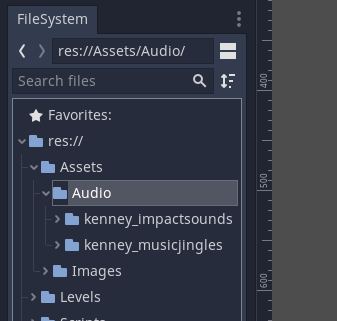
You can download free audio assets from kenney.nl here or use a tool to create your own.
This example uses the Music Jingles and Impact Sounds audio asset packs.
Extract the asset packs into your Assets \ Audio folder.
Adding Music
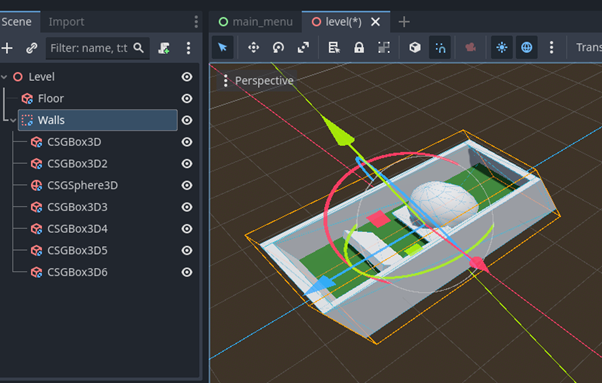
Open the Level1 scene.
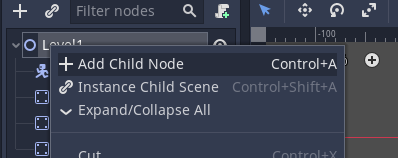
Add a child node to the root node.
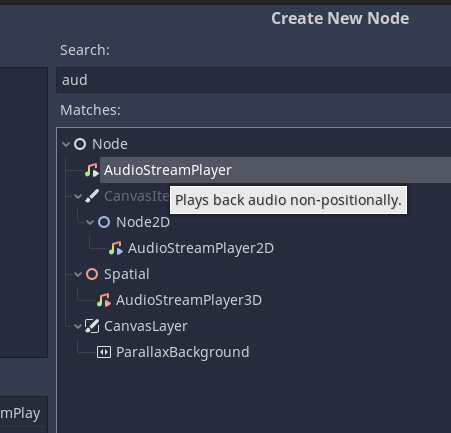
Add an AudioStreamPlayer. This plays the audio globally. the 2D and 3D players play audio in relation to the worldspace of the node they are attached to.
Now we Need to attach the audio file to the audio player.
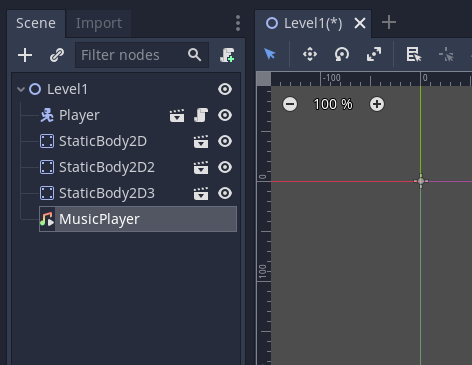
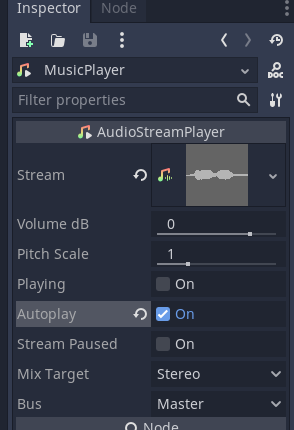
Select the AudioStreamPlayer (rename it MusicPlayer)
Go to the inspector.
Set the audio to autoplay
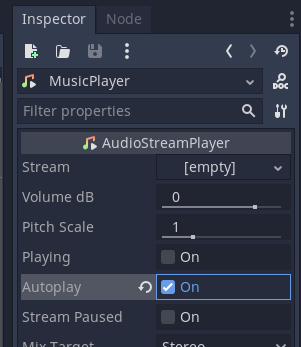
We now Need to add the audio, drag an audio file into the Stream section.
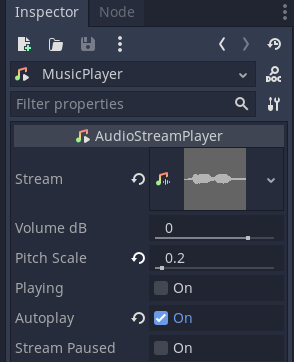
You can also adjust the pitch of the audio.
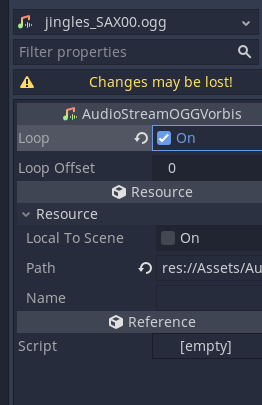
If you double click on the audio file you can adjust other properties.
Save your work and test it by pressing the play button.